


















CapCut Web
Web-based, fast, on-trend
Your browser becomes your editing studio
Useful for:
- Instagram Reels
- Viral TikToks
- Daily stories
- Automatic subtitles

We work with creators, restaurants, coaches and business owners, in one-to-one lessons or a full course. Everything happens in your browser, with nothing to install. CapCut Web, Canva Video, Clipchamp: we pick the tool that fits your social media project.







463+ people trained in Geneva. 4.9/5 on Google from 86 verified reviews.
They trust us























Nothing to install, no licence to pay for. Everything happens in your browser, on Mac, PC or tablet.
Web-based, fast, on-trend
Your browser becomes your editing studio
Useful for:
Templates, brand kit, simple
Design and video in the same place
Useful for:

Windows, free, complete
The free Microsoft tool for Windows
Useful for:
Hook, pacing, publishing
The method for posting one Reel a week
Useful for:
The viral formats taken apart. Structure, length, hook: you can reproduce them from lesson 2.
A visual shock in 2 seconds. The viewer stays to see the final transformation.
3 timed steps, bold subtitles, a clear result at the end.
Situation, problem, resolution. Short format, strong message.
A whole day in 30 seconds. Authentic, relatable, engaging.
The viral soundtrack of the moment, with the edit cut to it. An algorithm boost is almost guaranteed.
The backstage of your job. What nobody ever sees is exactly what intrigues people.
A numbered list format with a visual countdown. Record engagement.
A common question as the header, a clear answer on video. Highly shareable.
A viral routine adapted to what you do. Surprise and humour.
A triple transformation in 20 seconds. Works for every trade.
Course bonus: you leave with a 4-week content calendar, 1 ready-to-reuse CapCut template and the method for reading your Instagram or TikTok stats.
From beginner to advanced, your teacher adapts the lesson to your target platform (Instagram, TikTok, LinkedIn) and to what you do.
Your browser becomes your editing studio
Design and video in the same place
The free Microsoft tool for Windows
The method for posting one Reel a week
A simple process with nothing to install. We work straight in your browser, on your real Reels, TikTok or client testimonial projects.

A free 10-minute call. We work out your goal (Reels, TikTok, client testimonials, tutorials) and choose the online tool that fits best: CapCut Web, Canva Video, Clipchamp or Descript. No software to install.

Straight in your browser, with your own footage. Cuts, trending music, automatic subtitles, vertical export. You leave with a first Reel ready to publish.

Between lessons, you create on your own real content. Your teacher stays available on WhatsApp to check an edit, unblock an export or fine-tune your subtitles before you publish.
3 portraits from Geneva, before and after the online video editing course. Restaurant owners, coaches, students.
Video menu · Stories · Reels
Karim, 45
Restaurant owner · Eaux-Vives
Only photos of the menu on Instagram. No stories, zero engagement.
A lively video menu, daily stories from the service, Reels of the signature dishes. +40 covers a week.
Canva Video  Stories Reels
 CapCut · Subtitles · Video testimonials
Sophie, 38
Coach · Champel
Written testimonials only. My prospects never saw the real client results.
Genuine short client videos. Automatic subtitles, controlled pacing, conversion doubled.
CapCut Subtitles Video testimonials Clipchamp · Canva Video · Portfolio
Léa, 20
Student · Servette
A school project rushed at the last minute. No professional account for later.
Project handed in and graded 20/20. First professional posts on her "comms student" account, already 300 followers.
Canva Video Portfolio Let us talk it through for 10 minutes on the phone. It is free, with no commitment. And we answer honestly: if it is not right for you, we will say so.
At the end of your course, we give you a personalised certificate of attendance. A real asset for your Instagram bio, your portfolio or a content creation application in Geneva.

We are not the only option. Here are the serious alternatives in Geneva in 2026, and what genuinely differs.
| Criterion | Cours-Informatique.ch Our offer | Group workshop in Geneva (libraries, associations) | Independent teacher (Anibis, social media) | YouTube, free CapCut and Canva tutorials |
|---|---|---|---|---|
| Format | Always one to one | Group of 5 to 20 people | One to one, but it varies | On your own in front of your screen |
| Pace | Your content, your target platform | Fixed dates, fixed topic | Depends on the teacher availability | Whenever you can, with no structure |
| Location | Your home (included in Eaux-Vives) or our Eaux-Vives office | On site (Plainpalais, Eaux-Vives) | Varies with the arrangement | At home |
| Follow-up and adaptation | Homework, WhatsApp, certificate of attendance | Very limited, no individual follow-up | Depends on the teacher, rarely structured | No human contact, you are on your own |
The best choice depends on your profile. Group courses are perfect if you are looking for social contact. Free tutorials suit you if you learn on your own. We are at our best when you want a concrete result, fast, without learning ten useless things and staying stuck on the one that matters.
After online editing, many students go on to professional editing software, social media or Canva.
 Creative and Social

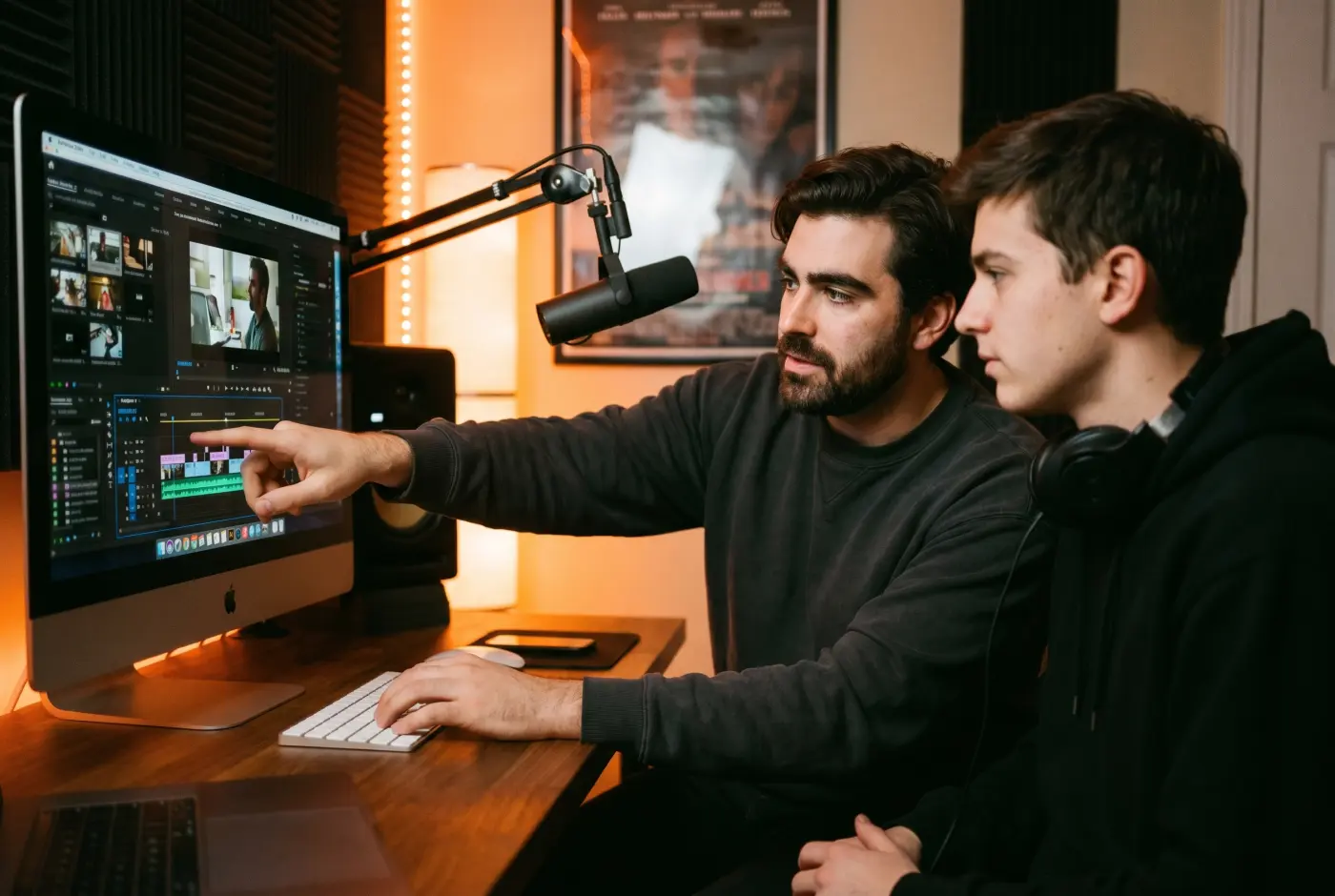
Edit your videos in Premiere Pro, iMovie or CapCut, from filming to the final cut.
 Creative and Social


Instagram, LinkedIn, TikTok: set up and run your profiles, and post with confidence.
 Creative and Social
 Design your visuals, flyers and social posts without needing a graphic designer.
Online video editing is built for speed: you open your browser, you edit, you publish, all without installing a thing.
1 to 5 h of one-to-one lessons
6 to 12 h of one-to-one lessons
13 to 20 h of one-to-one lessons
These steps are orders of magnitude. We work out the exact number of hours together, based on your goal, your pace and your availability. Call us for free personalised advice.
No, there is nothing to install. CapCut Web, Canva Video and Clipchamp all run straight in your browser (Chrome, Safari, Firefox). All you need is a stable internet connection and a fairly recent computer (Mac or PC, less than 5 years old).
That means you can work on your MacBook at home, then carry on from the office PC without losing your projects: they are saved in the cloud.
Yes, that is exactly what it is built for. We assume you have never opened an editing tool in your life. Your teacher sits next to you and we work on YOUR videos (family memories, business content, Instagram Reels) from the very first lesson.
After 2 to 3 hours, you can put together a short video with transitions, music and subtitles, and export it in the right format for Instagram, TikTok or YouTube.
It depends on your goals, but on average:
You decide lesson by lesson, with no commitment. Most students are independent after 3 lessons.
Both work.
Your teacher helps you choose based on your project:
During the course we try all 3 tools on your real videos to help you decide.
At the end of your online video editing course, we give you a personalised certificate of attendance listing the tools covered (CapCut, Canva Video, Clipchamp), the skills you gained and the number of hours completed. It is worth adding to your CV, your portfolio or your Instagram bio when you approach Geneva brands.
Our one-to-one lessons and online video editing courses are charged at 140 CHF/h, with no commitment and no subscription. You decide lesson by lesson on the pace that suits you.
Call 078 238 20 71 for free advice on the number of hours that fits your project (Instagram Reels, TikTok content, restaurant or coaching videos).