












iPhone Apple Android WhatsApp
No.1 for smartphone lessons in French-speaking Switzerland

Smartphone course, iPhone and AndroidFor beginners in Geneva

We offer one-to-one lessons for beginners, seniors, professionals and teenagers. Your teacher comes to your home, works on your phone and uses your real apps (WhatsApp, SwissPass, CFF, TWINT). No commitment.


Happy student Happy student Happy student Happy student Happy student
4.9/5
463+ happy students in Geneva
Start now, no commitment At your home or at our office See the programme
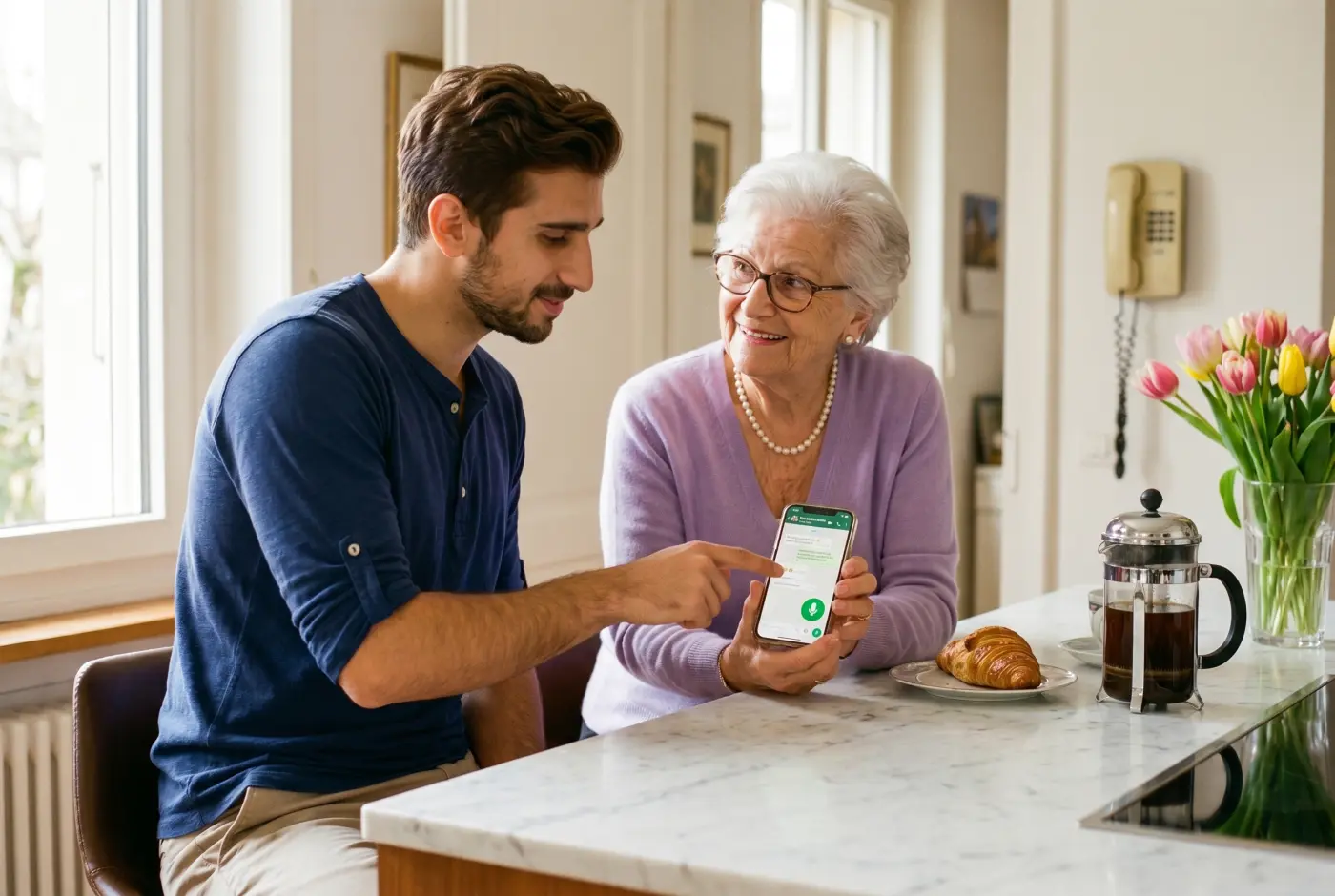
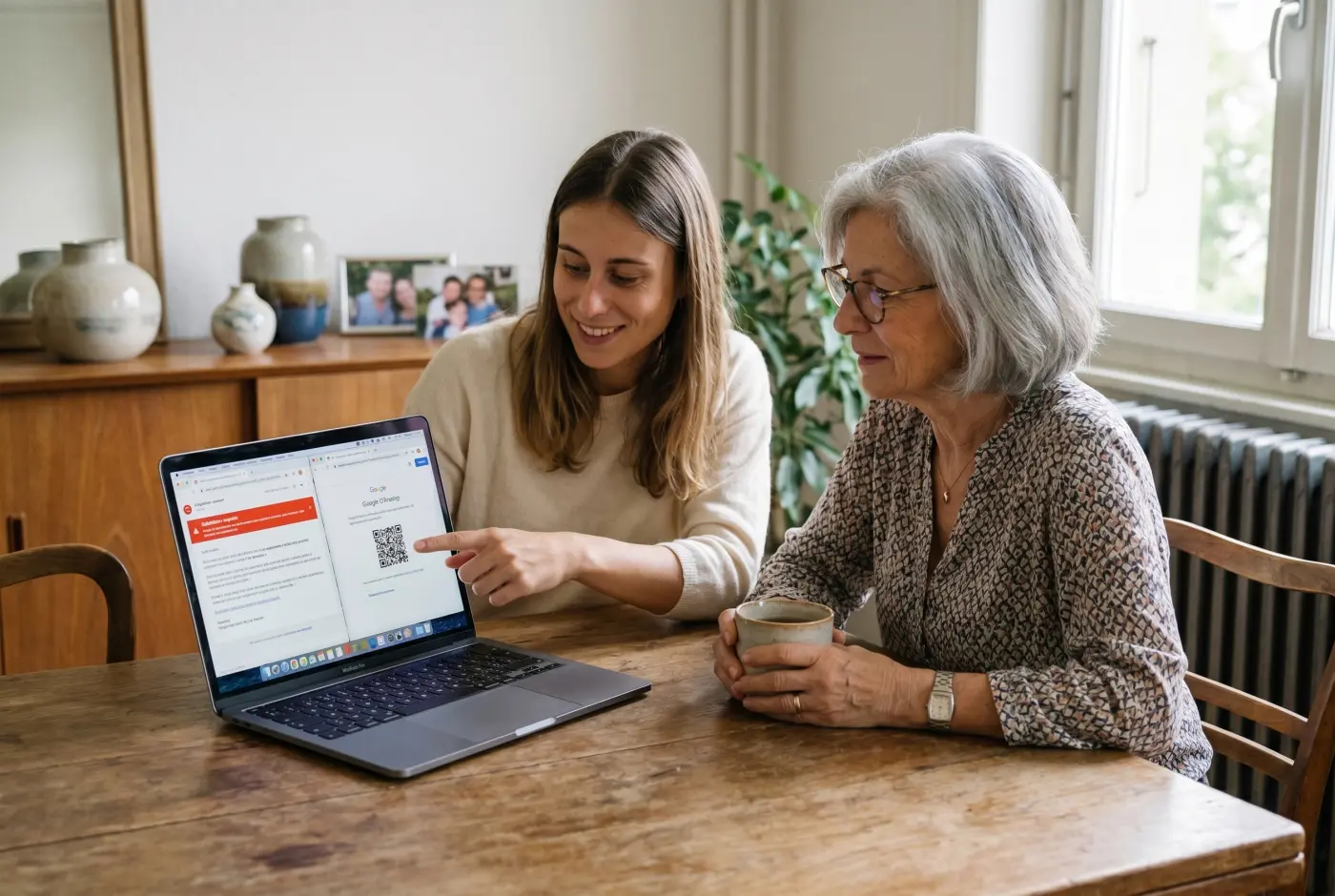
Teacher giving an iPhone smartphone lesson to a senior lady at her home in Geneva
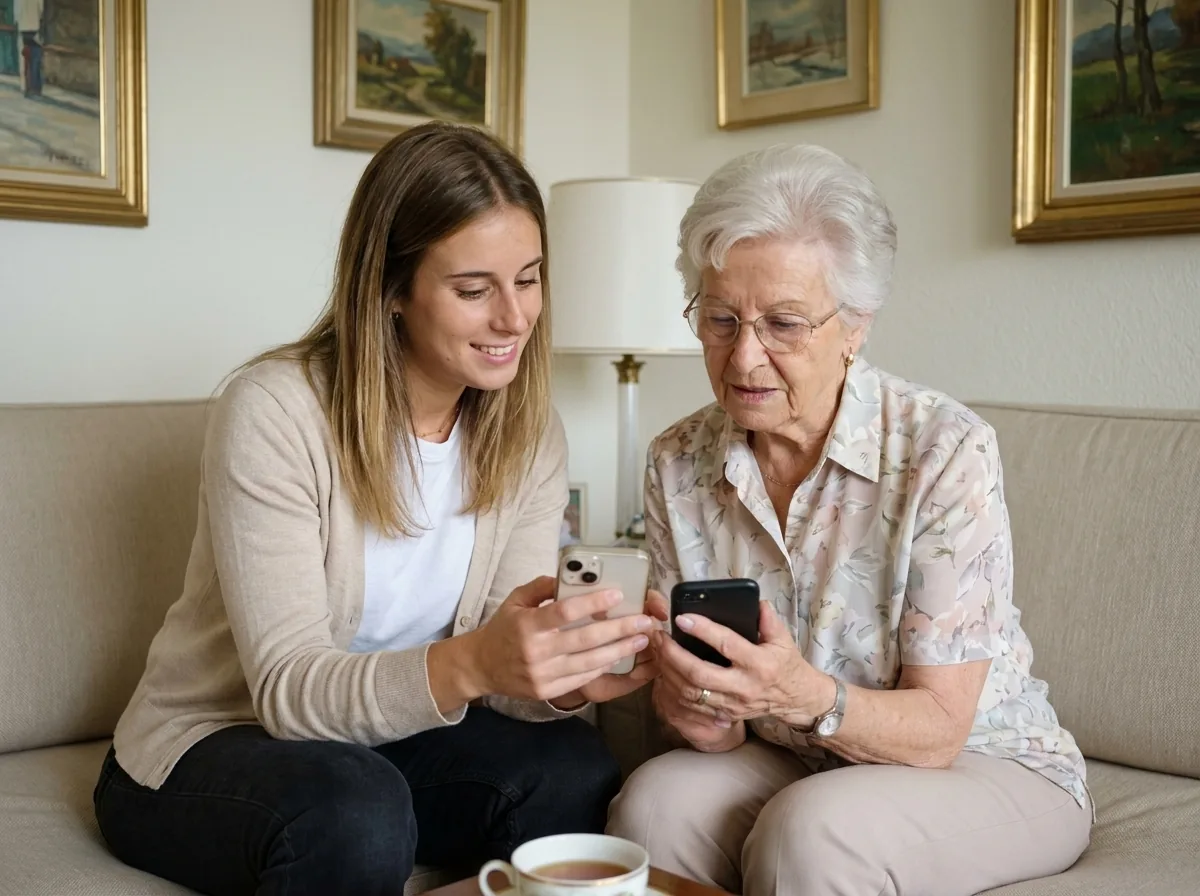
Teacher guiding a senior lady on her smartphone during a lesson at her home in Geneva
At your home · Smartphone lesson
Smartphone lesson in Geneva, essential apps and security
Essential apps

463+ people trained in Geneva. Google rating 4.9/5 from 86 verified reviews.

They trust us

The essential apps
to master on your smartphone

Photos, WhatsApp, settings, internet, app shop: we install them and teach you to use the tools you really need day to day in Geneva.

Photos

Sorting and backing up your memories

WhatsApp

WhatsApp

Messages, calls and family groups

Settings

Making your phone your own

Internet / Google

Internet / Google

Search and web browsing

App shop

App shop

App Store or Play Store

CFF Mobile

CFF Mobile

Train tickets and live times (Swiss railways)

TWINT

TWINT

The Swiss app to pay friends or shops

Maps

Maps

Routes on foot, by car or by public transport

Good to know: we install these apps directly on your phone during the lesson, with your own logins, and we test them together. You leave with a phone that works, not just theory.

iPhone and Android lessons:
we adapt to your phone

Whether you have an iPhone, a Samsung or another Android, our teachers know both worlds. We start from your device, your contacts and your habits, with no judgement and no jargon.

iPhone

iOS, Siri, iCloud

Take control of your iPhone, from switching it on to Siri shortcuts

Useful for:

  • Calls and iMessage
  • Photos and iCloud
  • App Store and settings
  • Siri every day

Android

Play Store, Assistant

Get comfortable with your Samsung or Google Pixel, without the stress

Useful for:

  • Calls and Google Messages
  • Play Store
  • Google Assistant
  • Drive backup

Smartphone course programme
in Geneva

From beginner to advanced, your teacher adapts the course to your phone. You choose the areas that interest you, and we build your own path.

iPhone

Take control of your iPhone, from switching it on to Siri shortcuts

Beginner 14 skills
  • Getting to know the home screen and your apps
  • Turning your iPhone on and off, and charging it
  • Making and answering a call with confidence
  • Sending a text or an iMessage
  • Adjusting the volume and using silent mode
  • Adding a contact to your address book
  • Installing and using WhatsApp easily
  • Taking a sharp photo with your smartphone
  • Sending a photo by message or by email
  • Checking the weather and the time at a glance
  • Creating and remembering a lock code you can trust
  • Turning on face or fingerprint recognition
  • Spotting a common scam text message
  • Never tapping a suspicious link
Intermediate 15 skills
  • Using Control Centre with ease
  • Downloading an app from the App Store
  • Organising your apps into folders
  • Turning on Siri and using it every day
  • Understanding and managing your iCloud storage
  • Sending and receiving your emails on your phone
  • Adding an appointment to your calendar
  • Scanning a QR code for a payment or a menu
  • Buying a CFF train or TPG bus ticket on your phone
  • Opening and using your digital SwissPass (the Swiss travel card)
  • Using Google Maps to get around
  • Saving your passwords securely
  • Backing up your contacts and your photos
  • Turning on two-factor authentication on your accounts
  • Blocking an unwanted number
Advanced 12 skills
  • Backing up your photos to iCloud automatically
  • Syncing your contacts between iPhone and Mac
  • Creating Siri shortcuts to save time
  • Paying with TWINT (the Swiss payment app) or your PostFinance app
  • Managing your insurance documents in your insurer app
  • Tracking a La Poste or DHL parcel live
  • Using voice dictation to write faster
  • Translating a live conversation with your phone
  • Creating a hidden, protected photo album
  • Protecting your private notes with a password
  • Managing location access app by app
  • Finding your phone if it is lost or stolen

Android

Get comfortable with your Samsung or Google Pixel, without the stress

Beginner 13 skills
  • Getting to know the Samsung or Google home screen
  • Finding your way with the three buttons at the bottom
  • Making a call and answering it simply
  • Sending a message with Google Messages
  • Pulling down the notification bar
  • Installing and using WhatsApp easily
  • Taking a sharp photo with your smartphone
  • Sending a photo by message or by email
  • Checking the weather and the time at a glance
  • Creating and remembering a lock code you can trust
  • Turning on face or fingerprint recognition
  • Spotting a common scam text message
  • Never tapping a suspicious link
Intermediate 14 skills
  • Installing an app from the Play Store
  • Managing several Google accounts on your phone
  • Using Messenger notification bubbles
  • Turning on Google Assistant for your searches
  • Sending and receiving your emails on your phone
  • Adding an appointment to your calendar
  • Scanning a QR code for a payment or a menu
  • Buying a CFF train or TPG bus ticket on your phone
  • Opening and using your digital SwissPass (the Swiss travel card)
  • Using Google Maps to get around
  • Saving your passwords securely
  • Backing up your contacts and your photos
  • Turning on two-factor authentication on your accounts
  • Blocking an unwanted number
Advanced 12 skills
  • Backing up your data with Google Drive
  • Moving your contacts from one Android to another
  • Customising your launcher and your widgets
  • Paying with TWINT (the Swiss payment app) or your PostFinance app
  • Managing your insurance documents in your insurer app
  • Tracking a La Poste or DHL parcel live
  • Using voice dictation to write faster
  • Translating a live conversation with your phone
  • Creating a hidden, protected photo album
  • Protecting your private notes with a password
  • Managing location access app by app
  • Finding your phone if it is lost or stolen

How your smartphone
lesson works

A simple way to learn at your own pace, at your home or at our office in the Eaux-Vives.

1
Romane, teacher at Cours-Informatique.ch, on the phone during the free smartphone discovery call in Geneva

You call, we plan together

A free five-minute call. We work out what you need (WhatsApp, SwissPass, security and so on) and set the priorities. You choose: at your home or at our Eaux-Vives office.

2
Romane, teacher at Cours-Informatique.ch, showing a grandmother how to use WhatsApp on an iPhone during a smartphone lesson at home in Geneva

Your teacher guides you

The lesson takes place on your own phone (iPhone or Android), with your apps and your contacts. We move at your pace, with no jargon, checking that each step is clear.
3
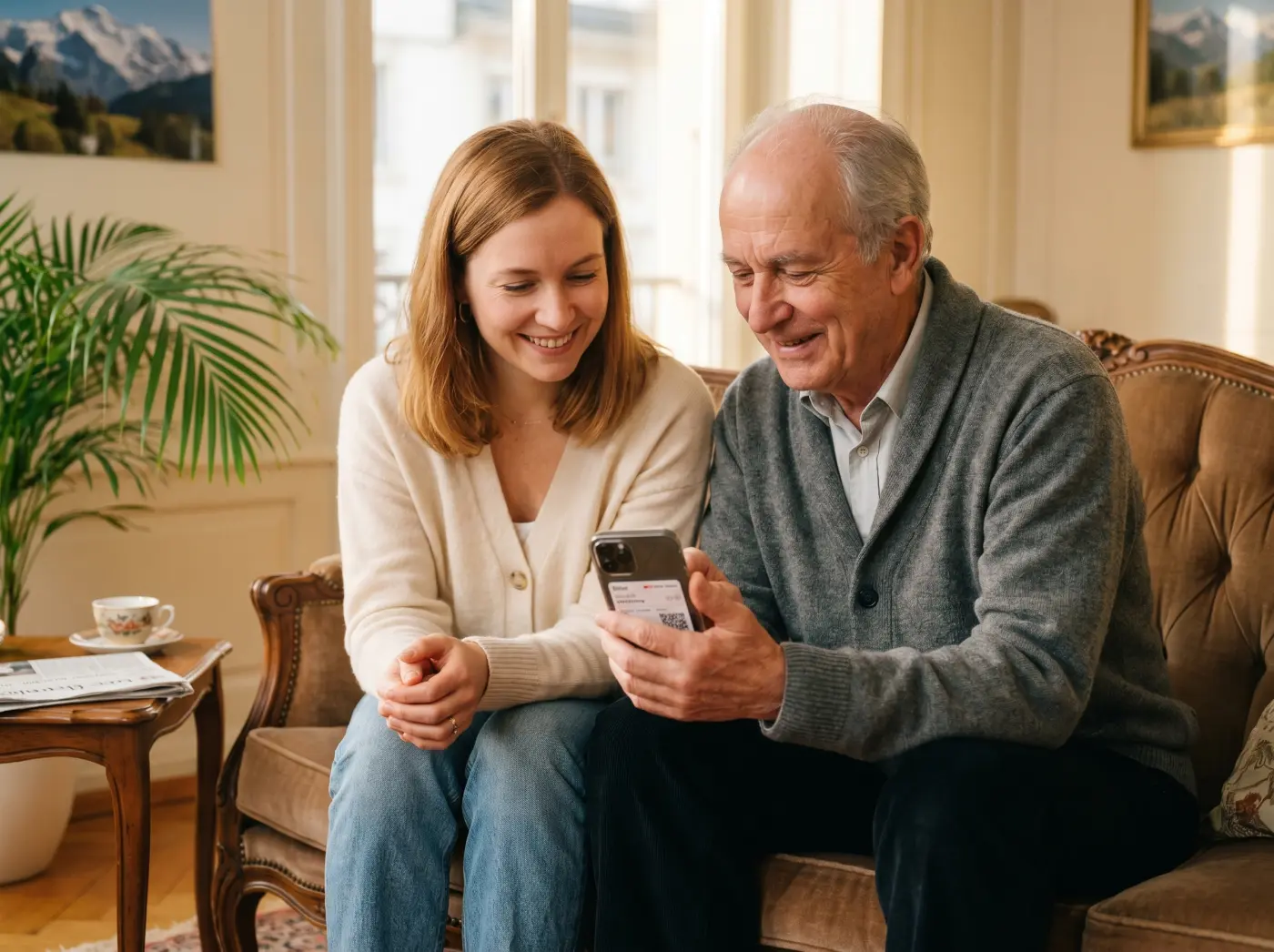
Romane, teacher at Cours-Informatique.ch, with a senior student using the SBB CFF Mobile app on his own in Geneva

You practise and progress

After the lesson, you get tailored exercises to do on your phone. Your teacher stays available on WhatsApp for your questions. Repetition is the key to independence.

Our students before and after

Three portraits of Geneva residents before and after their smartphone training. Grandmothers, seniors, teenagers: everyone gets there.

Huguette, 75, grandmother in Meyrin, Geneva
3 sessions

WhatsApp · Photos · Voice messages

Huguette

Huguette, 75

Grandmother · Meyrin

I could make a call, that was it. WhatsApp scared me, and my daughter lives in New York.

Huguette sends photos to her daughter, leaves voice messages for her grandchildren and joins in the family WhatsApp group without hesitating.

WhatsApp Family photos Voice messages
Gérard, 68, active senior in the Eaux-Vives, Geneva
4 sessions

Banking · SwissPass · CFF · TPG

Gérard

Gérard, 68

Active senior · Eaux-Vives

Too many apps, I kept getting lost. Buying a CFF train ticket without my children was impossible.

Gérard now handles his banking, his SwissPass, his CFF tickets and his TPG travel pass entirely on his own. No more asking for help with every purchase.

Banking SwissPass CFF and TPG
Léa, 14, teenager in Champel, Geneva
2 sessions

Private TikTok · 2FA · Privacy

Léa

Léa, 14

Teenager · Champel

Public TikTok profile, weak passwords, no backup at all. I never gave it a thought.

Léa has her security up to date, her privacy protected and two-factor authentication switched on for every account. Her parents sleep better.

Security Private TikTok 2FA switched on

A question about the smartphone course?

Let us talk it through for 10 minutes on the phone. It is free, with no commitment. And we answer honestly: if it is not right for you, we will say so.

A certificate of attendance
for your smartphone training

At the end of your smartphone training, we give you a personalised certificate of attendance. A document that shows exactly how independent you have become with technology.
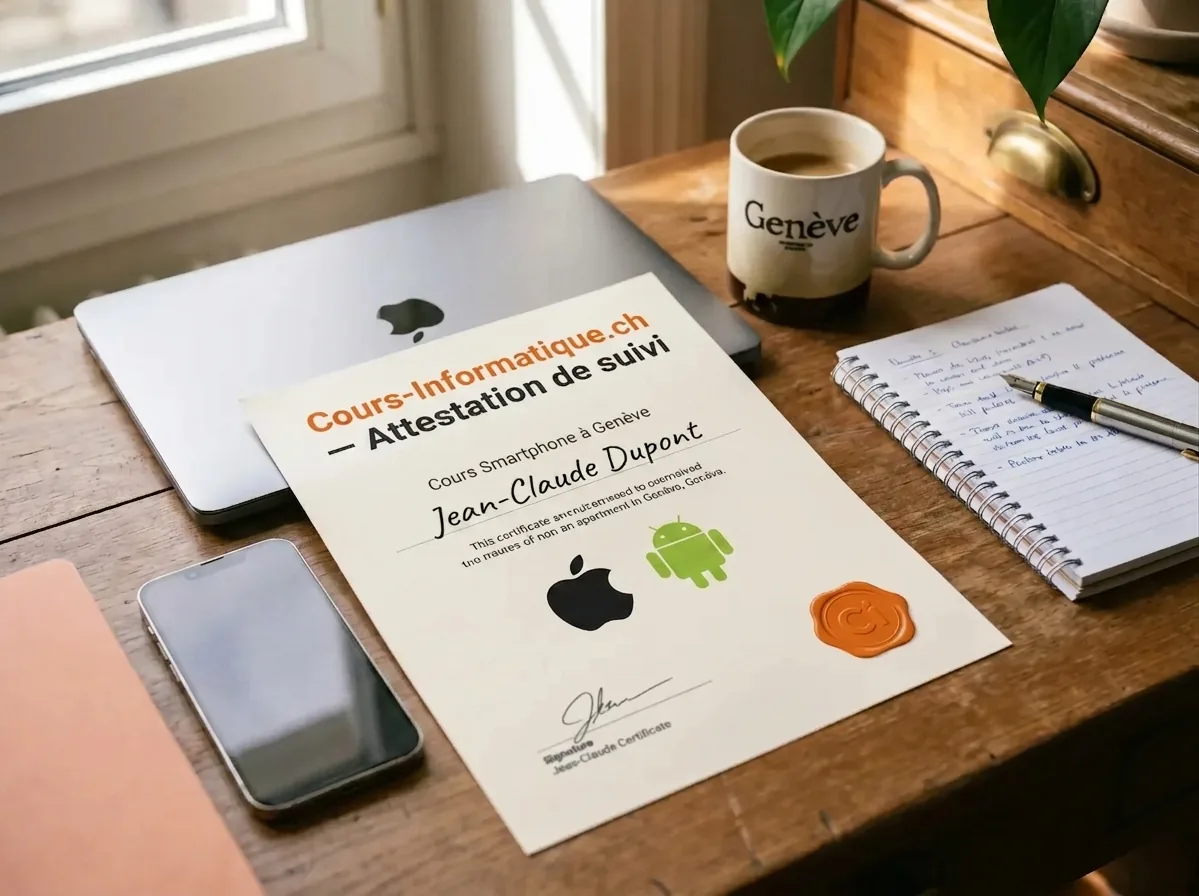
Cours-Informatique.ch certificate of attendance, smartphone iPhone and Android training in Geneva
  • Topics covered: iPhone, Android, essential apps, security
  • Skills gained, listed by area and by level
  • Number of hours of training completed
  • Useful for helping a relative or proving your independence

An honest comparison
for smartphone lessons in Geneva

We are not the only option. Here are the serious alternatives in Geneva in 2026, and what genuinely differs.

Criterion Cours-Informatique.ch Our offer Senior workshops in Geneva (Pro Senectute, libraries) Independent teacher (Anibis, word of mouth) YouTube, Apple Support, Google Support
Format Always one to oneGroups of 5 to 15 peopleOne to one, but it variesOn your own (or with help from family)
Pace Your phone, your pace, at your homeFixed dates, fixed topicDepends on when the teacher is freeWhenever you can, with no structure
Location At your home (travel included in the Eaux-Vives) or at our Eaux-Vives officeOn site (Plainpalais and other Geneva neighbourhoods)Varies with the arrangementAt your home
Follow-up and adaptation Homework, WhatsApp, certificate of attendanceVery limited, no individual follow-upDepends on the teacher, rarely structuredNo professional support, you depend on family

The best choice depends on your profile. Group courses are perfect if you are looking for social contact. Free tutorials suit you if you learn on your own. We are at our best when you want a concrete result, fast, without learning ten useless things and staying stuck on the one that matters.

How long does it take to learn?

The smartphone is an everyday tool, but it can do far more than most of us use: a few sessions are enough to feel genuinely at ease with it.

Step 1

Discovery pack

1 to 5 h of one-to-one lessons

  • Take good photos, sort them into albums and share them easily with your family on WhatsApp or by email.
  • Install and set up the essential apps: WhatsApp, e-banking, SwissPass (the Swiss travel card), TWINT (the Swiss payment app) and the CFF railway app.
Step 2

Going further

6 to 12 h of one-to-one lessons

  • Use FaceTime or WhatsApp video to call your family, even abroad, at no extra cost.
  • Manage your calendar, your contacts and your reminders so you never miss a medical appointment or a birthday again.
Step 3

Mastery

13 to 20 h of one-to-one lessons

  • Set your iPhone or Android up around your own habits (shortcuts, accessibility, larger display).
  • Solve the common problems yourself (slow phone, battery draining fast, update stuck).

These steps are orders of magnitude. We work out the exact number of hours together, based on your goal, your pace and your availability. Call us for free personalised advice.

Frequently asked questions
about the smartphone course

Is this right for me if I am afraid of pressing the wrong thing on my smartphone?
Yes, and it is one of the most common reasons people call us. The course helps you understand how your phone works, so you stop being afraid of tapping in the wrong place. You learn what is risky, what is not, and how to undo a mistake if you make one.
Can I learn to protect my smartphone against scams and hacking?
Yes. Smartphone security is a key part of the training. We cover scam text messages, scam emails, fraudulent calls, fake WhatsApp messages and privacy settings. To go further, this course can be combined with our cybersecurity course, which is ideal for understanding online risks more broadly.
Are the lessons useful if I can already make calls but cannot use the apps?
Yes. Many of our students can make a call but get very little else out of their smartphone. We teach you the apps that are genuinely useful, such as WhatsApp, email, the camera, Google Maps and the Swiss admin apps, so that you really benefit from your phone.
Can I learn to manage my photos, my messages and my storage?
Yes. We help you organise your photos, free up space, understand iPhone or Android storage and avoid those phone full messages. These skills are closely linked to using a computer, which makes this a great pairing with our Mac and PC computer course.
Can the lessons take place at my home in Geneva?
Yes. We offer smartphone lessons at your home across the whole canton of Geneva. Learning at home means you work in a reassuring setting, directly on your own phone.
Can this training be combined with other courses?
Yes. The smartphone course is often combined with a computer course, to better understand how your phone, your computer, email and cloud storage fit together. For security questions, adding the cybersecurity course also makes a lot of sense.
Does the iPhone and Android smartphone training come with a certificate in Geneva?

At the end of your smartphone training, we give you a personalised certificate of attendance listing the topics covered (iPhone, Android, essential apps, security), the skills you gained and the number of hours completed. It is a document worth keeping, especially if you help relatives with their phones or want to show how independent you have become with technology.

How much does a smartphone lesson or training course cost in Geneva?

Our one-to-one smartphone lessons and training are charged at 140 CHF/hour, with no commitment and no subscription. You decide session by session on the pace that suits you.

  • Travel to your home: included in the Eaux-Vives area, 20 to 100 CHF for other neighbourhoods and municipalities depending on distance.
  • Gift cards: 2h (300 CHF), 4h (600 CHF), 8h (1 200 CHF), 12h (1 800 CHF), valid for 12 months.
  • Referrals: recommend someone close to you and receive one free hour of lessons.
  • Annual training voucher: if the course serves your working life, you can apply to the State of Geneva for a subsidy, before the course starts.

Call 078 238 20 71 for free advice on the number of hours that suits your goal (getting started, WhatsApp, security, banking apps).