















Word
Write, lay out, share
Create and lay out your professional documents
Useful for:
- Professional CVs
- Official letters
- Reports and dissertations
- Cover letters



We work with beginners, seniors, students and professionals, in one-to-one lessons or a full course. Your teacher comes to you, works on your own computer and uses your own files. No commitment.





In Geneva since 2014. Google rating 4.9/5 from 86 reviews.
They trust us





























Microsoft Office, demystified. Each program has its own job. We teach you to pick the right tool for the right task.
Write, lay out, share
Create and lay out your professional documents
Useful for:
Calculate, analyse, decide
Master spreadsheets, calculations and charts
Useful for:
Present, convince, stand out
Create clear presentations that land
Useful for:
Organise, reply, plan
Manage your email, contacts and calendar
Useful for:
From beginner to advanced, your teacher adapts the lesson to your needs. You choose the modules that interest you, and we build your training path around them.
Create and lay out your professional documents
Master spreadsheets, calculations and charts
Create clear presentations that land
Manage your email, contacts and calendar
The same simple process for a one-off lesson or a full office skills course.
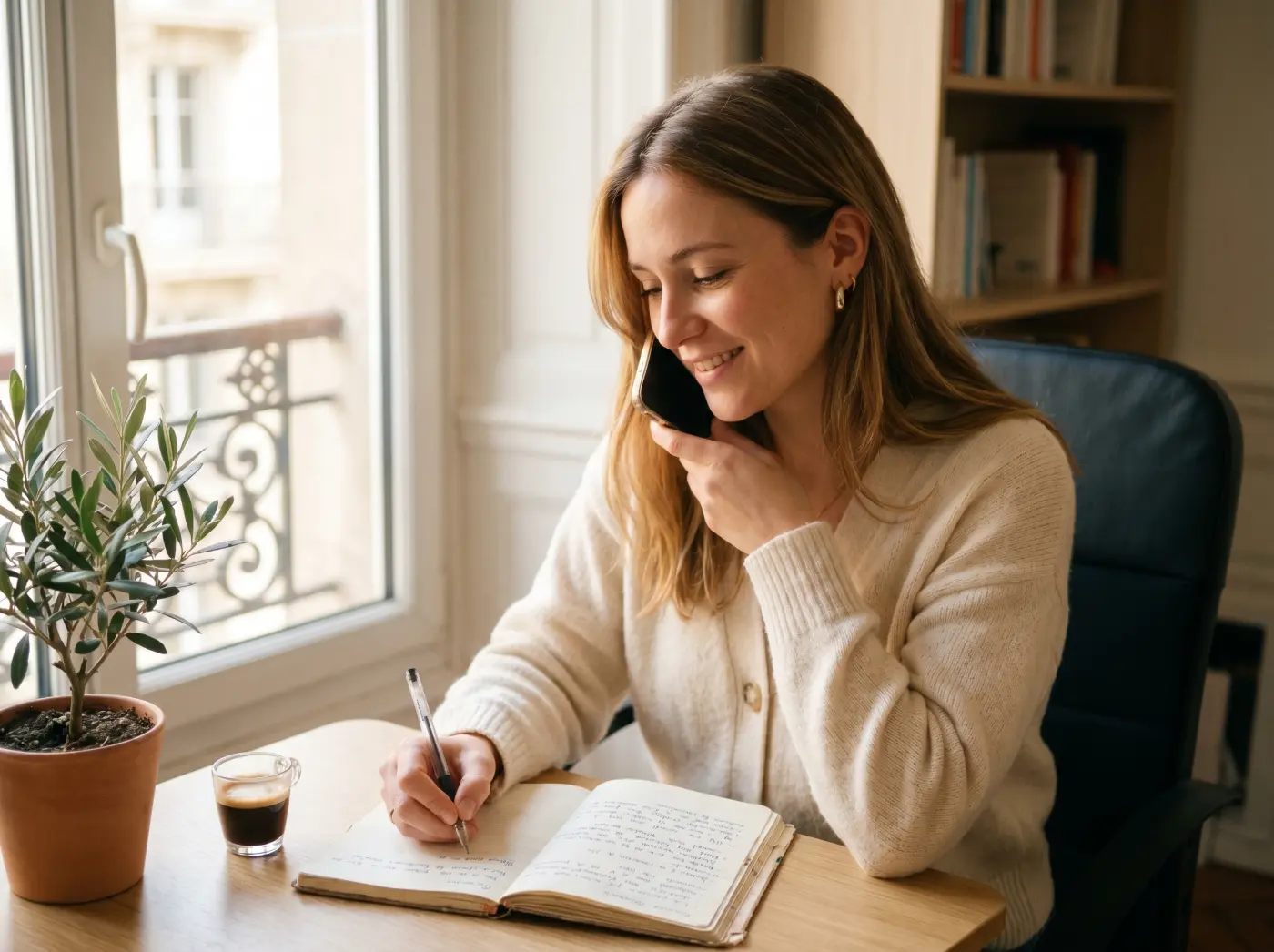
A free five-minute call. We identify the software you need to progress on (Word, Excel, PowerPoint, Outlook) and set the priority modules. You choose: at your home or in the Eaux-Vives.
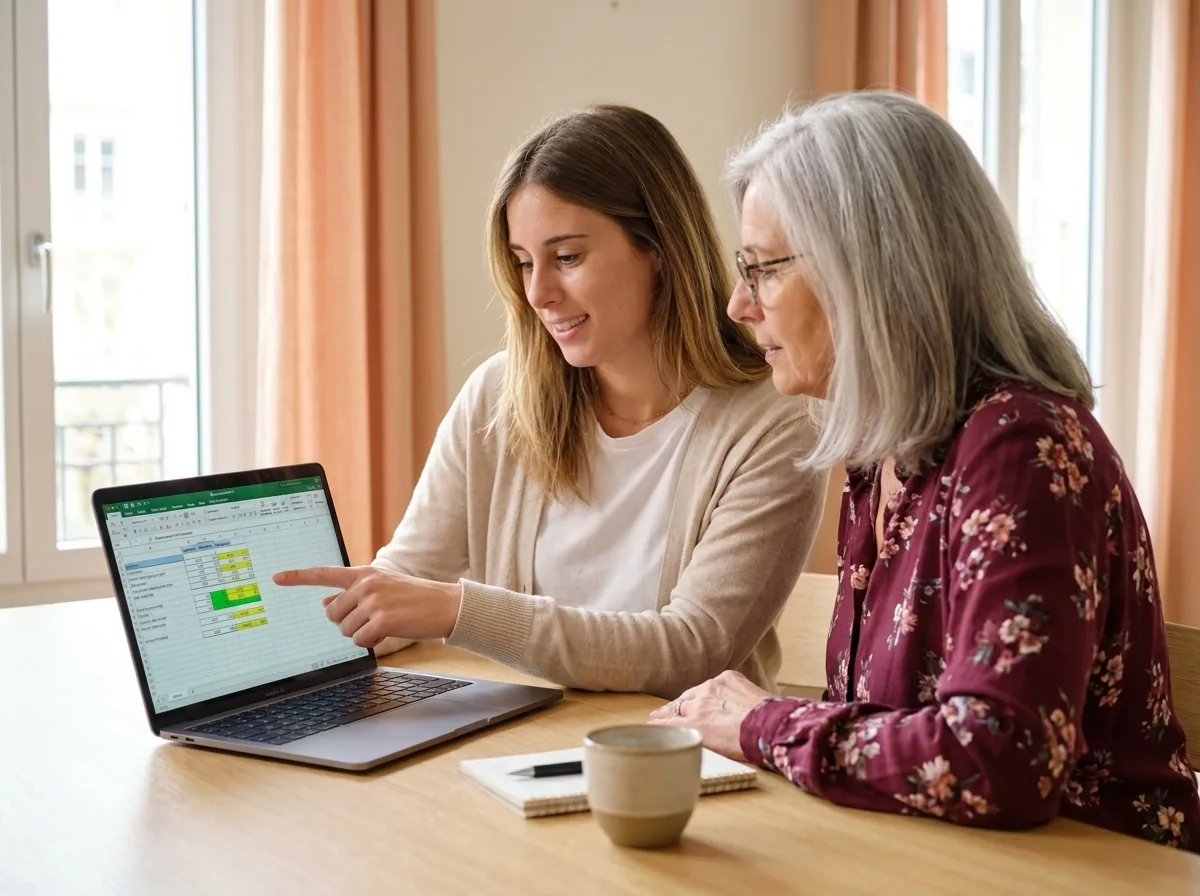
The lesson happens on your own computer, with your own files. We move at your pace, checking that each technique is properly understood before going on to the next.

After the lesson, tailored exercises to do at home. Your teacher stays available on WhatsApp for your questions. Repetition is the key to standing on your own feet.
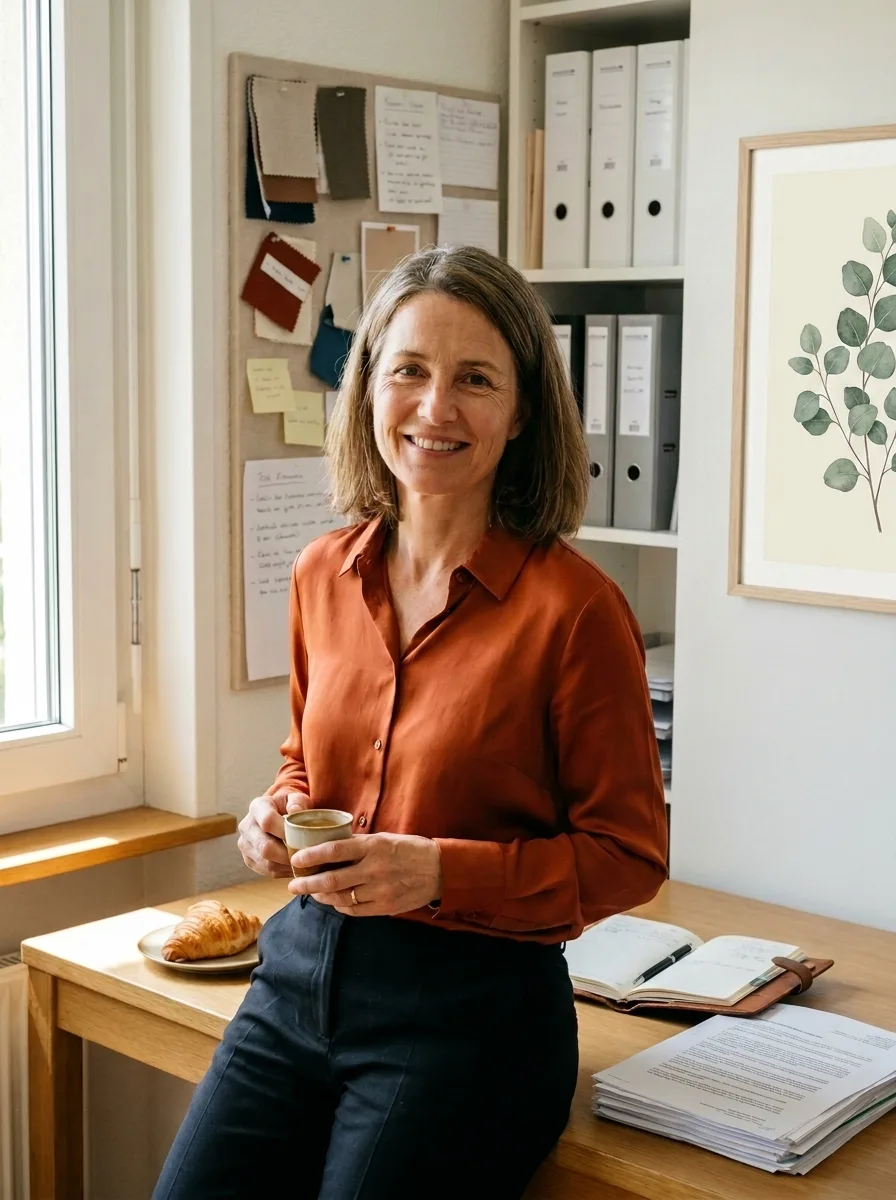
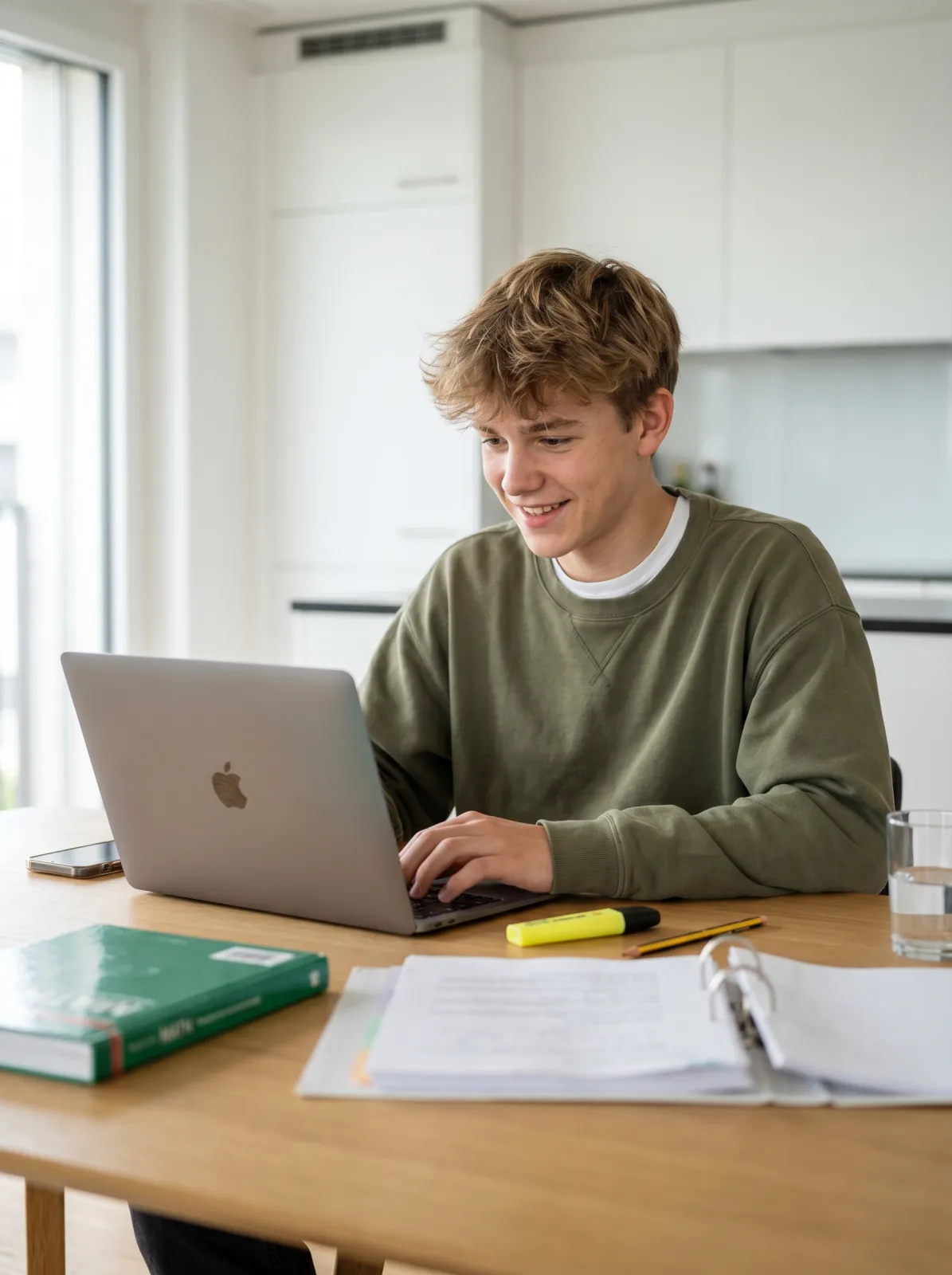
Three Geneva residents before and after their office skills training. Freelancers, professionals, students: everyone gets there.
Illustrative situations: fictional first names, generated photos, typical results.
Quotes · Invoices · Client tracking
Sarah, 51
Self-employed · Eaux-Vives
I was writing my quotes by hand. It swallowed hours every week.
Automatic quote and invoice templates in Word, a client tracking sheet in Excel. Sarah saves 3 hours a week on her admin.
Word Excel Admin under control Excel · PowerPoint · Outlook
Pierre, 42
Career change · Carouge
My boss kept asking for Excel reports. I did not even know how to build a table.
Pierre now builds his monthly reports with formulas, prepares his PowerPoint slides and runs his Outlook calendar on his own.
Excel PowerPoint Outlook Word styles · PowerPoint
Mathis, 17
School student · Eaux-Vives
I was losing hours laying out my work placement report. I had never heard of Word styles.
Mathis uses styles, the automatic contents list and headers. His report is spotless and his PowerPoint talk convincing.
Word PowerPoint Confident presenting Let us talk it through for 10 minutes on the phone. It is free, with no commitment. And we answer honestly: if it is not right for you, we will say so.
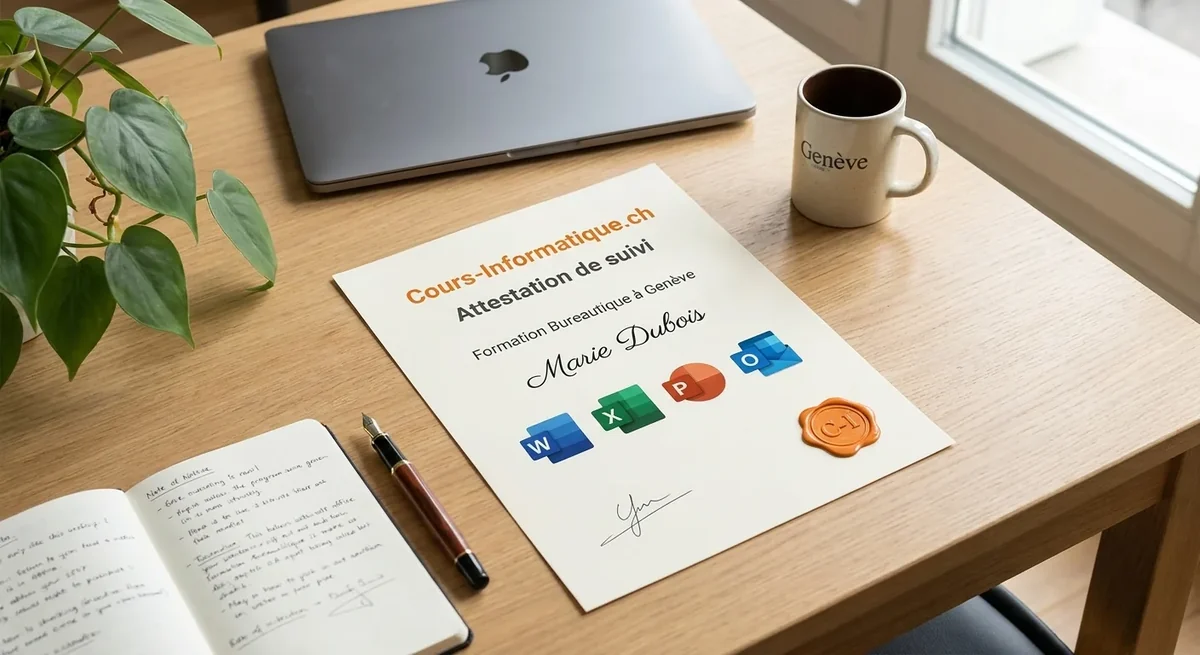
At the end of your course we give you a personalised certificate of attendance. A concrete asset for your job search or your career change in Geneva.
We are not the only option. Here are the serious alternatives in Geneva in 2026, and what genuinely differs.
| Criterion | Cours-Informatique.ch Our offer | Group school in Geneva (IFAGE, CEFCO, etc.) | Independent teacher (Anibis, JobUp) | Free YouTube videos and Microsoft docs |
|---|---|---|---|---|
| Format | Always one to one | Group of 8 to 15 people | One to one, variable | Alone in front of your screen |
| Pace | Your pace, you decide session by session | Fixed dates, fixed programme | Depends on the availability of the teacher | Whenever you can, with no structure |
| Location | At your home (travel included in the Eaux-Vives) or at our Eaux-Vives office | At the school (Plainpalais, Carouge) | Varies with the arrangement | At home |
| Follow-up and adaptation | Homework, WhatsApp, certificate of attendance | PDF handout, little individual follow-up | Depends on the teacher, rarely structured | No human help, you manage on your own |
The best choice depends on your profile. Group courses are perfect if you are looking for social contact. Free tutorials suit you if you learn on your own. We are at our best when you want a concrete result, fast, without learning ten useless things and staying stuck on the one that matters.
After office skills, many students carry on with AI, digital tools or job hunting.
 Beginner and Senior Popular

Grow confident on your computer: browsing, files, email and the settings that matter.
 AI and Tech Popular


Use ChatGPT, Gemini and other AI tools to save real time in your day.
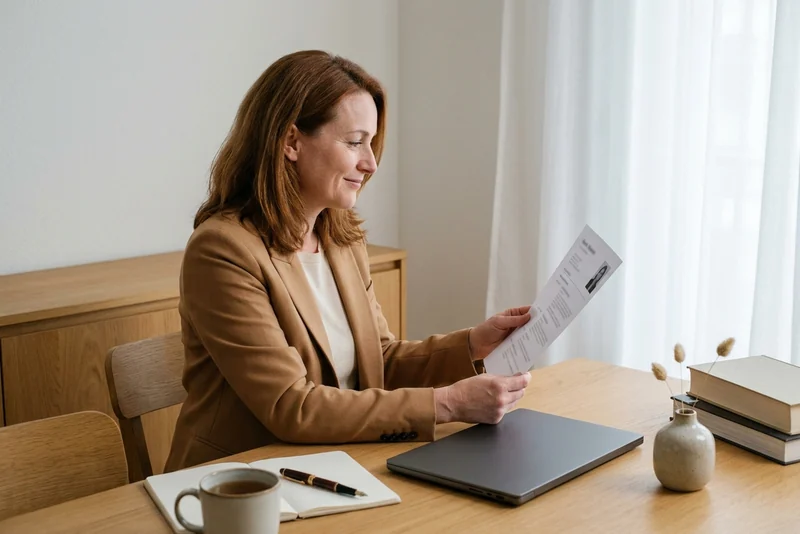 Professional
CV, cover letters, LinkedIn and interviews: put every chance on your side.
Office skills are built in stages: a few lessons cover the everyday basics, and more are needed to become genuinely independent at work.
1 to 5 h of one-to-one lessons
6 to 12 h of one-to-one lessons
13 to 20 h of one-to-one lessons
These steps are orders of magnitude. We work out the exact number of hours together, based on your goal, your pace and your availability. Call us for free personalised advice.
We cover the whole canton of Geneva. Our certified teachers come straight to your home, and work on your own equipment.
Municipalities covered:
Travel is included in the Eaux-Vives district. For other districts and municipalities, allow 20 to 100 CHF extra depending on the distance. You can also come to our offices in the Eaux-Vives (36 rue du 31 décembre, 1207 Geneva).
Ideally, yes. You learn directly on your own computer, which makes the training far more concrete.
Our office skills lessons run on Windows and macOS, with Microsoft Office (Word, Excel, PowerPoint, Outlook) or the free alternatives (Google Docs, LibreOffice).
Yes, Monday to Saturday, 9am to 7pm.
You pick the slot that suits you. No waiting list, no commitment. To book, call 078 238 20 71 or send a WhatsApp message.
Yes. At the end of your course we give you a personalised certificate of attendance setting out:
This certificate is worth showing to an employer or adding to your CV. Ideal if you are job hunting in Geneva or changing career.
Absolutely. It is one of the most common requests we get. We adapt the lesson to your actual situation:
Our teachers work on real, practical cases: your own documents, the exercises of your future role, the software required.
Yes, this is exactly for you. Most of our students in Geneva start from zero.
Your teacher goes back to the very beginning:
The pace matches your level. No jargon, no judgement. After a few lessons you will handle everyday tasks on your own.
Yes. Whether you are at secondary school, at the University of Geneva or in vocational training, our lessons adapt to what you need:
Price: 150 CHF/hour, no commitment. One lesson is often enough to unlock the basics you need.
At the end of your office skills training, we give you a personalised certificate of attendance setting out the software covered (Word, Excel, PowerPoint, Outlook), the skills gained and the number of hours completed. This certificate is worth adding to your CV for Geneva employers, in particular for administrative applications, a career change or a job search.
Our one-to-one lessons and office skills courses are charged at 150 CHF/hour, with no commitment and no subscription. You decide the pace that suits you, session by session.
Call 078 238 20 71 for free advice on the number of hours that fits your goal: a job interview, starting a new role or a career change.