















Social posts
Post, engage, grow
Create your Instagram, Facebook, LinkedIn and TikTok visuals
Useful for:
- Square Instagram posts
- Vertical 9:16 stories
- LinkedIn carousels
- Reels and TikTok covers

Learn to create your own professional visuals with a one-to-one lesson or a full training course. Produce social posts, presentations, flyers, business cards and your Brand Kit. Your teacher comes to your home or welcomes you at our office in Eaux-Vives.






In Geneva since 2014. Google rating 4.9/5 from 86 reviews.
They trust us















One tool that replaces Photoshop, InDesign and the print shop round the corner. Each module has its own job.
Post, engage, grow
Create your Instagram, Facebook, LinkedIn and TikTok visuals
Useful for:
Present, convince, stand out
Build clear, punchy slides for your line of work
Useful for:
Print, hand out, display
Design your paper material: flyers, cards, posters
Useful for:
Colour, harmonise, sign off
Build a consistent Brand Kit for all your visuals
Useful for:
By the end of your Canva training you will be independent on these 10 essential formats. The right pixels, the right margins, the right exports.
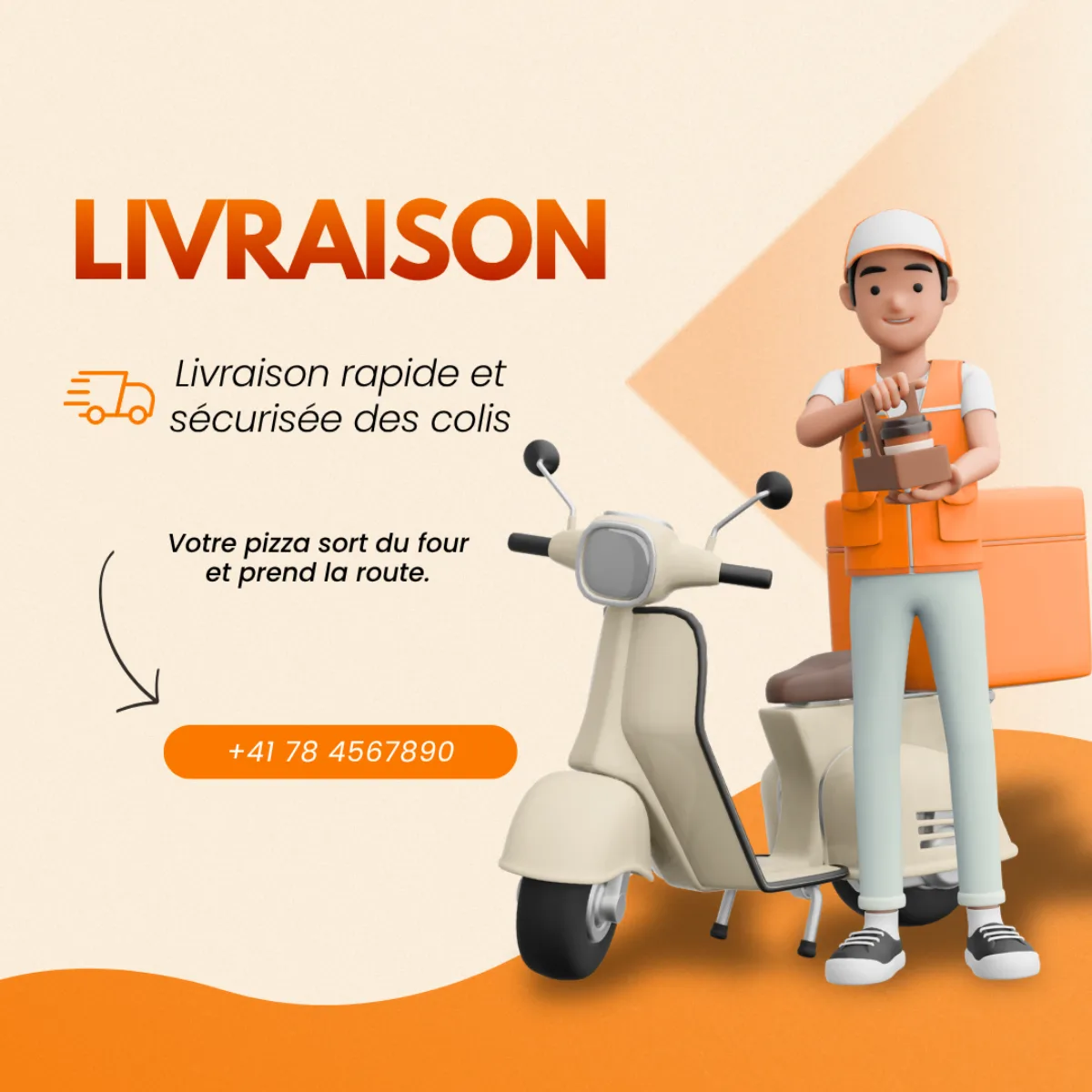
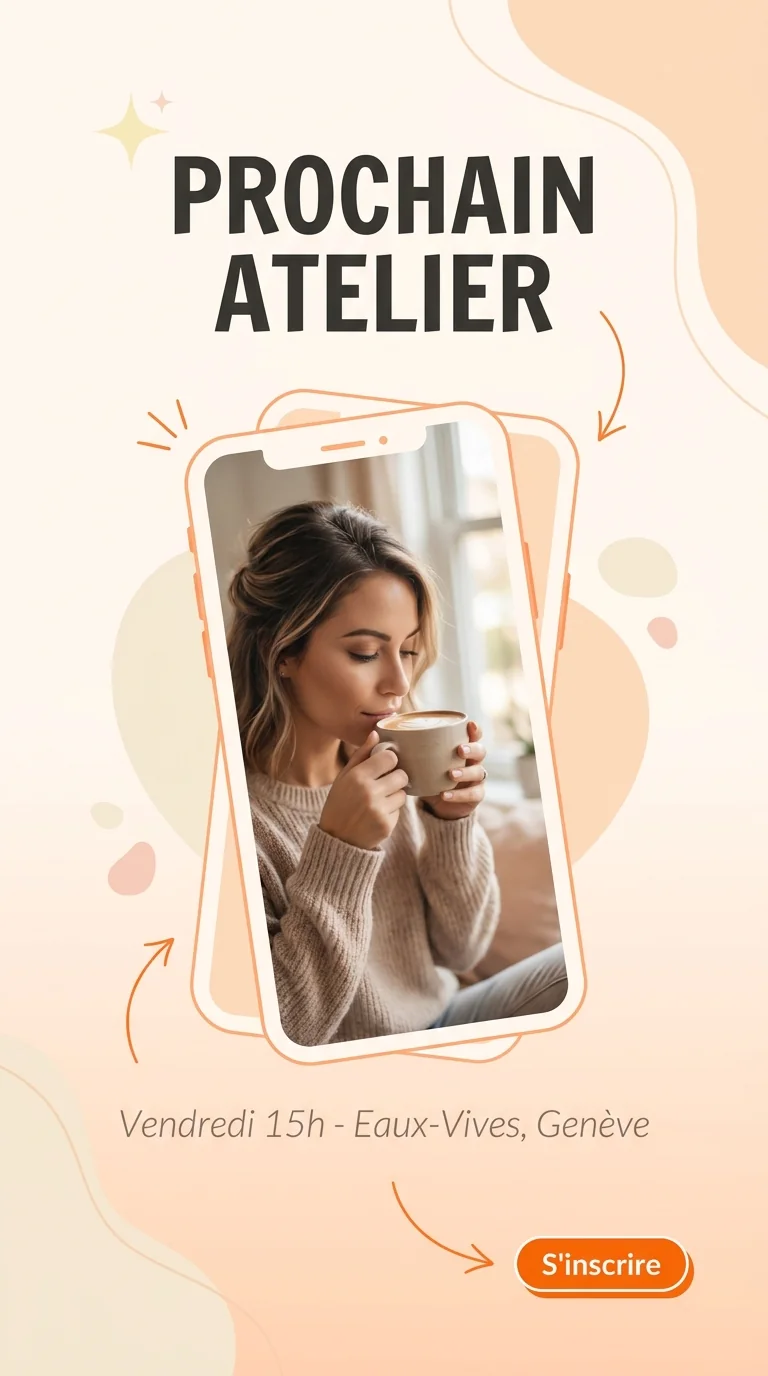
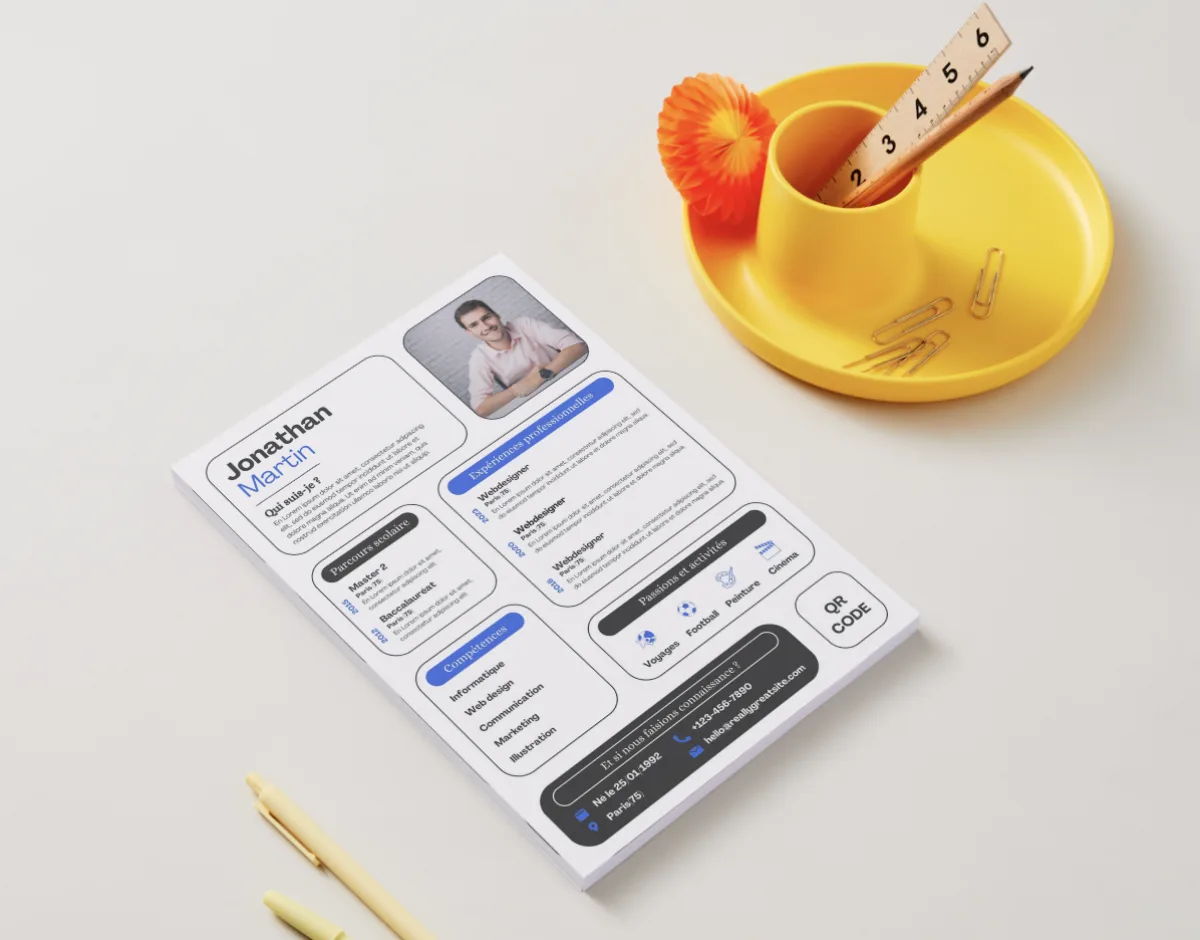
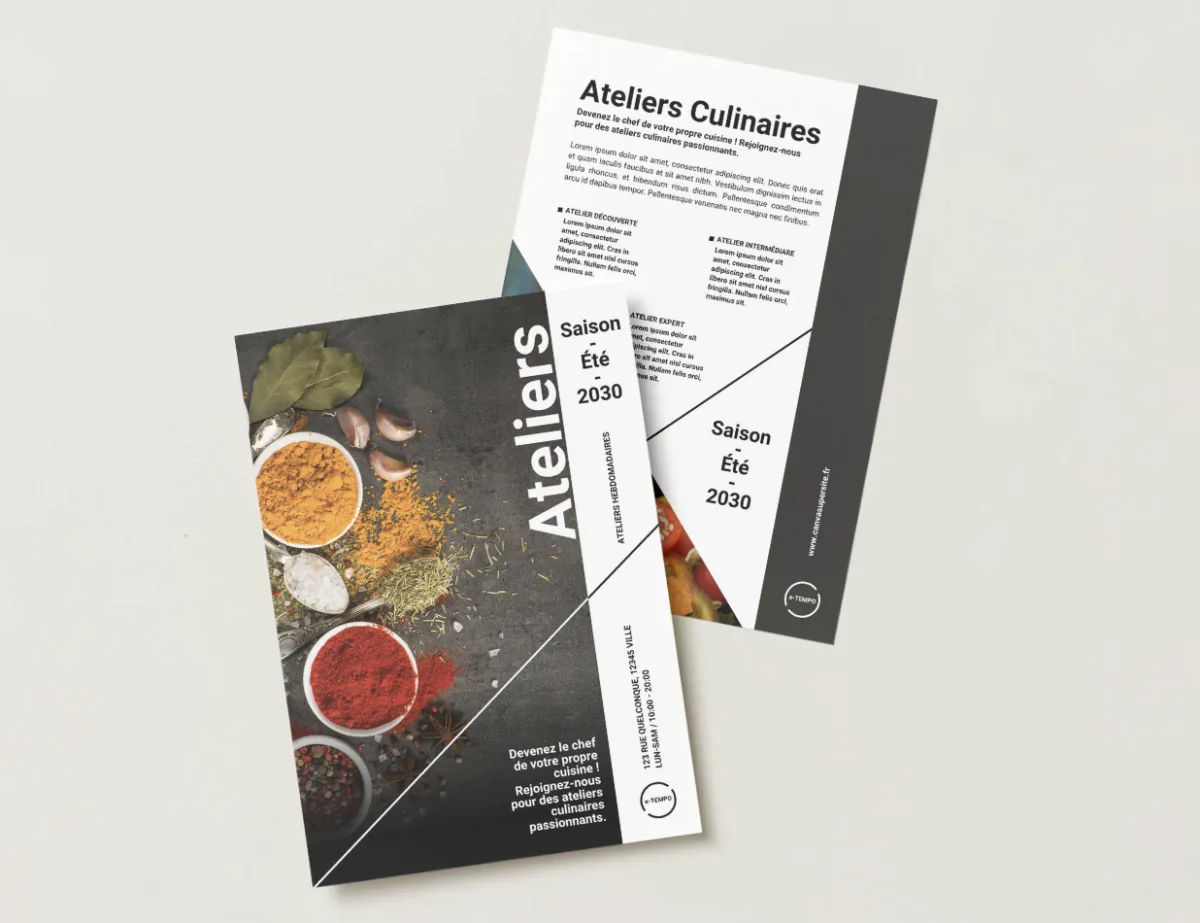
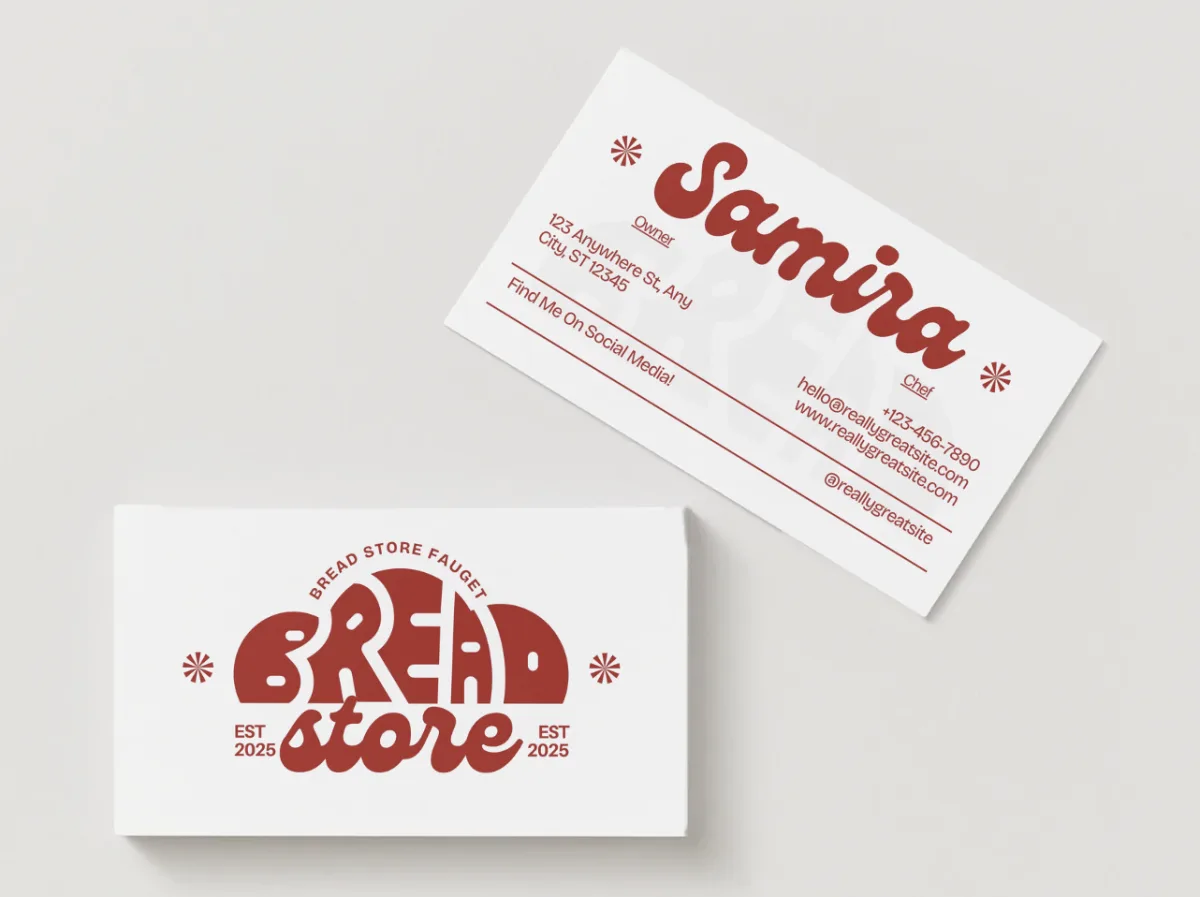
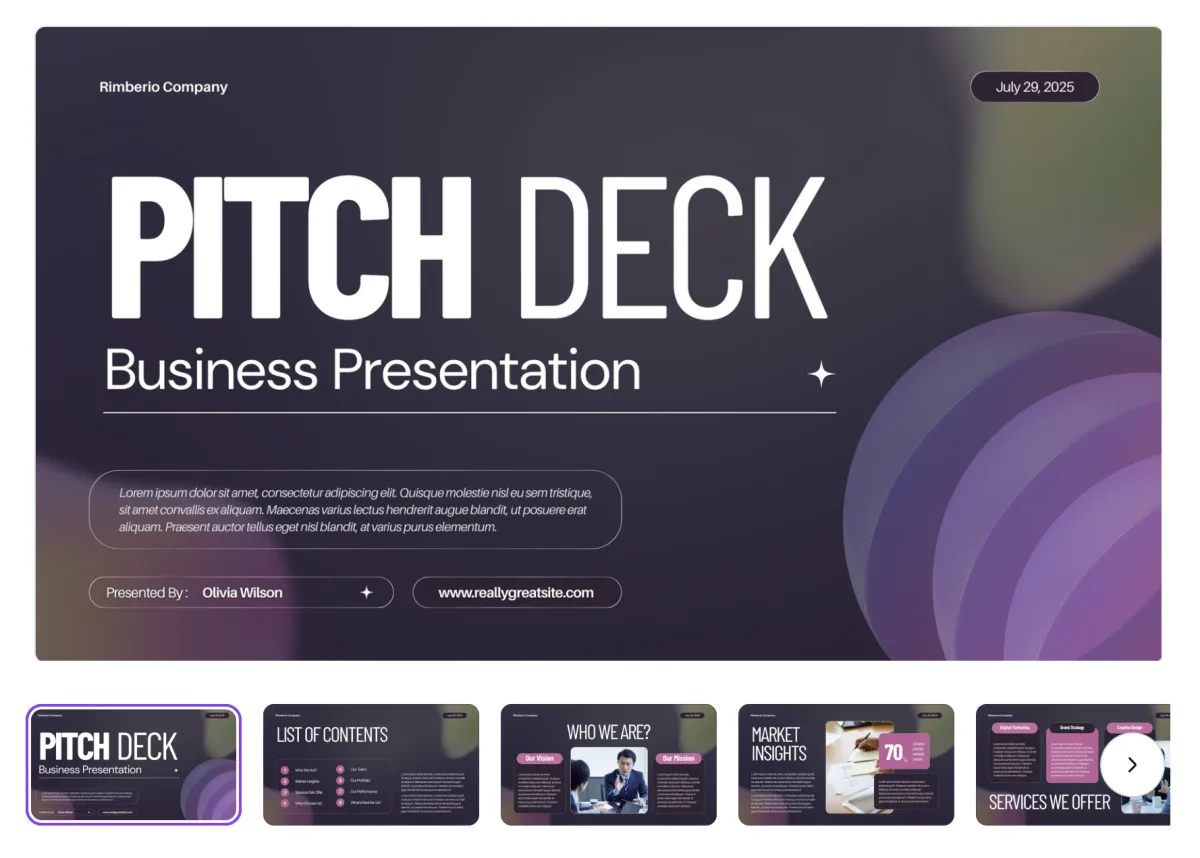
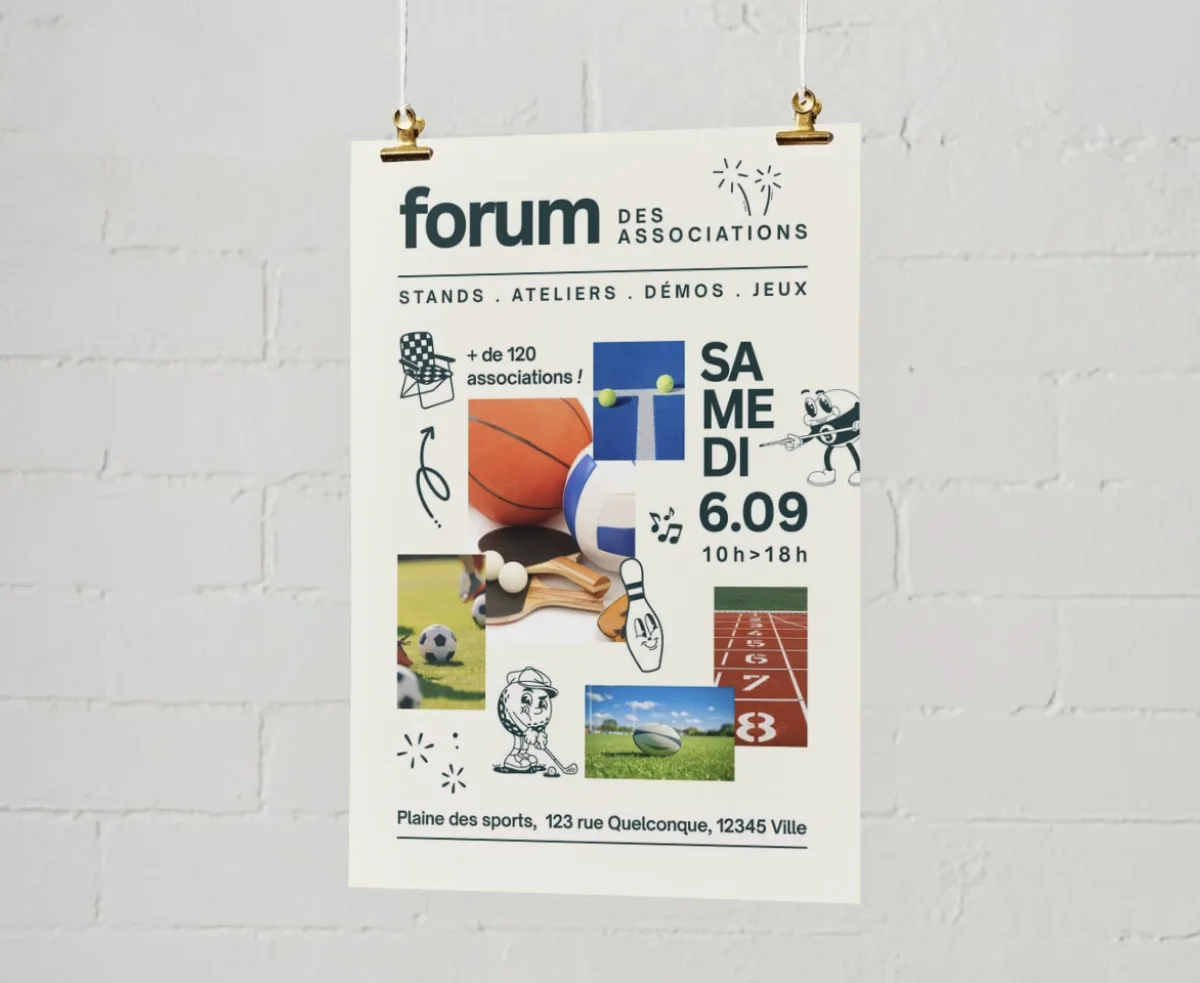


All these visuals were genuinely created in Canva during our lessons in Geneva. You leave with your own reusable templates.
Three levels so you can move at your own pace: beginner, intermediate, advanced. Your teacher shapes every session around your real project.
The foundations to get started with no prior knowledge. Finding your way around the Canva interface, ready-made templates, your first clean exports.
You have the basics, now we build your toolkit: your own templates, collaboration, animations and carousels.
You move up a level: a complete Brand Kit, Canva AI, professional printing, integrations with your own tools.
The same simple process for a one-off lesson or a complete Canva training course in Geneva.

A free five-minute call. We work out what you need (Instagram posts, a Brand Kit, a modern CV and so on) and decide which modules come first. You choose: at your home or in Eaux-Vives.

The lesson takes place in your own Canva account, on your real projects (logo, posts, flyers). We move step by step, on visuals you can reuse the very next day.

Between two sessions, targeted exercises (create a post, a flyer, a template). Your teacher stays reachable on WhatsApp for your design questions.
Three portraits of Geneva residents before and after their Canva training. Charities, activity leaders, parents: they all save hours.
Illustrative situations: fictional first names, generated photos, typical results.
Posters · Social visuals
Sarah and Camille, 38 and 27
Community charity · Geneva
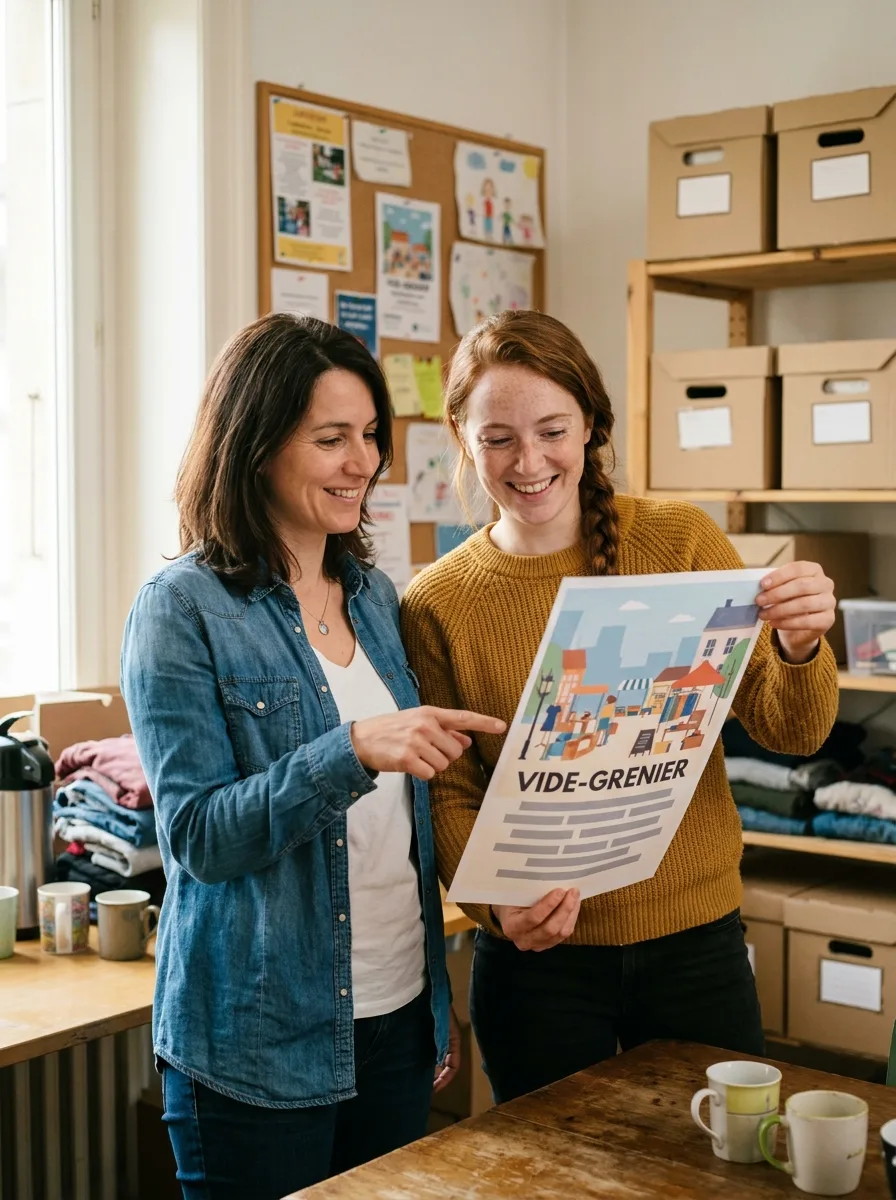
Our event posters were cobbled together in Word. We barely dared put them up in the neighbourhood any more.
Trained together, Sarah and Camille now create their charity posters and visuals in Canva: fundraising drives, workshops, social media. Their communication finally looks like the work they put in.
A3 posters Shared templates Social media Residents newsletter · Workshop posters
Julien, 29
Activity leader in a care home · Geneva
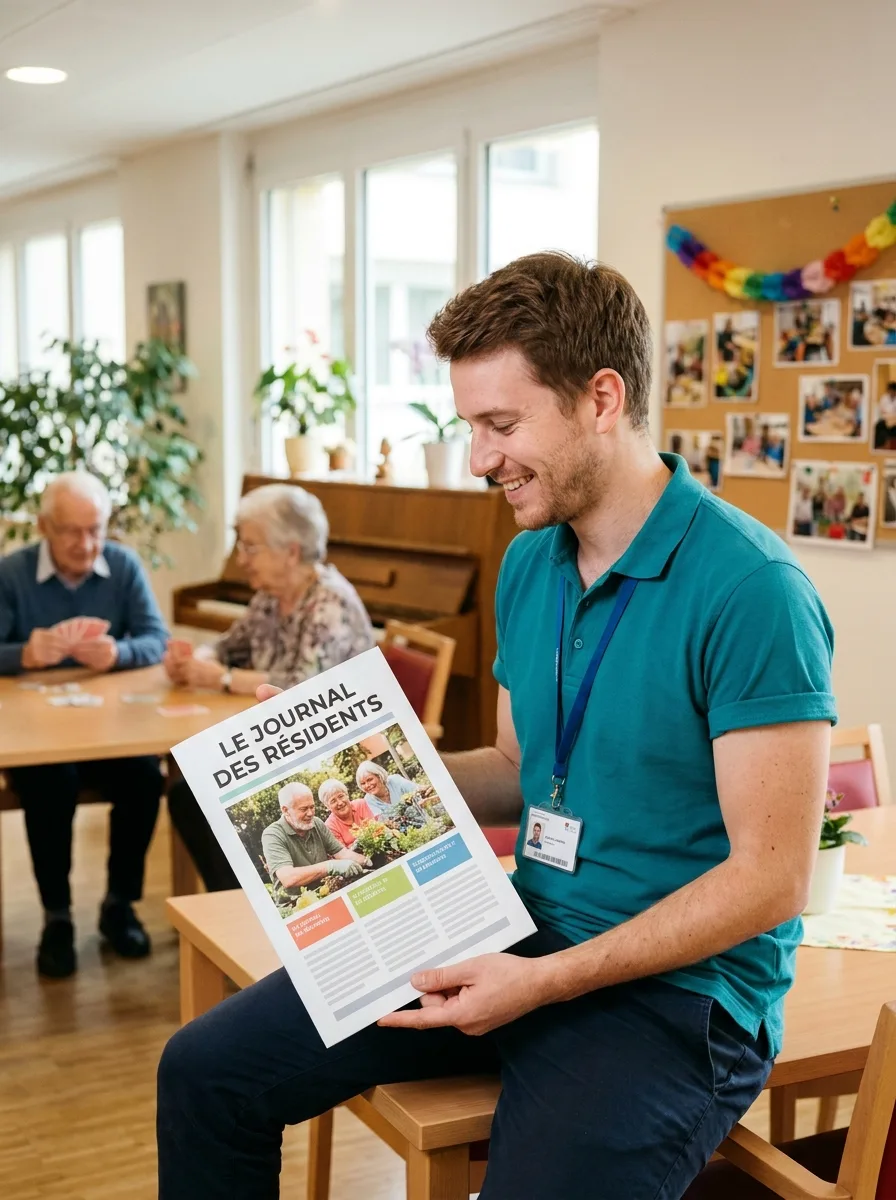
The residents newsletter took me days in Word. Dull pages, badly aligned, that residents hardly read.
Julien lays out the newsletter for his care home in Canva: workshop photos, big readable headlines, cheerful colours. Far simpler and far nicer than before, and residents now look forward to every issue.
Residents newsletter Page layout Workshop posters Invitations · Party menus · Greetings cards
Sophie, 62
Parent · Champel
My birthday invitations were hopeless. I used to print badly framed Word pages.
Birthday invitations, party menus, homemade greetings cards, posters for the school. Sophie has set up a small design studio at home for every family occasion.
Invitations Party menus Greetings cards Let us talk it through for 10 minutes on the phone. It is free, with no commitment. And we answer honestly: if it is not right for you, we will say so.
At the end of your training we give you a personalised certificate of attendance. A concrete asset for a community management, marketing or communication role in Geneva.

More than a certificate: you leave with your own Brand Kit and your reusable templates. The best certificate of all is a Canva studio that actually runs.
We are not the only option. Here are the serious alternatives in Geneva in 2026, and what genuinely differs.
| Criterion | Cours-Informatique.ch Our offer | Group school in Geneva (IFAGE, CEFCO and others) | Independent teacher (Anibis, JobUp) | Free YouTube videos and the Canva blog |
|---|---|---|---|---|
| Format | Always one to one | Group of 8 to 15 people | One to one, but it varies | On your own in front of your screen |
| Pace | Your project, your pace | Fixed dates, fixed programme | Depends on when the teacher is free | Whenever you can, with no structure |
| Location | Your home (included in Eaux-Vives) or our Eaux-Vives office | At the school (Plainpalais, Carouge) | Varies with the arrangement | At home |
| Follow-up and adaptation | Homework, WhatsApp, certificate of attendance | PDF handout, little individual follow-up | Depends on the teacher, rarely structured | No human, you handle it alone |
The best choice depends on your profile. Group courses are perfect if you are looking for social contact. Free tutorials suit you if you learn on your own. We are at our best when you want a concrete result, fast, without learning ten useless things and staying stuck on the one that matters.
After Canva, many students carry on with social media, Notion or office software to build out their toolkit.
 Creative and Social



Instagram, LinkedIn, TikTok: set up and run your profiles, and post with confidence.
 Professional
Organise your work and personal life with Notion: notes, projects and databases in one place.
 Professional Popular


Build professional documents and spreadsheets. Essential at the office and at home.
Canva is quick to pick up for the basics, but its advanced features (Brand Kit, animations, professional templates) deserve a few sessions if you really want to save time.
1 to 5 h of one-to-one lessons
6 to 12 h of one-to-one lessons
13 to 20 h of one-to-one lessons
These steps are orders of magnitude. We work out the exact number of hours together, based on your goal, your pace and your availability. Call us for free personalised advice.
At the end of your Canva training, we give you a personalised certificate of attendance listing the modules you worked on (social posts, presentations, print, brand identity), the skills you gained and the number of hours completed. It is worth putting on your CV with Geneva employers, in particular for community management, marketing or communication roles.
You also leave with your own personalised Canva Brand Kit and your reusable templates: concrete proof of what you can do.
Our one-to-one Canva lessons and training courses are charged at 150 CHF/hour, with no commitment and no subscription. You decide the pace that suits you, one session at a time.
Call 078 238 20 71 for free advice on the number of hours that suits your goal (social posts, a Brand Kit, a modern CV and so on).