














CapCut
Fast, viral, mobile
The go-to tool for social media creators
Useful for:
- Instagram Reels
- TikTok and Shorts
- Automatic subtitles
- Trending templates


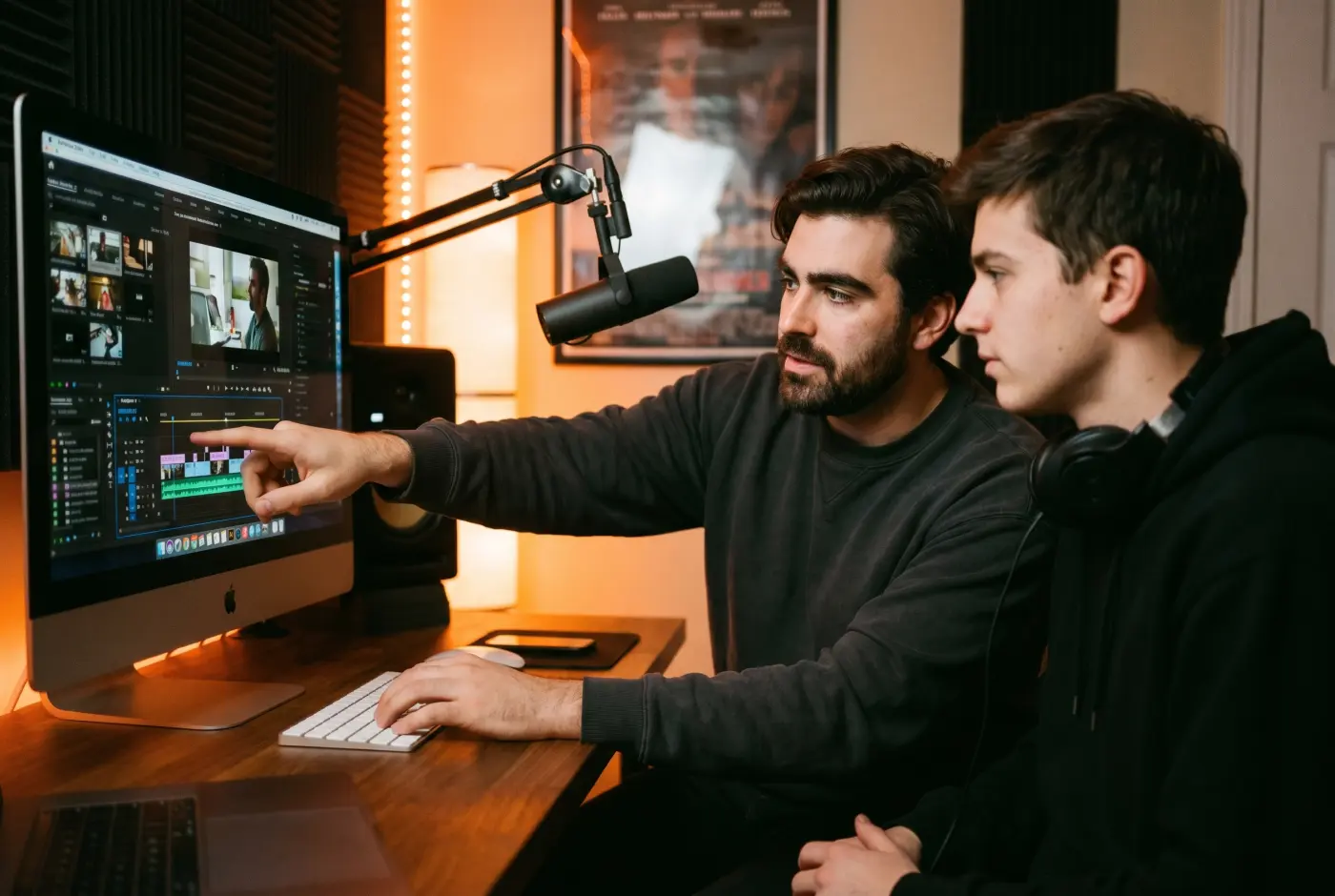
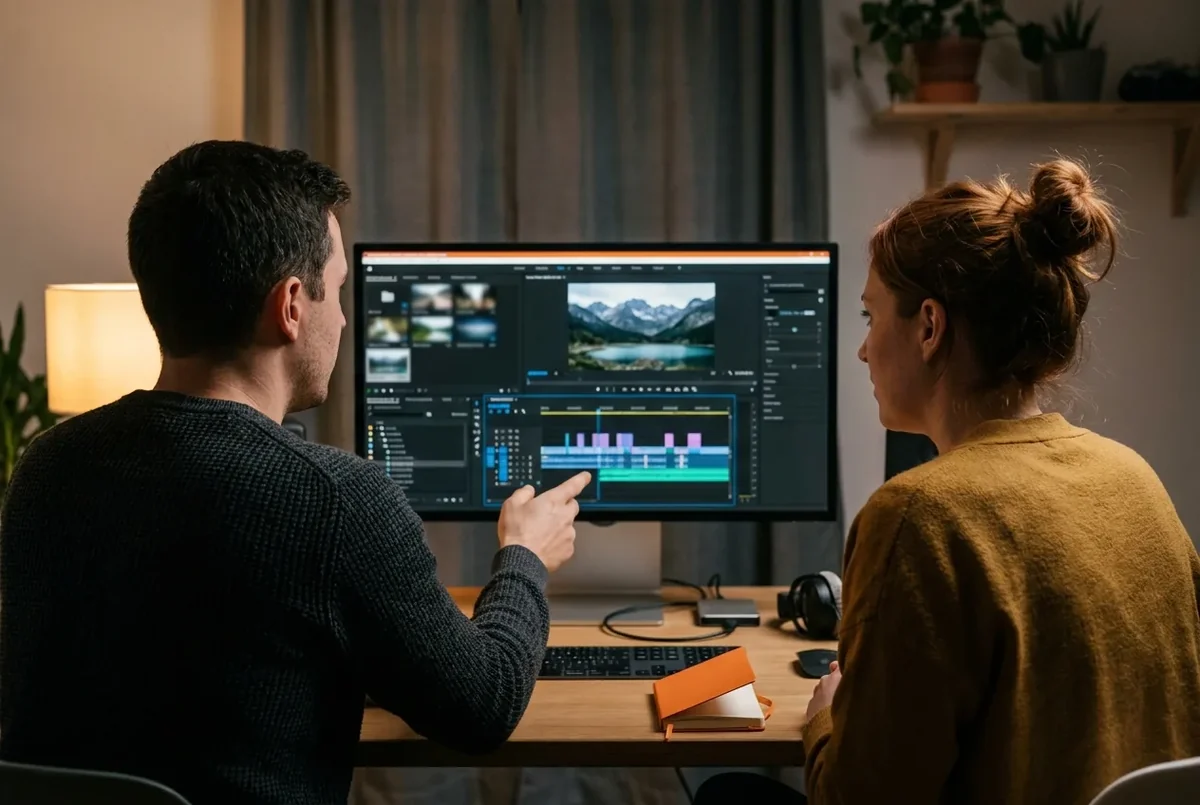
We work with creators, families, agencies and professionals, in one-to-one lessons or a full course. Your teacher comes to you, works on your own computer and uses your own footage. Premiere Pro, iMovie, CapCut or DaVinci: we choose the tool to fit your project.




In Geneva since 2014. Google rating 4.9/5 from 86 reviews.
They trust us





















From the free mobile app to the professional standard. Each tool has its ideal use, and we teach you to pick the right one for your project.
Fast, viral, mobile
The go-to tool for social media creators
Useful for:
Professional, flexible, complete
The professional standard for advanced video editing
Useful for:
Simple, free, intuitive
The ideal way in on Mac and iPhone
Useful for:

Free, cinematic, complete
Free broadcast power for colour grading
Useful for:
6 criteria to choose your software. Each tool answers a specific need, and we help you decide in 2 minutes.
CapCut Premiere Pro  Final Cut iMovie DaVinci
 How do we choose with you? We start from your real project (YouTube channel, family memories, company communications, social media). Then we check your equipment (Mac, PC, iPhone), your budget and the time you have. The software comes last: it has to serve your goal, not the other way round.
From beginner to advanced, your teacher adapts the lesson to your needs and to the software you choose.
The go-to tool for social media creators
The professional standard for advanced video editing
The ideal way in on Mac and iPhone
Free broadcast power for colour grading
A simple, hands-on process. We work directly on your files and your software, never on abstract examples.
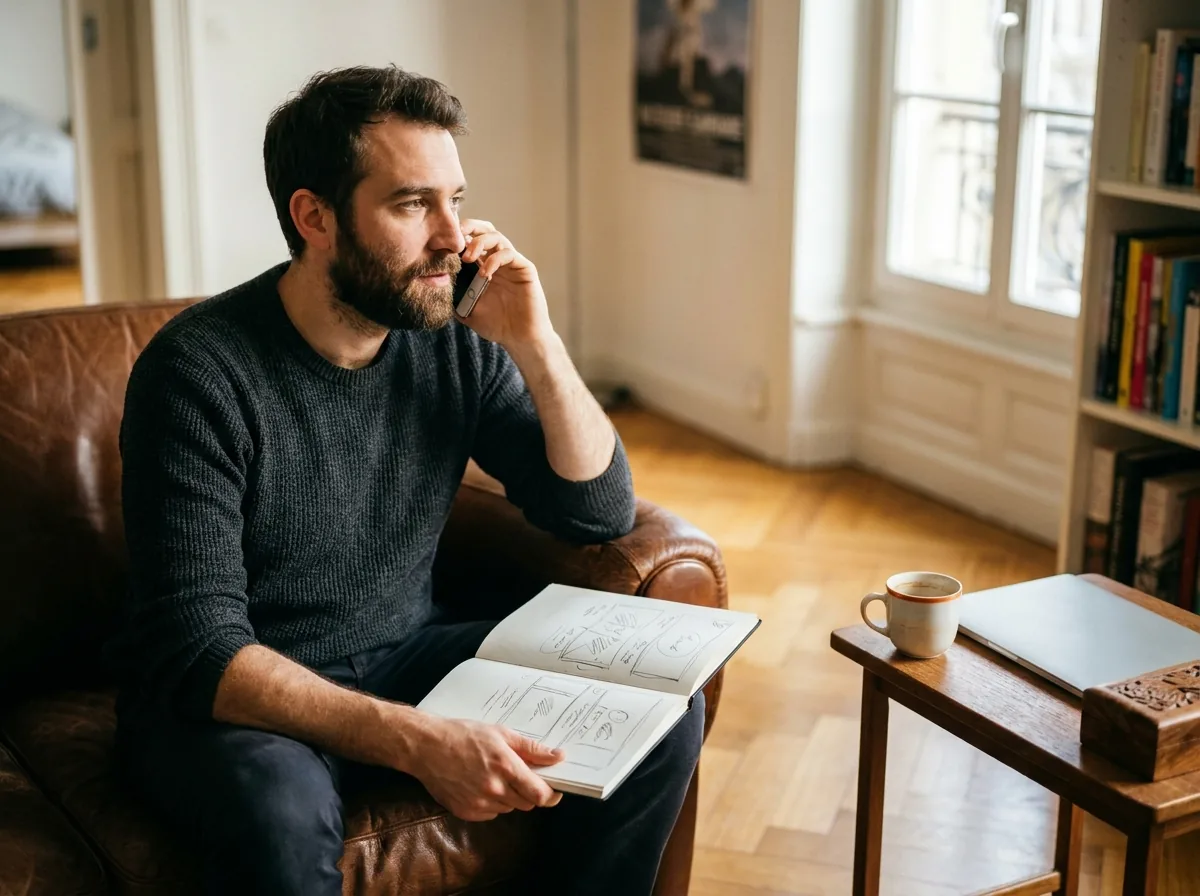
A free 10-minute call. We identify your project (YouTube channel, family memories, company communications), check your equipment (Mac, PC) and choose the software that fits best: Premiere Pro, iMovie, DaVinci Resolve or CapCut.
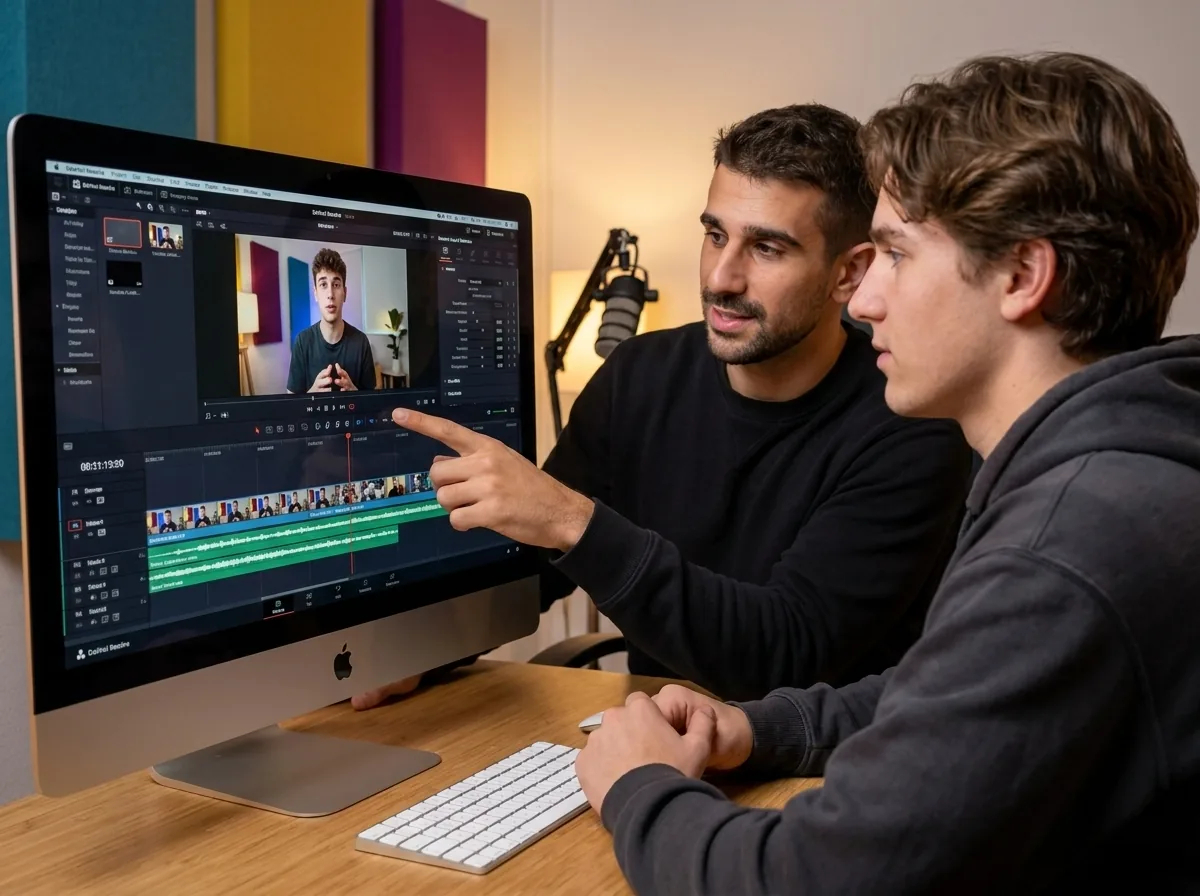
Straight on your own computer, with your own footage. Timeline, cutting, transitions, audio, titles, export. You leave with a finished video that you edited yourself.
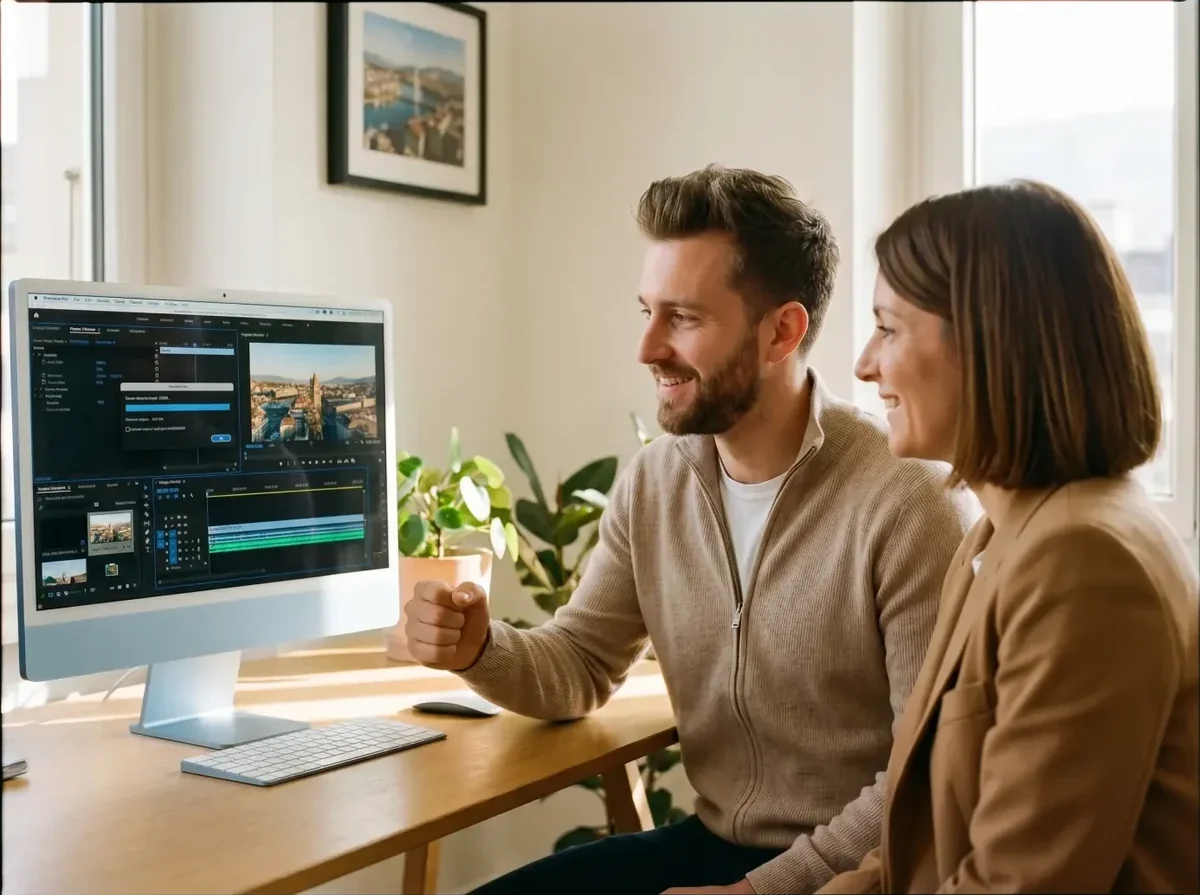
Between lessons, you edit on your own real projects. Your teacher stays available on WhatsApp to unblock an effect, an export or a render setting.
3 portraits of Geneva residents before and after their video editing course. YouTubers, families, events.
Illustrative situations: fictional first names, generated photos, typical results.
Premiere Pro · Audio mix · YouTube export
Tristan, 22
YouTuber · Plainpalais
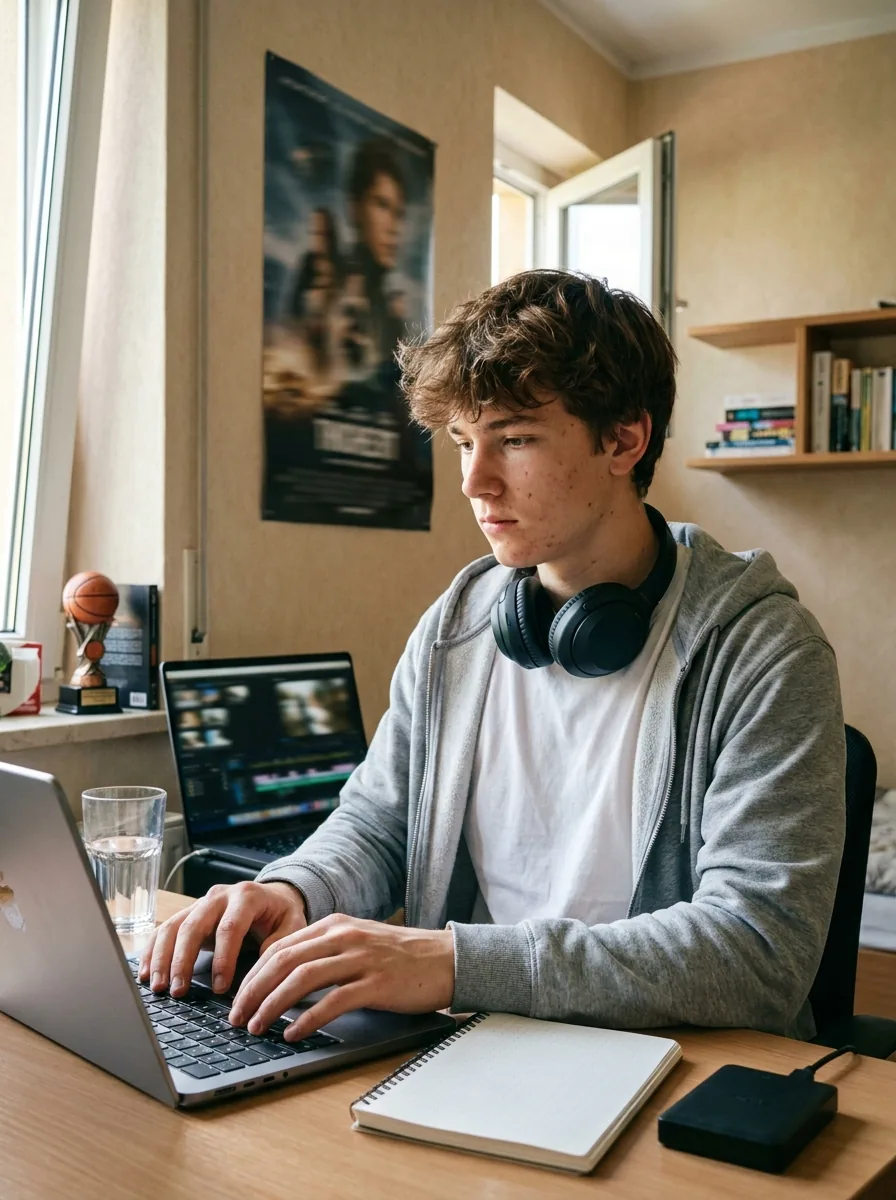
One badly edited clip a month. My friends clicked away before the 30-second mark.
Tristan now runs a regular YouTube channel, 1 000 subscribers, clean videos in Premiere Pro with animated titles and a careful audio mix.
Premiere Pro Audio mix YouTube export iMovie · Family films · Mac export
Isabelle, 40
Mother of a family · Carouge
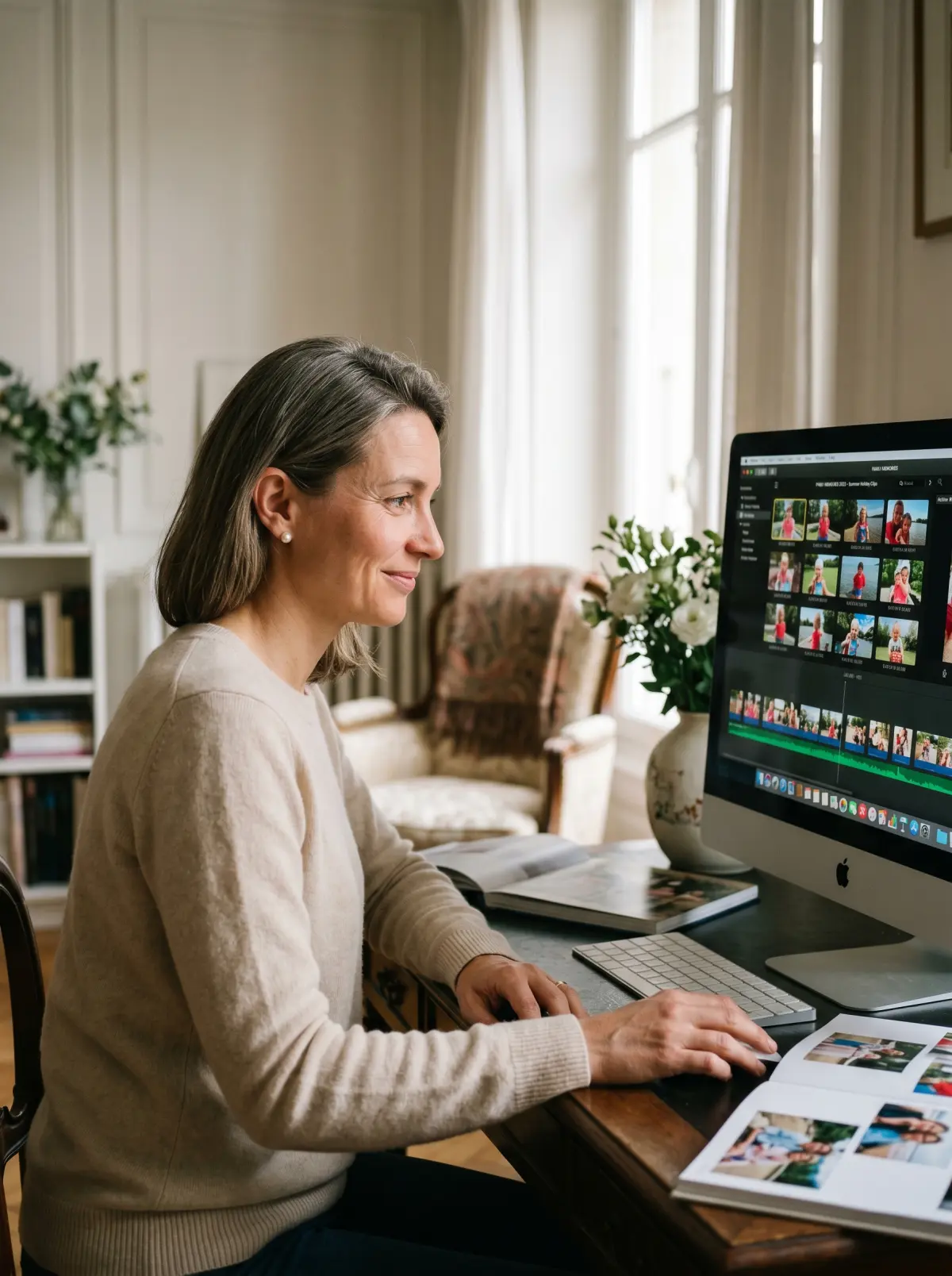
All my memories stuck on a hard drive. Nobody ever watches them.
Isabelle edits proper films for every birthday and every trip. iMovie mastered, a family screening at each celebration, smiles guaranteed.
iMovie Family films  Mac export
 DaVinci · Premiere Pro · Cinematic colour grading
Marc, 35
Wedding videographer · Chêne
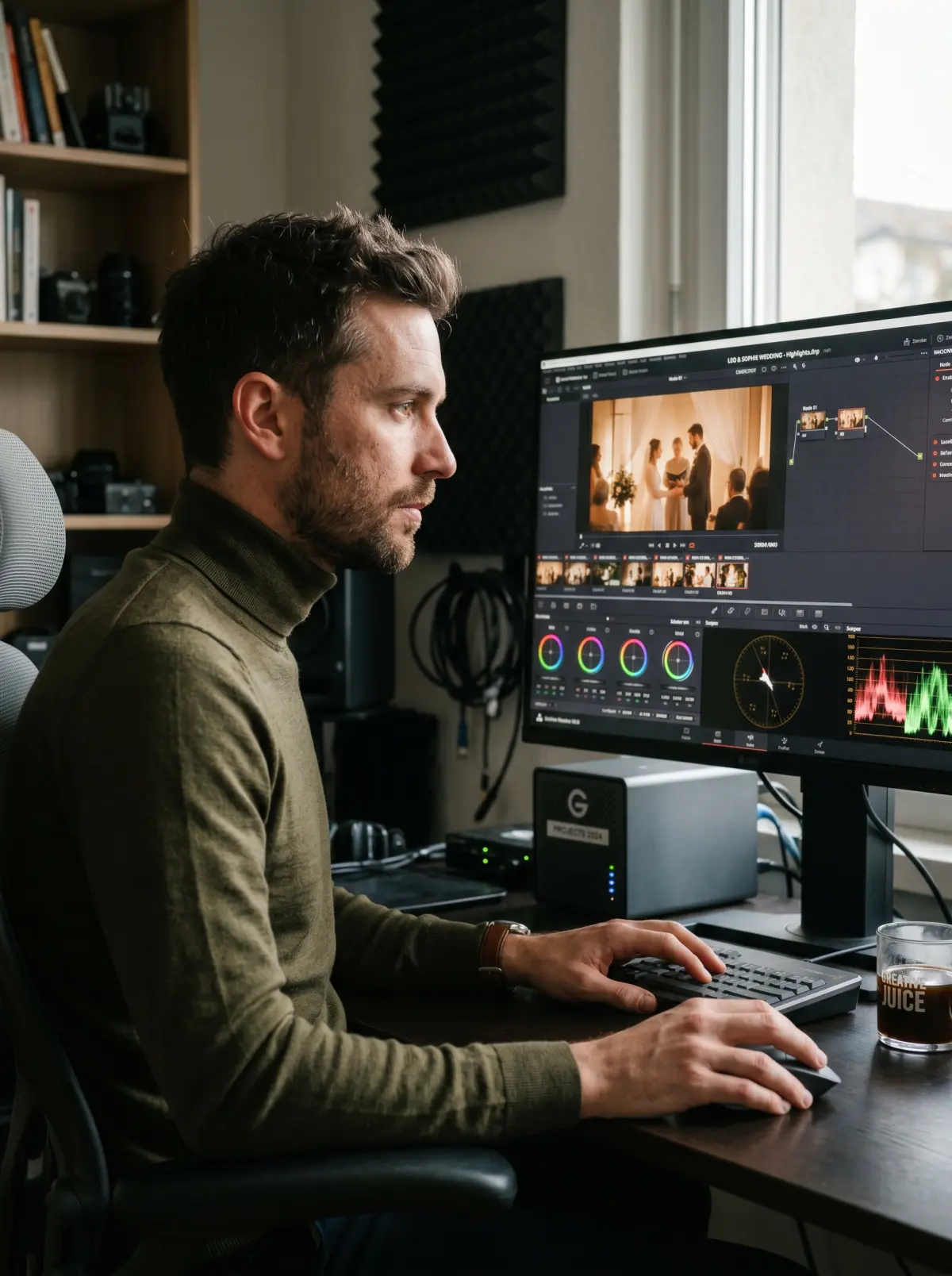
A basic wedding package with old-fashioned editing. Underwhelmed clients.
Marc now offers a premium service with professional re-edits, cinematic colour grading in DaVinci, animated titles and a live-event audio mix. Higher rates, delighted clients.
Premiere Pro Cinematic colour grading Let us talk it through for 10 minutes on the phone. It is free, with no commitment. And we answer honestly: if it is not right for you, we will say so.
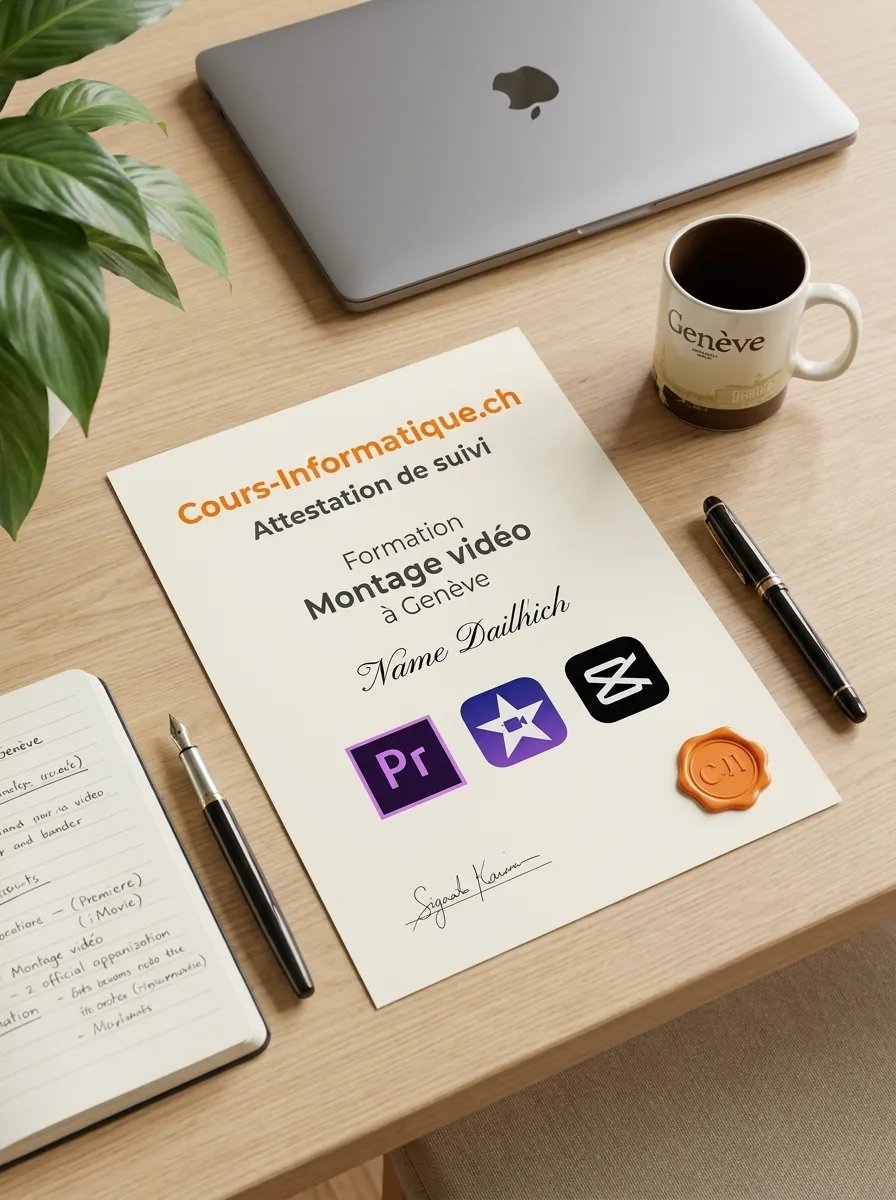
At the end of your course, we give you a personalised certificate of attendance. A concrete asset for your portfolio, or for a content creation application in Geneva.
We are not the only option. Here are the serious alternatives in Geneva in 2026, and what genuinely differs.
| Criterion | Cours-Informatique.ch Our offer | Group school in Geneva (IFAGE, SAE and similar) | Freelance teacher (Anibis, Malt) | YouTube, free DaVinci Resolve, CapCut |
|---|---|---|---|---|
| Format | Always one to one | Group of 8 to 15 people | One to one, but it varies | Alone in front of your screen |
| Pace | Your clips, your software, your project | Fixed dates, fixed programme | Depends on the teacher availability | Whenever you can, with no structure |
| Location | At your home (included in Eaux-Vives) or at our Eaux-Vives office | At the school (Plainpalais, Carouge) | Varies with the arrangement | At home |
| Follow-up and adaptation | Homework, WhatsApp, certificate of attendance | PDF handout, little individual follow-up | Depends on the teacher, rarely structured | No human help, you are on your own |
The best choice depends on your profile. Group courses are perfect if you are looking for social contact. Free tutorials suit you if you learn on your own. We are at our best when you want a concrete result, fast, without learning ten useless things and staying stuck on the one that matters.
After video editing, many students carry on with Canva, social media or the online version.
 Creative and Social



Instagram, LinkedIn, TikTok: set up and run your profiles, and post with confidence.
 Creative and Social
Design your visuals, flyers and social posts without needing a graphic designer.
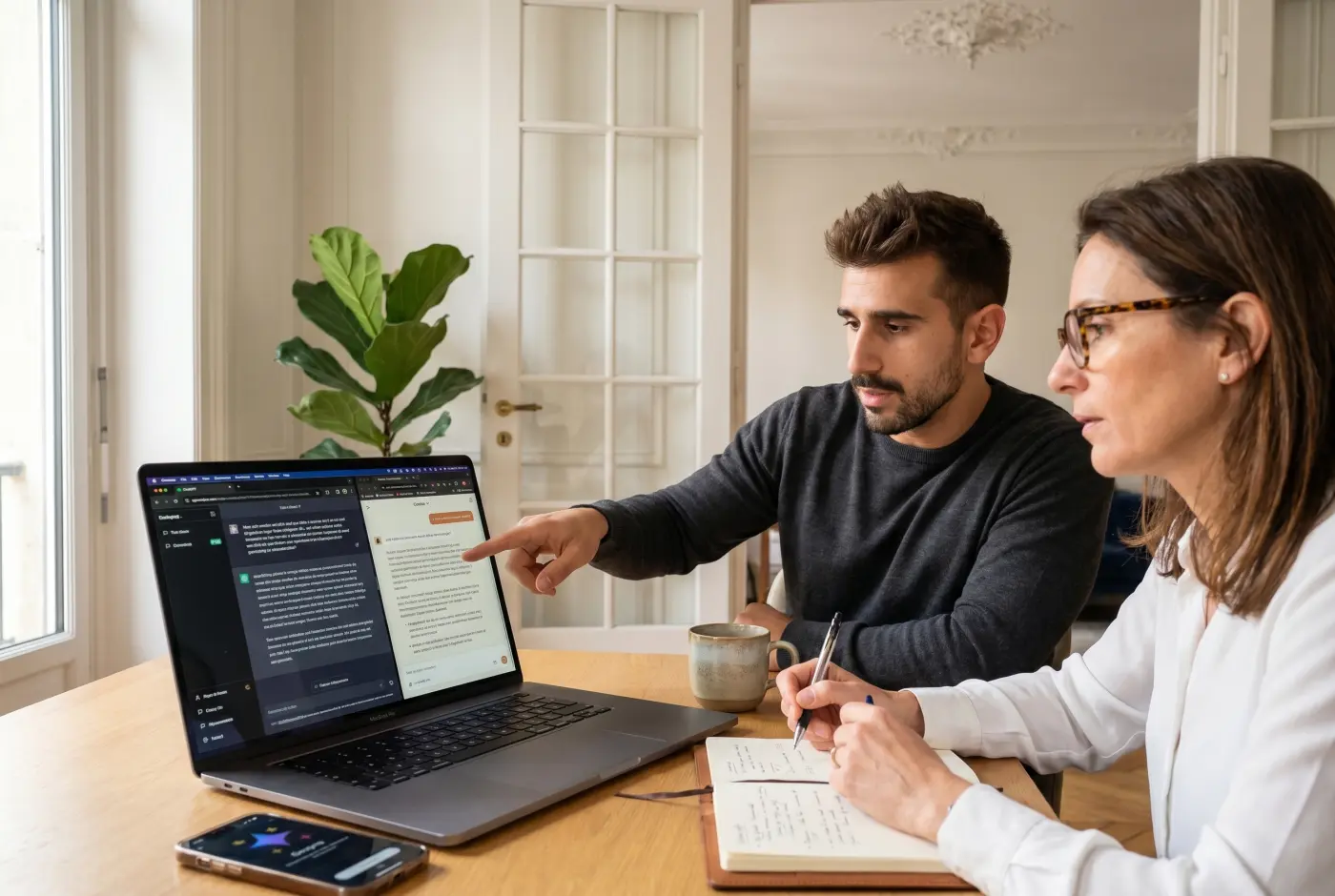 AI and Tech Popular


Use ChatGPT, Gemini and other AI tools to save real time in your day.
Professional video editing means learning a piece of software, but also the logic of visual storytelling: we start at importing your files and go all the way to a properly optimised export.
1 to 5 h of one-to-one lessons
6 to 12 h of one-to-one lessons
13 to 20 h of one-to-one lessons
These steps are orders of magnitude. We work out the exact number of hours together, based on your goal, your pace and your availability. Call us for free personalised advice.
At the end of your video editing course, we give you a personalised certificate of attendance listing the software you worked on (Premiere Pro, iMovie, CapCut, DaVinci Resolve), the skills you gained and the number of hours you completed. This certificate is worth putting on your CV with Geneva employers, particularly for roles in communications, marketing or content creation.
Our one-to-one video editing lessons and courses are charged at 150 CHF/h, with no commitment and no subscription. You decide the pace that suits you, one lesson at a time.
Call 078 238 20 71 for free advice on the number of hours that fits your project (YouTube channel, professional videos, family memories).