
















WordPress
Publish, manage and keep your site alive
The most widely used CMS in the world for building your site
Useful for:
- Professional showcase site
- Personal or business blog
- Online shop (WooCommerce)
- Artist or creative portfolio


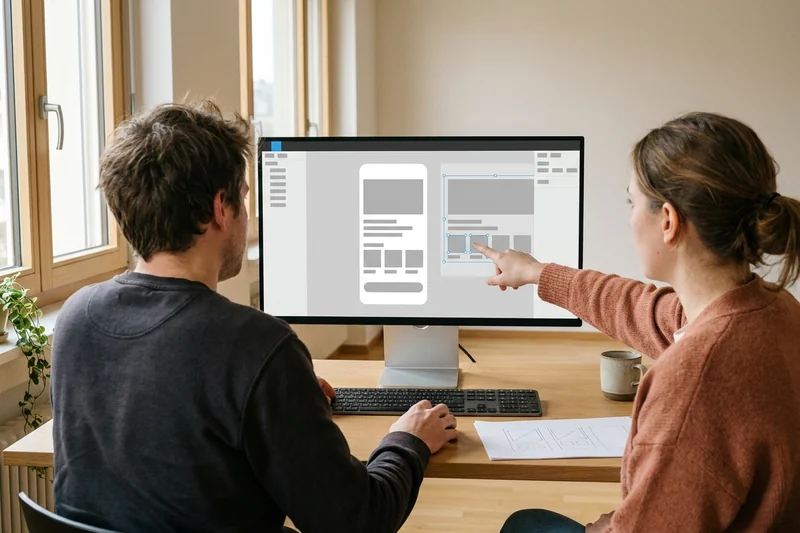
Learn to design, build and rank your own website. We work with freelancers, entrepreneurs and creatives in one-to-one training. Your teacher works with you on your real project, from the mockup to going live.








In Geneva since 2014. Google rating 4.9/5 from 86 reviews.
They trust us































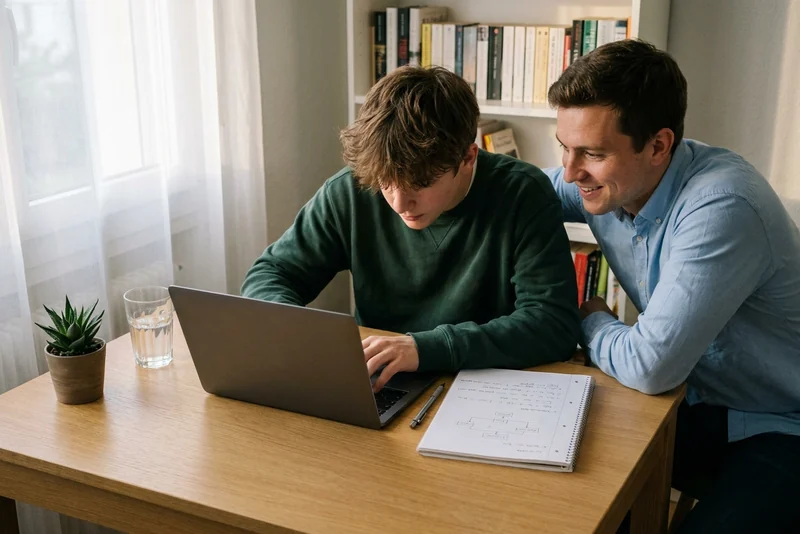
No coding needed. We teach you the visual tools the professionals use to launch a quality site, quickly.
Publish, manage and keep your site alive
The most widely used CMS in the world for building your site
Useful for:
Design visually, without code
Build your pages by drag and drop, with no coding
Useful for:
Imagine, prototype, validate
Mock up your site before you build it
Useful for:
Be found, be chosen
Show up in the top Google results
Useful for:
4 real website projects, with the recommended tools and the result to aim for. Your teacher advises the combination that fits your goal.
A simple site to bring in your first enquiry. 4 to 6 pages, contact form, local SEO.
Recommended tools:
An online shop ready to sell. Product catalogue, Stripe payments, order management.
Recommended tools:
A visual showcase for photographers, artists and designers. Galleries, lightbox, animations.
Recommended tools:
A blog that ranks on Google. H1-H2-H3 structure, internal linking, optimised speed.
Recommended tools:
Not sure which to choose? Call 078 238 20 71 and we work out together which combination of tools fits your project, free of charge.
From beginner to advanced level, your teacher adapts the course to your project. You choose the modules, we build your training path around them.
The most widely used CMS in the world for building your site
Build your pages by drag and drop, with no coding
Mock up your site before you build it
Show up in the top Google results
The same simple process for a one-off lesson or a full website creation course.

A free 5 minute call. We pin down your goal (showcase site, e-commerce, portfolio) and choose the right tools together. You decide: at your home or at the Eaux-Vives.

The lesson takes place on your computer, on your real site. We start from a Figma mockup, build the page with Elementor and sort out the SEO. At every step, you understand what is happening.

After the lesson, you carry on with your own pages. Your teacher stays available on WhatsApp to unblock a plugin, sort out hosting or check a template.
3 portraits of Geneva residents before and after their website creation training. Freelancers, entrepreneurs, creatives: they all get there.
Illustrative situations: fictional first names, generated photos, typical results.
WordPress · Elementor · Local SEO
Thomas, 38 ans
Self-employed electrician · Plainpalais
I worked purely by word of mouth. No website, no enquiries from Google.
WordPress showcase site online and ranking in Geneva. First enquiry through the form within 3 weeks.
WordPress Elementor Local SEO WordPress · WooCommerce · Figma
Julien, 32 ans
E-commerce startup · Eaux-Vives
We wanted to launch our online shop, but the agency quotes came in at 15 000 CHF.
WooCommerce shop online with 20 products. Stripe payments, order management. MVP launched for under 2 000 CHF.
WordPress WooCommerce Figma WordPress · SEO · Yoast
Marc, 26 ans
Travel blogger · Vernier
I was writing articles, but nobody ever found them. My blog was invisible on Google.
Clean H1-H2-H3 structure, internal linking, optimised speed, Search Console connected. First article on page 1 after 2 months.
WordPress SEO Yoast Let us talk it through for 10 minutes on the phone. It is free, with no commitment. And we answer honestly: if it is not right for you, we will say so.
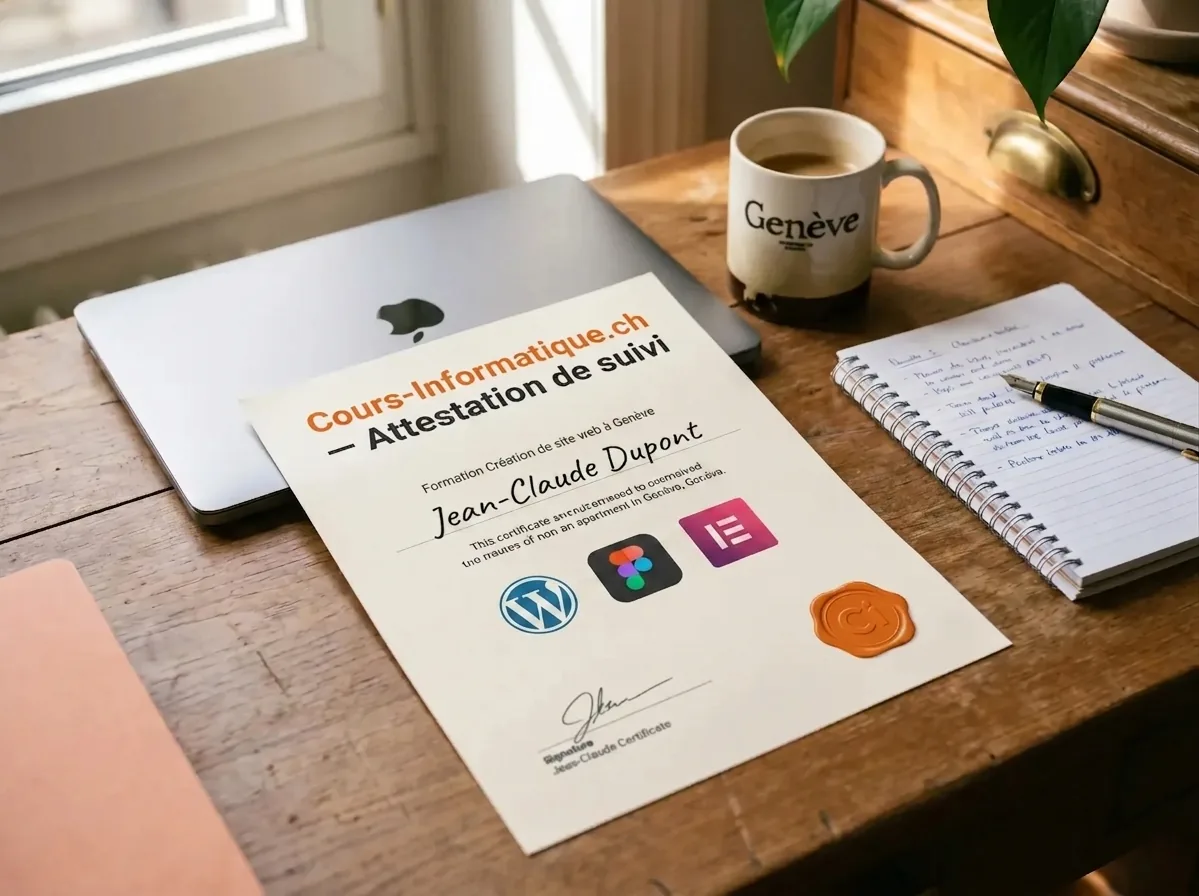
At the end of your course, we give you a personalised certificate of attendance. A concrete asset for your CV, your freelance clients or your job search in Geneva.
We are not the only option. Here are the serious alternatives in Geneva in 2026, and what genuinely differs.
| Criterion | Cours-Informatique.ch Our offer | Group school in Geneva (IFAGE, HEPIA and similar) | Freelance teacher (Anibis, JobUp) | YouTube, Wix, Webflow or the free WordPress docs |
|---|---|---|---|---|
| Format | Always one to one | Group of 8 to 20 people | One to one, variable | On your own in front of your screen |
| Pace | Your project, your pace | Fixed dates, fixed programme | Depends on the teacher availability | Whenever you can, with no structure |
| Location | At your home (included in the Eaux-Vives) or at our Eaux-Vives office | At the school (Plainpalais, Battelle) | Varies with the arrangement | At home |
| Follow-up and adaptation | Homework, WhatsApp, certificate of attendance | PDF handouts, little individual follow-up | Depends on the teacher, rarely structured | No human, you handle it alone |
The best choice depends on your profile. Group courses are perfect if you are looking for social contact. Free tutorials suit you if you learn on your own. We are at our best when you want a concrete result, fast, without learning ten useless things and staying stuck on the one that matters.
After website creation, many students carry on with Canva, programming or social media.
 Creative and Social
Design your visuals, flyers and social posts without needing a graphic designer.
 AI and Tech

Learn to code in Python, JavaScript and HTML/CSS, from your first script to a REST API. Programming logic, automation, OOP.
 Creative and Social



Instagram, LinkedIn, TikTok: set up and run your profiles, and post with confidence.
Building a website happens in three big phases: understanding the tools, building your first site, then knowing how to run it and grow it on your own.
1 to 5 h of one-to-one lessons
6 to 12 h of one-to-one lessons
13 to 20 h of one-to-one lessons
These steps are orders of magnitude. We work out the exact number of hours together, based on your goal, your pace and your availability. Call us for free personalised advice.
For a professional showcase site (5 to 8 pages) that you then run on your own, allow 15 to 25 hours of one-to-one lessons over 2 to 3 months.
For an online shop (WooCommerce, Shopify), allow 30 to 50 hours. Call 078 238 20 71 and we will assess your project in 10 minutes, free of charge.
All three are viable in Geneva in 2026, and the right choice depends on your profile.
For a site meant to last and grow, WordPress remains our default recommendation. Webflow and Framer are excellent choices for more targeted projects.
Full first-year budget for a showcase site in Geneva in 2026:
That is around 2 300 to 4 000 CHF in the first year, then 150 to 500 CHF a year afterwards to keep your site up to date and secure.
Yes, and it is the norm in 2026. With WordPress and Elementor, or with Webflow, you build your site by visual drag and drop, exactly like in Canva or PowerPoint.
We systematically favour no-code tools so that you stay independent. Coding brings nothing to 99% of showcase and small business sites in Geneva.
Yes, the basics of SEO are built into our website creation lessons. You learn to:
For advanced SEO (backlinks, content marketing, deep technical work), we can carry on with dedicated sessions of 3 to 8 extra hours.
Yes. Geneva being international, we build in multilingual management whenever you need it. Two standard approaches in 2026:
Allow 2 to 4 extra hours of lessons to implement a French and English version properly. Then 4 hours for each additional language.
Yes, we regularly support Geneva craftspeople, artists and small businesses with their e-commerce.
The course covers getting started, adding products, payment methods (TWINT, PostFinance, Stripe), order management and shipping logistics within Switzerland. We also point you to the tools we have tested ourselves.
A well-built WordPress site needs 1 to 2 hours a month of light maintenance, which is perfectly manageable on your own after our course.
If you would rather hand the maintenance over, we offer a monthly package (80 to 150 CHF) covering updates, backups, security monitoring and 30 min of changes a month. Ask us on 078 238 20 71.
At the end of your website creation course, we give you a personalised certificate of attendance listing the tools covered (WordPress, Figma, Elementor, SEO), the skills you gained and the number of hours completed. It is worth having on your CV, with Geneva employers or when setting up as a freelancer.
Our one-to-one lessons and website creation courses are charged at 150 CHF/hour, with no commitment and no subscription. You decide the pace session by session.
Call 078 238 20 71 for free advice on the number of hours that suits your project (showcase site, e-commerce, portfolio).