



















Passwords
Protect, generate, sync
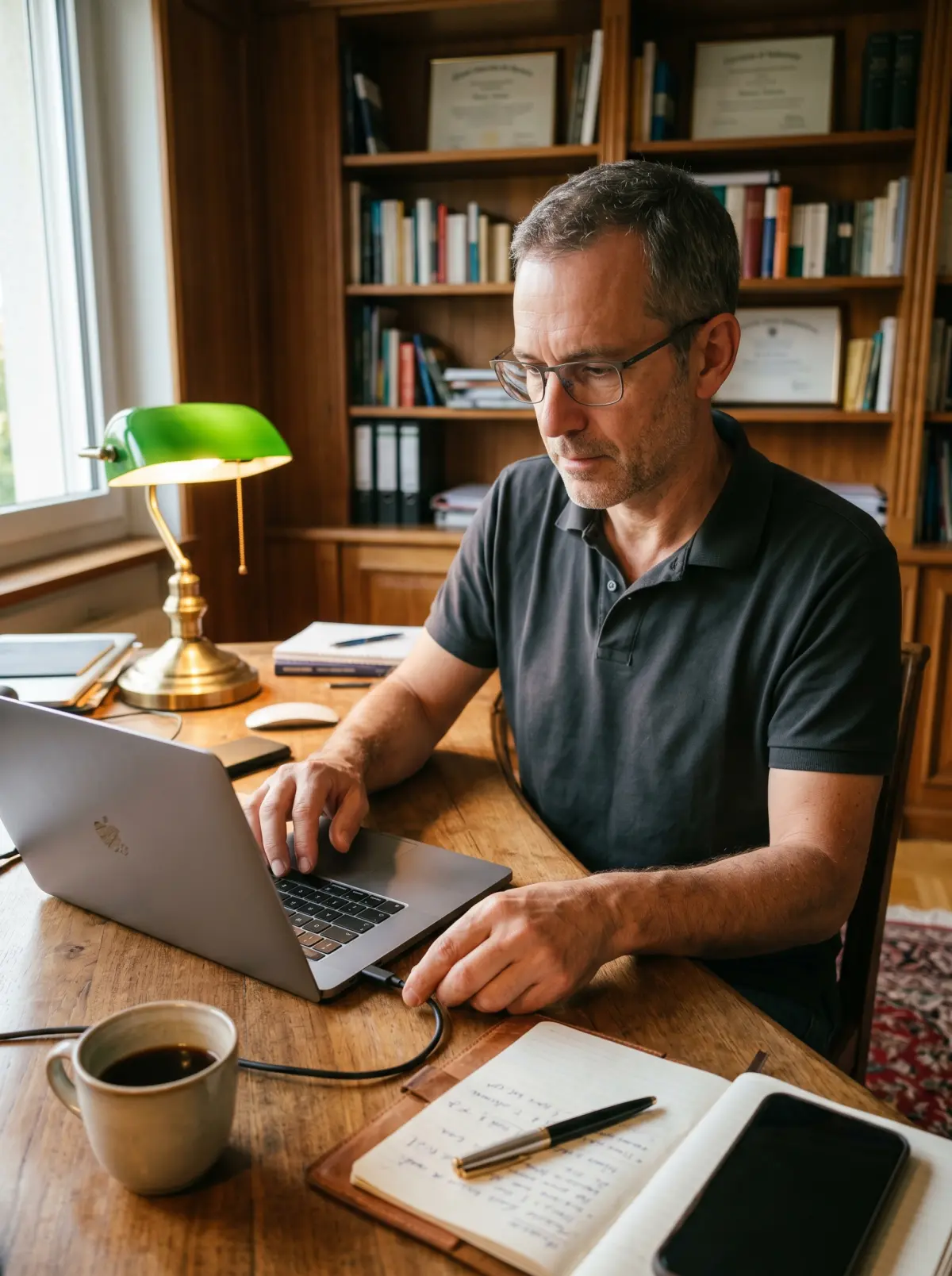
Create strong passwords and turn on 2FA
Useful for:
- Unique passwords
- 1Password or Bitwarden manager
- 2FA on Gmail and banking
- Modern passkeys

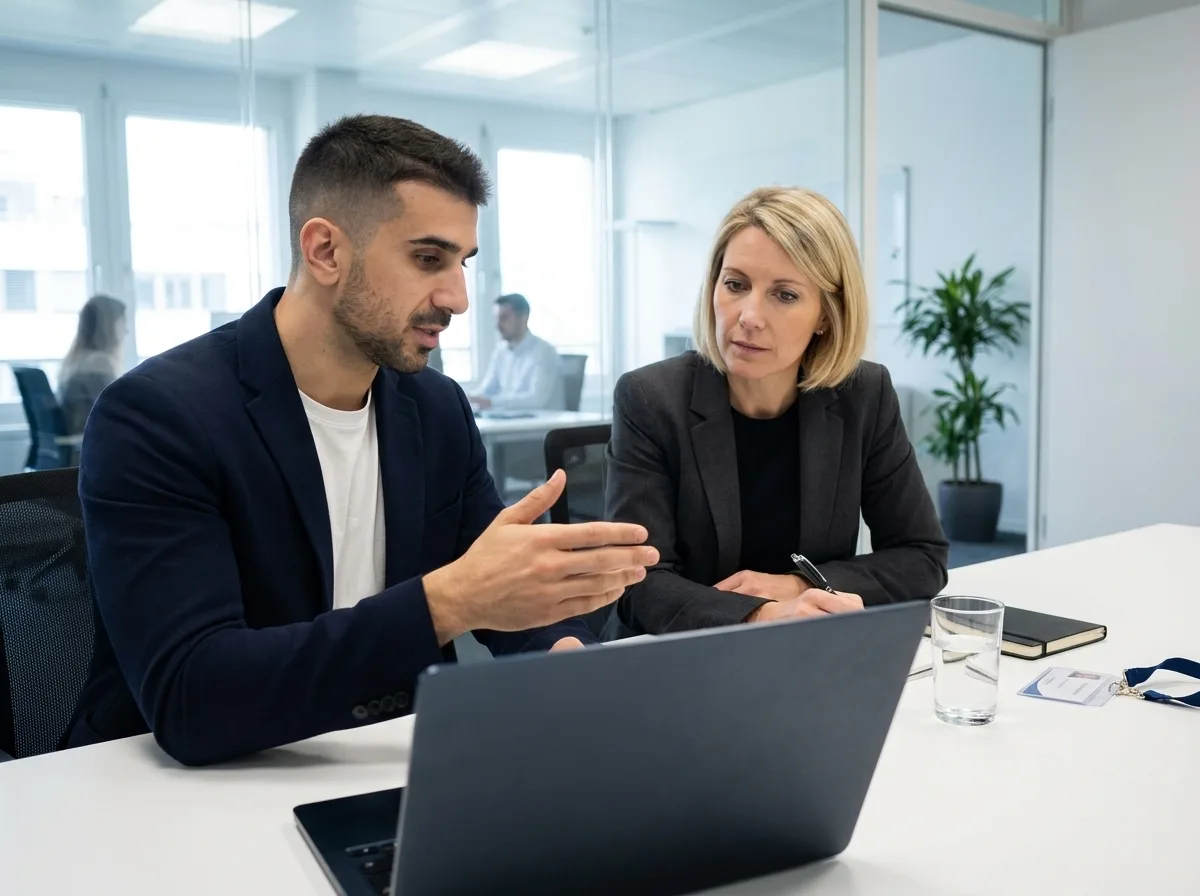
We work with individuals, families, seniors and SMEs, in one-to-one lessons or as a full training course. Learn to recognise scams, secure your passwords and back up your data. Your teacher comes to you, with your own devices. No commitment.




In Geneva since 2014. Google rating 4.9/5 from 86 reviews.
They trust us
































You do not need to become an IT expert. These 4 pillars cover 95% of everyday risks, whether you are an individual, a family or an SME.
Protect, generate, sync
Create strong passwords and turn on 2FA
Useful for:
Spot, analyse, report
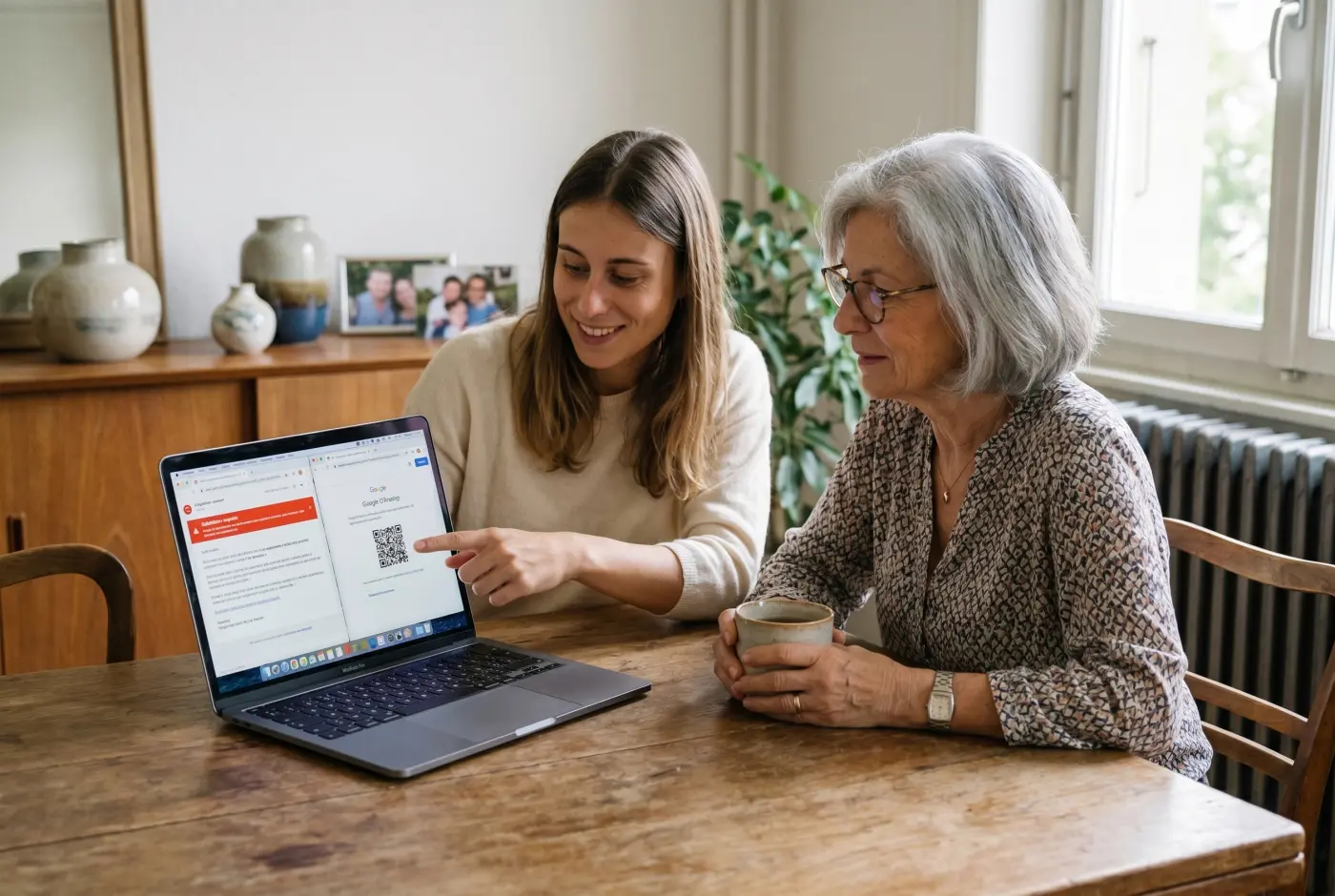
Recognise scams by text, email and phone
Useful for:
Back up, restore, secure
Never lose photos or documents again
Useful for:
Encrypt, block, anonymise
Browse with no traces and no risks
Useful for:
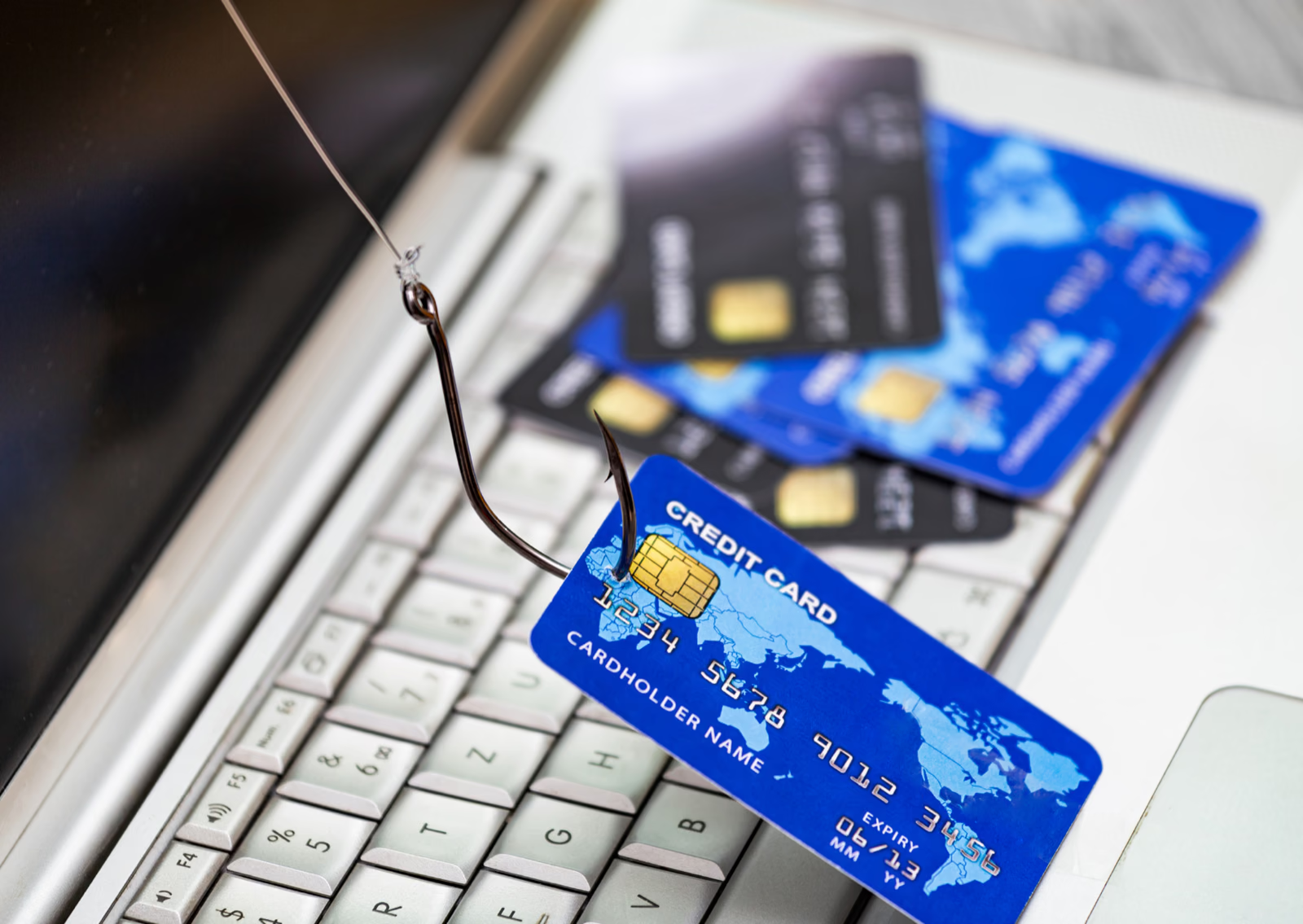
Real cases our Geneva students have been through. For each one: how the scam works, the signals that fool people, and what to do if you are targeted.
Your parcel is being held
How it works
A text says your parcel is waiting on a 2 CHF surcharge. The link leads to a page identical to the Swiss Post site, which harvests your bank details.
Signals that fool people
Unknown number, shortened link (bit.ly, post-ch.info), urgency, a payment request.
What to do
Never click. Check directly on post.ch or in the official La Poste app.
Sorting out your file
How it works
Someone poses as an AVS or SUVA officer, claims there is an administrative problem and asks for your AVS number and IBAN to sort it out. The call sounds official.
Signals that fool people
An odd accent, pressure to act fast, a request for personal data over the phone.
What to do
Hang up. AVS and SUVA never call to ask for your data. Call back on the official number.
Confirm a transaction
How it works
A text or email imitates Twint and asks you to "confirm" a suspicious payment. The link goes to a fake login page that steals your banking credentials.
Signals that fool people
An unsolicited message, an external link, a slightly blurry logo, urgency.
What to do
Open the Twint app directly. No bank ever asks you to confirm by text with a link.
A golden offer, far too good
How it works
An unknown LinkedIn profile offers a remote job paying 150 000 CHF. It asks for your CV, your AVS number, a copy of your ID and sometimes a transfer for "equipment".
Signals that fool people
A recent profile, few connections, an unrealistic salary, requests for personal documents.
What to do
Check the company on its official website. Never share your AVS number or your ID documents with a stranger.
Online dating
How it works
On a dating site, someone seems perfect. After a few weeks they mention a medical emergency or a project, and ask for a bank transfer.
Signals that fool people
Refuses video calls, moving stories, repeated requests for money, emotional pressure.
What to do
Never send money to someone you met online. Talk to someone close to you or contact police.ch.
During the course, we go through your own suspicious texts and emails together. You leave with a checklist on your phone so you can decide in 3 seconds.
Three levels so you can move at your own pace: beginner, intermediate, advanced. Your teacher adapts every session to your real situation.
The foundations to protect yourself without any technical stress. Strong passwords, phishing detection, your first reflexes.
You know the basics, so we build your fortress. 2FA, a password manager, backups, VPN.
You are moving up a level: GDPR for the self-employed, advanced encryption, an audit of your online accounts.
The same simple process for a one-off lesson or a full training course in Geneva.

A free 5-minute call. We work out your risks, from the scams you have received to the devices to secure and the family to protect, then set the priority modules. At your home or in Eaux-Vives.
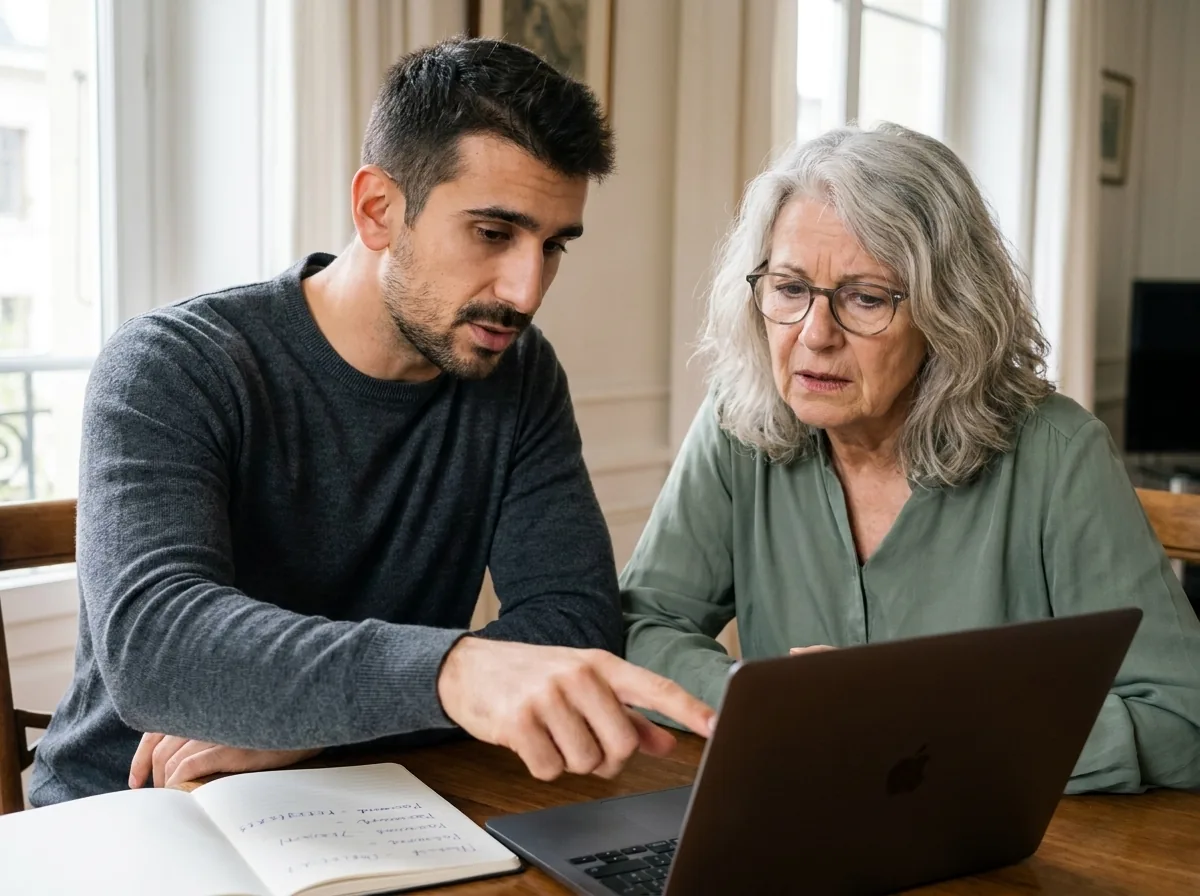
The lesson takes place on your own devices (iPhone, Mac, PC, iPad). We turn on 2FA, install a password manager and set up your backups. Everything stays active after the lesson.
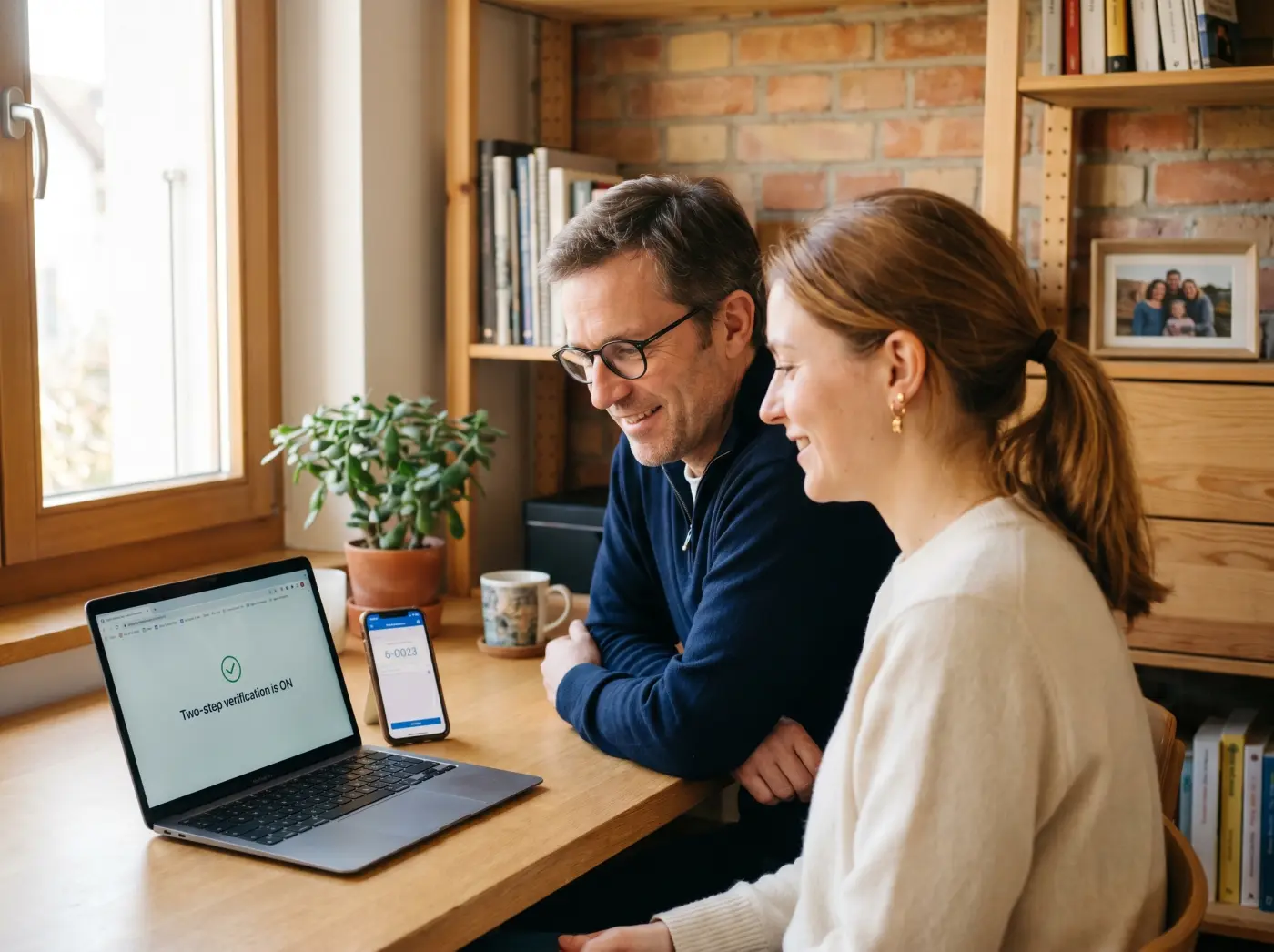
After the lesson, you keep a checklist on your phone. Your teacher stays available on WhatsApp to check suspicious messages with you. Zero judgement if you are unsure.
3 portraits of Geneva residents before and after their cybersecurity training. Seniors, parents, self-employed people: everyone gets there.
Illustrative situations: fictional first names, generated photos, typical results.
SMS scams · Phishing · 2FA
Claudine, 72
Retired · Eaux-Vives
I made a bank transfer after a text message. I really thought it was La Poste.
Claudine spots text scams in 3 seconds, warns her family and reports suspicious messages straight from her phone.
Phishing Suspicious texts 2FA Parental controls · Backup · Children online
Sophie, 40
Parent · Plainpalais
My children were exposed on social media. I had no idea where to start to protect them.
Parental controls set up on every screen, the family protected, automatic iCloud backup running. Sophie now runs digital security for the whole household.
Parental controls iCloud backup Family 3-2-1 backup · Time Machine · Ransomware
Marc, 50
Self-employed · Champel
I lost 2 years of invoices in a disk crash. Nothing was backed up.
iCloud plus an encrypted external drive, the 3-2-1 rule applied to the letter. Marc is no longer afraid of losing a file or being hit by ransomware.
3-2-1 backup Time Machine Anti-ransomware Let us talk it through for 10 minutes on the phone. It is free, with no commitment. And we answer honestly: if it is not right for you, we will say so.
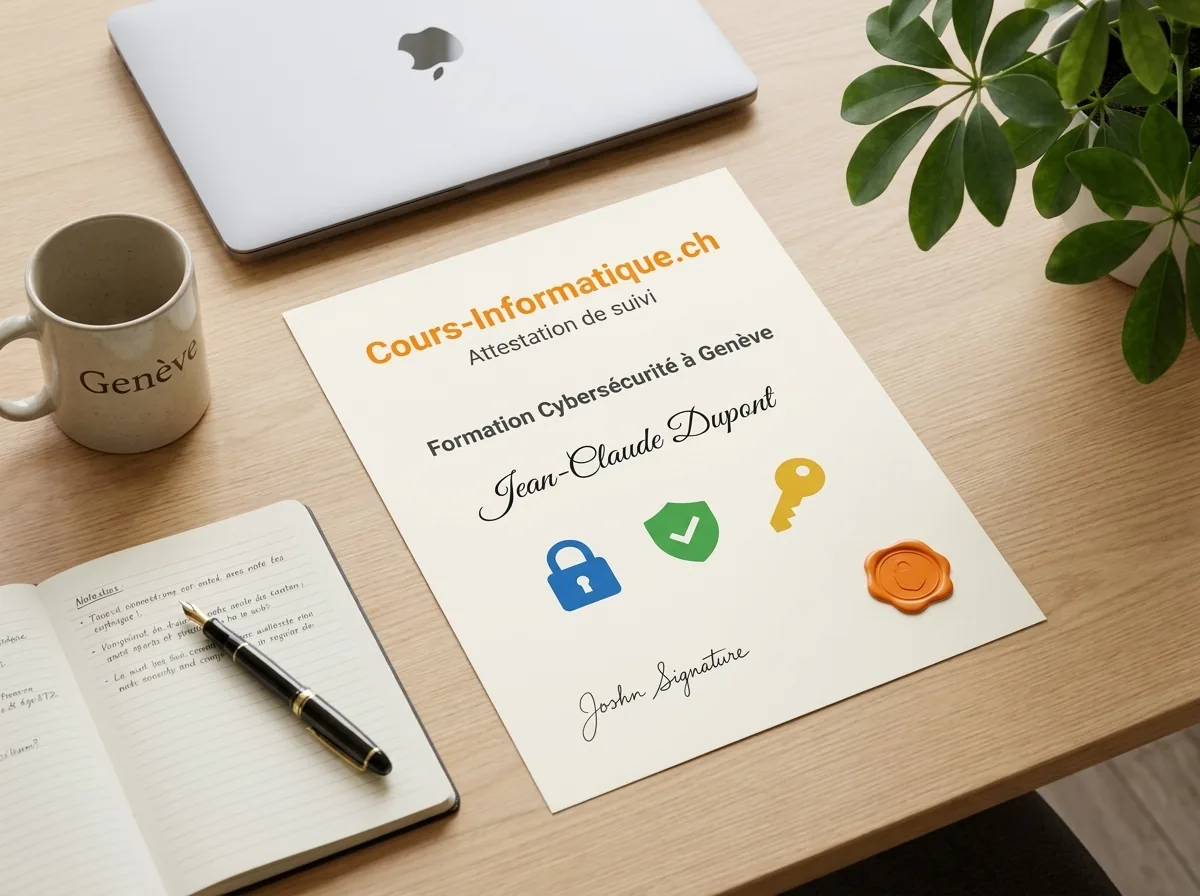
At the end of your training, we give you a personalised certificate of attendance. A concrete asset to show off your digital security skills in Geneva.
We are not the only option. Here are the serious alternatives in Geneva in 2026, and what genuinely differs.
| Criterion | Cours-Informatique.ch Our offer | Group training in Geneva (IFAGE, CEFCO and similar) | Independent teacher (Anibis, JobUp) | NCSC guides, YouTube, free articles |
|---|---|---|---|---|
| Format | Always one to one | Group of 8 to 20 people | One to one, quality varies | On your own, with no audit of your situation |
| Pace | Your real situation, your own devices | Fixed dates, fixed syllabus | Depends on the teacher availability | Whenever you can, with no structure |
| Location | Your home (included in Eaux-Vives) or our Eaux-Vives office | At the school (Plainpalais, Carouge) | Varies with the arrangement | At home |
| Follow-up and adaptation | Homework, WhatsApp, certificate of attendance | PDF handout, little individual follow-up | Depends on the teacher, rarely structured | No human being, you handle it alone |
The best choice depends on your profile. Group courses are perfect if you are looking for social contact. Free tutorials suit you if you learn on your own. We are at our best when you want a concrete result, fast, without learning ten useless things and staying stuck on the one that matters.
After cybersecurity, many students go on to the smartphone, computer or job search courses.
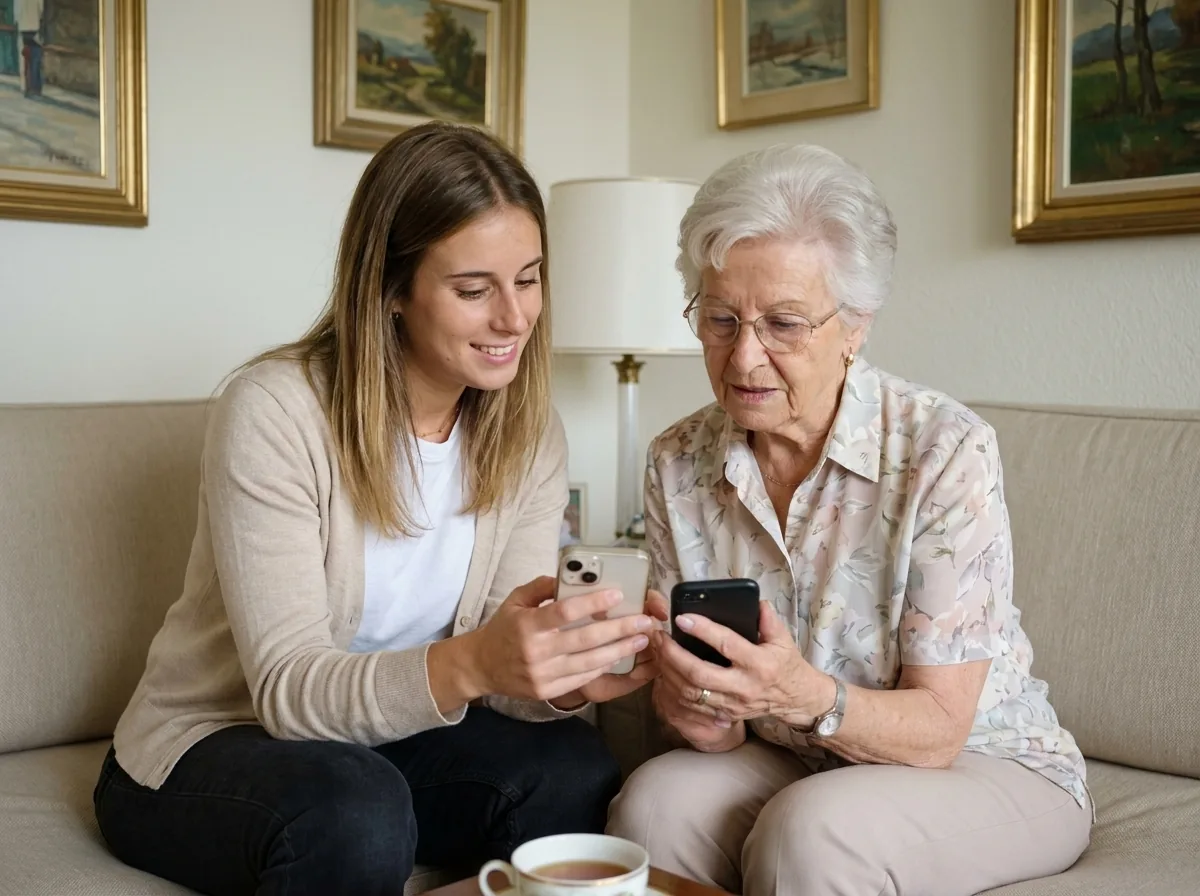 Beginner and Senior

Photos, messaging, calendar, social media. Learn your phone and use it on your own.
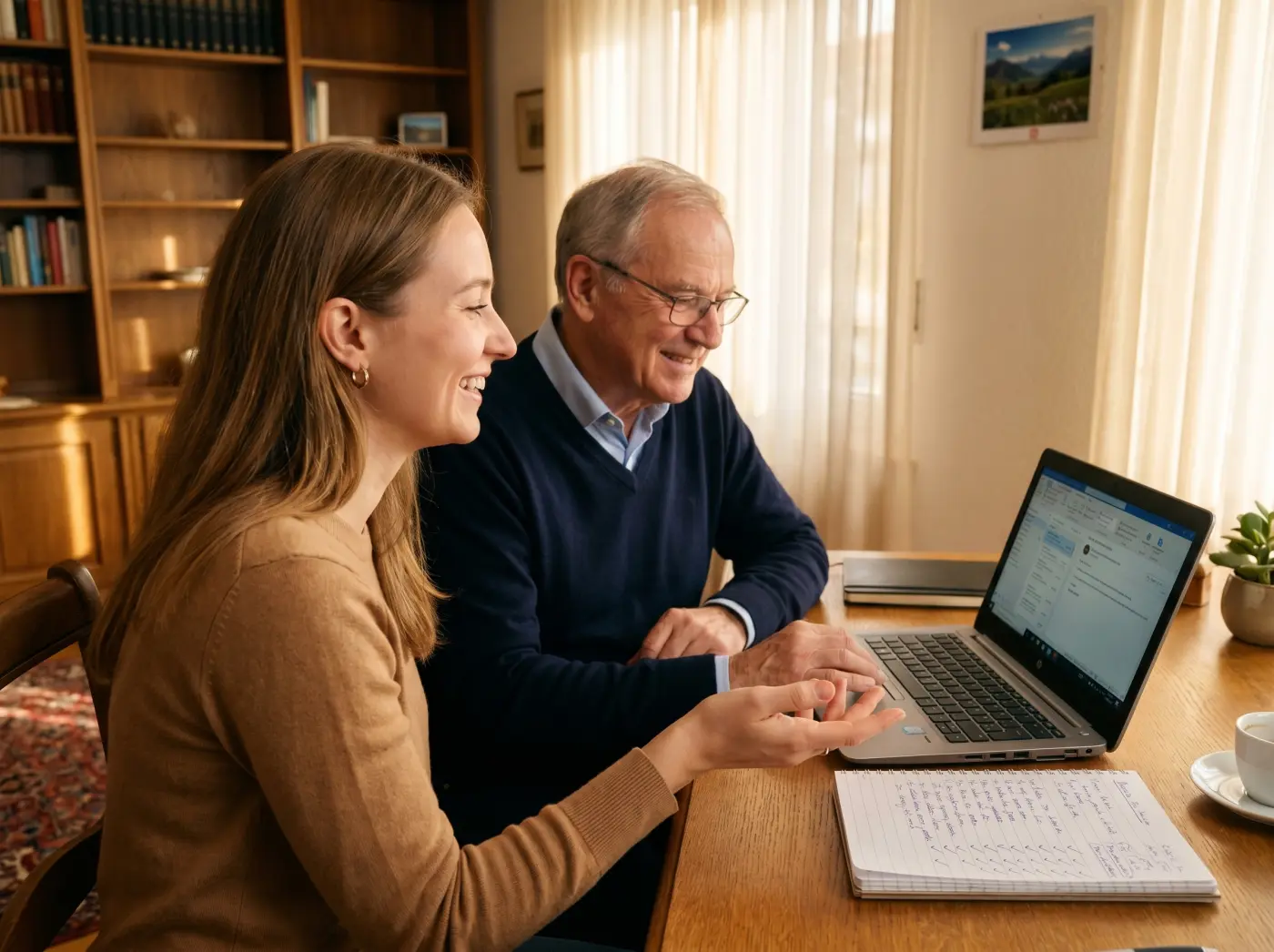 Beginner and Senior Popular
Grow confident on your computer: browsing, files, email and the settings that matter.
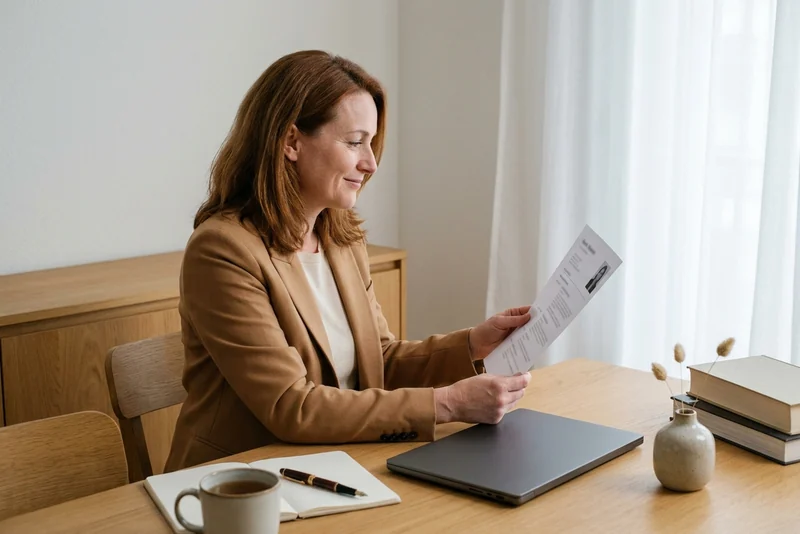 Professional
CV, cover letters, LinkedIn and interviews: put every chance on your side.
Cybersecurity is learned first through the right everyday habits, then by understanding how the attacks work, and finally by putting advanced protections in place.
1 to 5 h of one-to-one lessons
6 to 12 h of one-to-one lessons
13 to 20 h of one-to-one lessons
These steps are orders of magnitude. We work out the exact number of hours together, based on your goal, your pace and your availability. Call us for free personalised advice.
At the end of your cybersecurity course, we give you a personalised certificate of attendance setting out the modules covered (passwords, anti-phishing, backup, safe browsing), the skills you have gained and the number of hours completed. It is worth putting on your CV and showing Geneva employers, particularly for administrative, IT or in-house roles that call for awareness of digital risk.
Our one-to-one lessons and cybersecurity training courses are charged at 150 CHF/h, with no commitment and no subscription. You decide session by session on the pace that suits you.
Call 078 238 20 71 for free advice on the number of hours that fits your goal, whether that is quick awareness raising, securing the family or training an SME team.