















Organisation
Structure, find, clarify
Bring notes, pages, sub-pages and media together
Useful for:
- Personal second brain
- Structured note-taking
- Daily journal
- Goal tracking

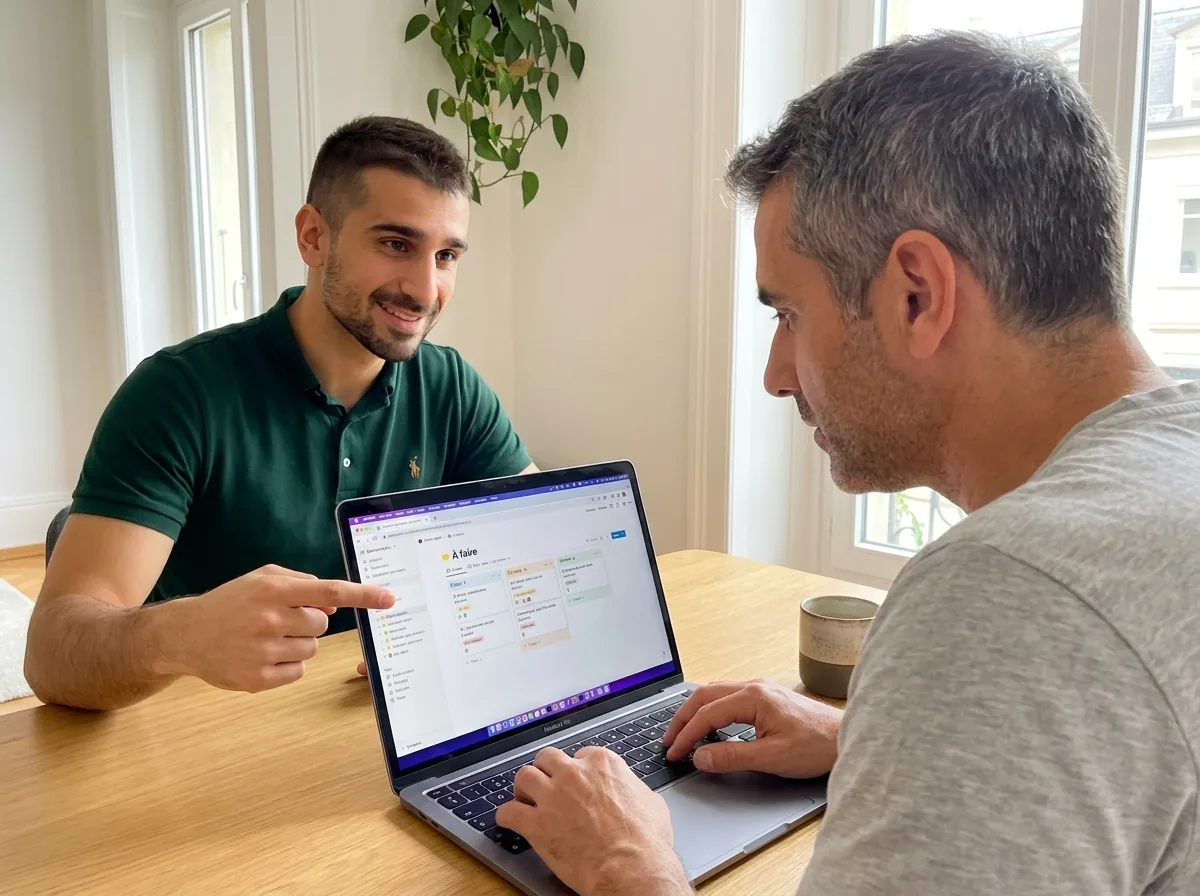
Learn to organise your work and personal life with a one-to-one lesson or a full training course. Bring notes, projects, databases and templates together in a single space. Your teacher comes to your home or welcomes you at our Eaux-Vives office.








In Geneva since 2014. Google rating 4.9/5 from 86 reviews.
They trust us































One single tool to replace Evernote, Trello, Excel and your team wiki. Each module has its own job.
Structure, find, clarify
Bring notes, pages, sub-pages and media together
Useful for:
Plan, track, deliver
Run your projects with kanban, timeline and dashboards
Useful for:
Link, filter, calculate
Build powerful databases with views, relations and formulas
Useful for:
Duplicate, customise, share
Reuse and build templates to save time
Useful for:
Students, freelancers, families, employees, company teams: 7 profiles who change their daily routine with Notion in Geneva.
Never used Notion? We start with the basics: your first page, your first notes, then we build the structure step by step.
Dissertations, lectures, revision planning, internship: one single space for all of it, with nothing lost between your apps.
Client CRM, invoice tracking, project roadmap, knowledge base: replace 5 tools with a single one.
Holiday planning, monthly budget, shared shopping lists, gift ideas: Notion becomes the HQ of your household.
Notion is in demand in companies. We teach you the basics plus the professional uses, to strengthen your CV.
Personal kanban, prioritised to-do list, meeting notes: take back control of your working week.
We support the roll-out: wiki, project management, onboarding. Your colleagues become independent in 2 sessions.
Whatever your profile, we shape the training around what you actually do. You leave with your own space, ready to use.
Three levels so you can progress at your own pace: beginner, intermediate, advanced. Your teacher adapts the content to your needs and builds your path around you.
The foundations for structuring your ideas in Notion: pages, blocks, sub-pages, your first organised notes.
You use Notion every day, so we build your workflows: databases, tags, views, recurring templates.
To go further: relations between databases, formulas, automations, team collaboration, external integrations.
The same simple process for a one-off lesson or a full Notion training course in Geneva.

A free 5-minute call. We work out what you need (personal organisation, CRM, team wiki…) and set the priority modules. You choose: at your home or in Eaux-Vives.
The lesson takes place in your own Notion space (or a demo space if you prefer), with your real projects. We build your system step by step.

Between two sessions, focused exercises (build a database, a template, a dashboard). Your teacher stays reachable on WhatsApp for your questions.
3 portraits of Genevans before and after their Notion training. Students, freelancers, families: everyone gets there.
Illustrative situations: fictional first names, generated photos, typical results.
Lecture notes · Revision plan · Internship
Léa, 22
Business student · Plainpalais
My lecture notes in Word, my internship in Google Drive, my to-dos on sticky notes. I lost track of everything.
Léa keeps her lectures, her revision and her internship in a single Notion space. She finds any piece of information in 5 seconds, even in the middle of the exam period.
Lecture notes Schedule Internship tracking CRM · Invoices · Projects
Thomas, 38
Self-employed consultant · Eaux-Vives
My clients in one Excel file, my invoices in another, my projects nowhere at all. I was losing hours every week.
A Notion CRM linked to his projects and his invoices. Thomas sees at a glance which clients to chase, his income for the month and his workload.
Client CRM Invoice tracking Projects Holiday planning · Budget · Shared shopping
Sandra, 45
Mother · Carouge
Badly planned holidays, a fuzzy budget, forgotten shopping. Every week we replayed the same scene.
A family Notion space: a shared holiday plan, a clear monthly budget and a shopping list synced between Sandra's phone and her husband's.
Family calendar Budget Shared on mobile Let us talk it through for 10 minutes on the phone. It is free, with no commitment. And we answer honestly: if it is not right for you, we will say so.
At the end of your training we give you a personalised certificate of attendance. A concrete asset for project management, product or operations roles in Geneva.
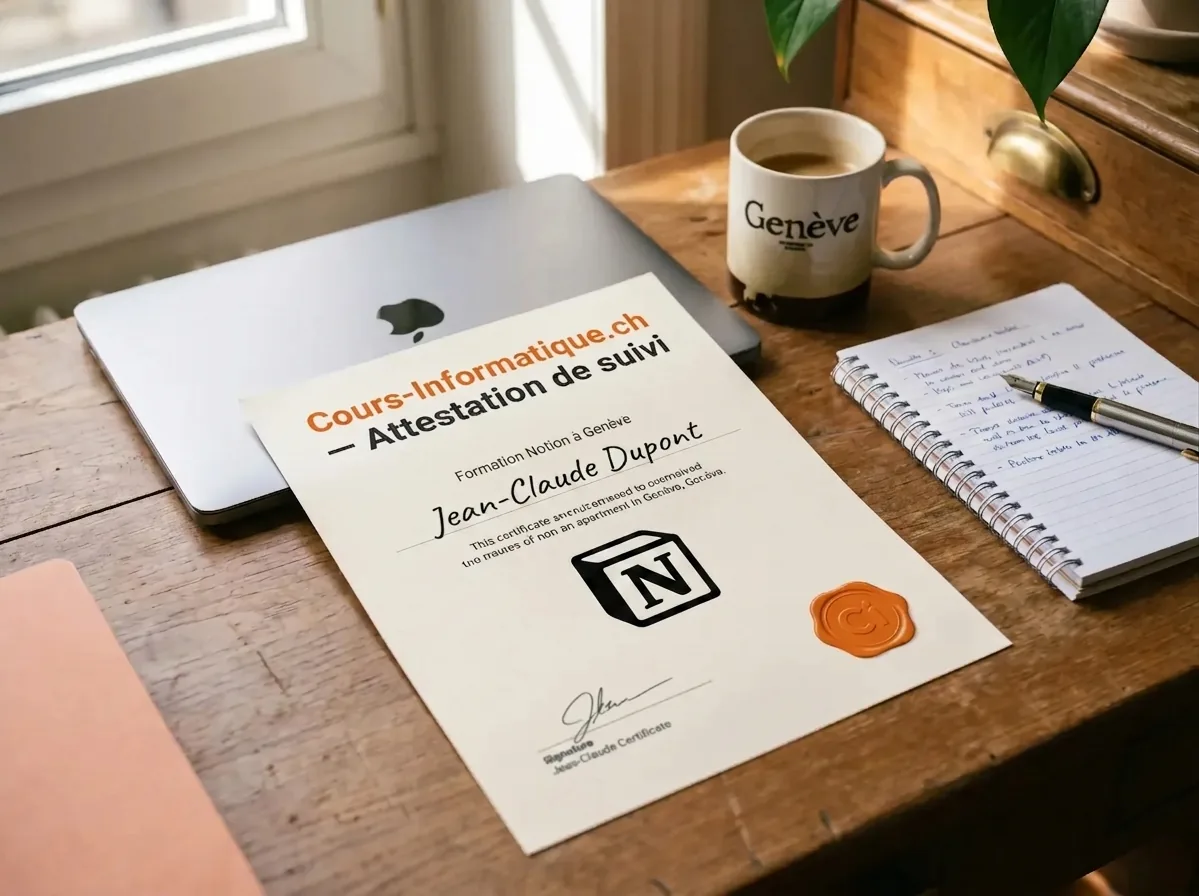
More than a certificate: you leave with a structured, working Notion space that you can maintain. The best certificate of all is a system that keeps running.
We are not the only option. Here are the serious alternatives in Geneva in 2026, and what genuinely differs.
| Criterion | Cours-Informatique.ch Our offer | Group course in Geneva (IFAGE, associations) | Freelance teacher (Anibis, Malt) | YouTube, Notion docs, free templates |
|---|---|---|---|---|
| Format | Always one to one | Group of 8 to 20 people | One to one, quality varies | On your own, by trial and error |
| Pace | Your usage, your structure | Fixed dates, fixed programme | Depends on the teacher availability | Whenever you can, with no structure |
| Location | At your home (travel included in Eaux-Vives) or at our Eaux-Vives office | At the school or the association | Varies with the agreement | At home |
| Follow-up and adaptation | Homework, WhatsApp, certificate of attendance | PDF handout, little individual follow-up | Depends on the teacher, rarely structured | No human being, you sort it out alone |
The best choice depends on your profile. Group courses are perfect if you are looking for social contact. Free tutorials suit you if you learn on your own. We are at our best when you want a concrete result, fast, without learning ten useless things and staying stuck on the one that matters.
After Notion, many students carry on with AI, office software or job search to widen their toolkit.
 Professional Popular



Build professional documents and spreadsheets. Essential at the office and at home.
 AI and Tech Popular


Use ChatGPT, Gemini and other AI tools to save real time in your day.
 Professional
CV, cover letters, LinkedIn and interviews: put every chance on your side.
Notion is quick to pick up for notes, but its real power (databases, CRM, second brain) shows up with a bit of guidance.
1 to 5 h of one-to-one lessons
6 to 12 h of one-to-one lessons
13 to 20 h of one-to-one lessons
These steps are orders of magnitude. We work out the exact number of hours together, based on your goal, your pace and your availability. Call us for free personalised advice.
At the end of your Notion training, we give you a personalised certificate of attendance setting out the modules covered (organisation, databases, templates, collaboration), the skills acquired and the number of hours completed. That certificate is worth adding to your CV and showing to Geneva employers, in particular for roles in project management, product management, marketing or HR.
You also receive a summary of your own Notion workspace, so you can keep developing it on your own.
Our one-to-one Notion lessons and training courses are charged at 150 CHF/h, with no commitment and no subscription. You decide the pace session by session.
Call 078 238 20 71 for free advice on the number of hours that suits your goal (personal organisation, light CRM, team wiki…).