


















Mac
Finder, Dock, iCloud
Take control of your Mac with confidence
Useful for:
- Managing files
- Photos and iCloud
- Emails with Mail
- iPhone and Mac Continuity

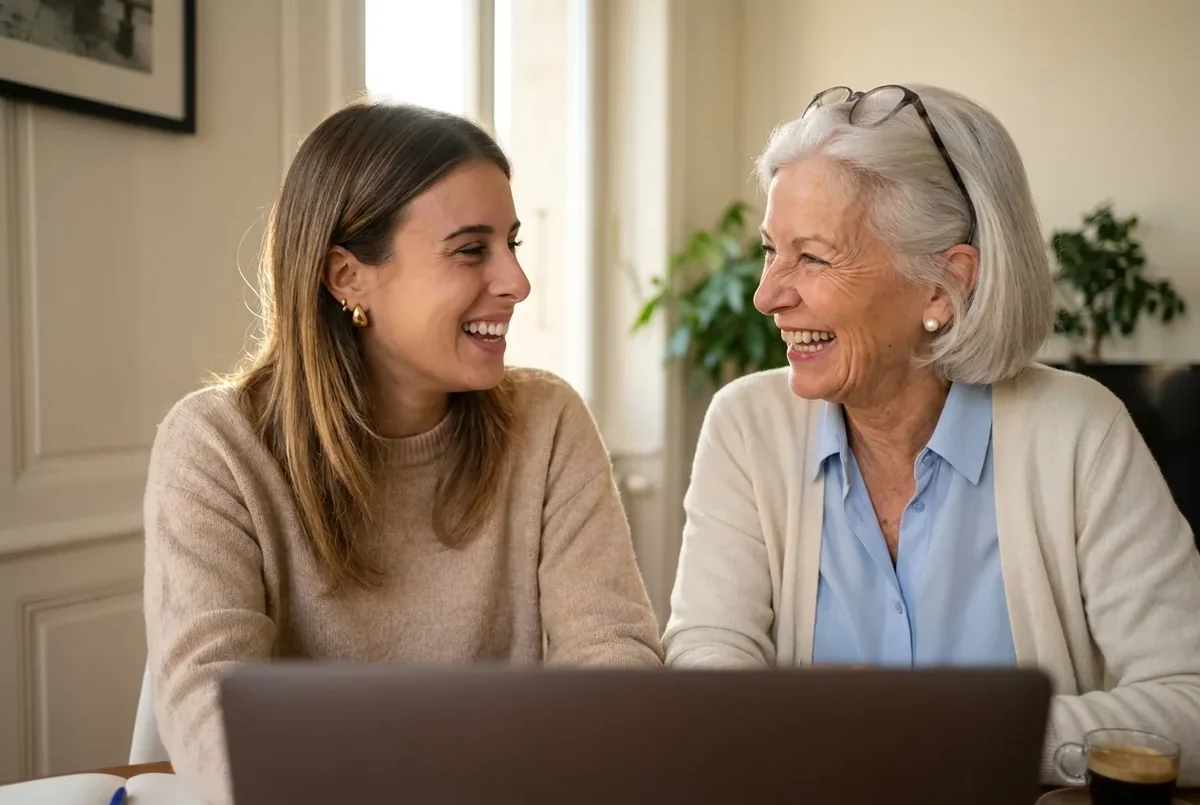
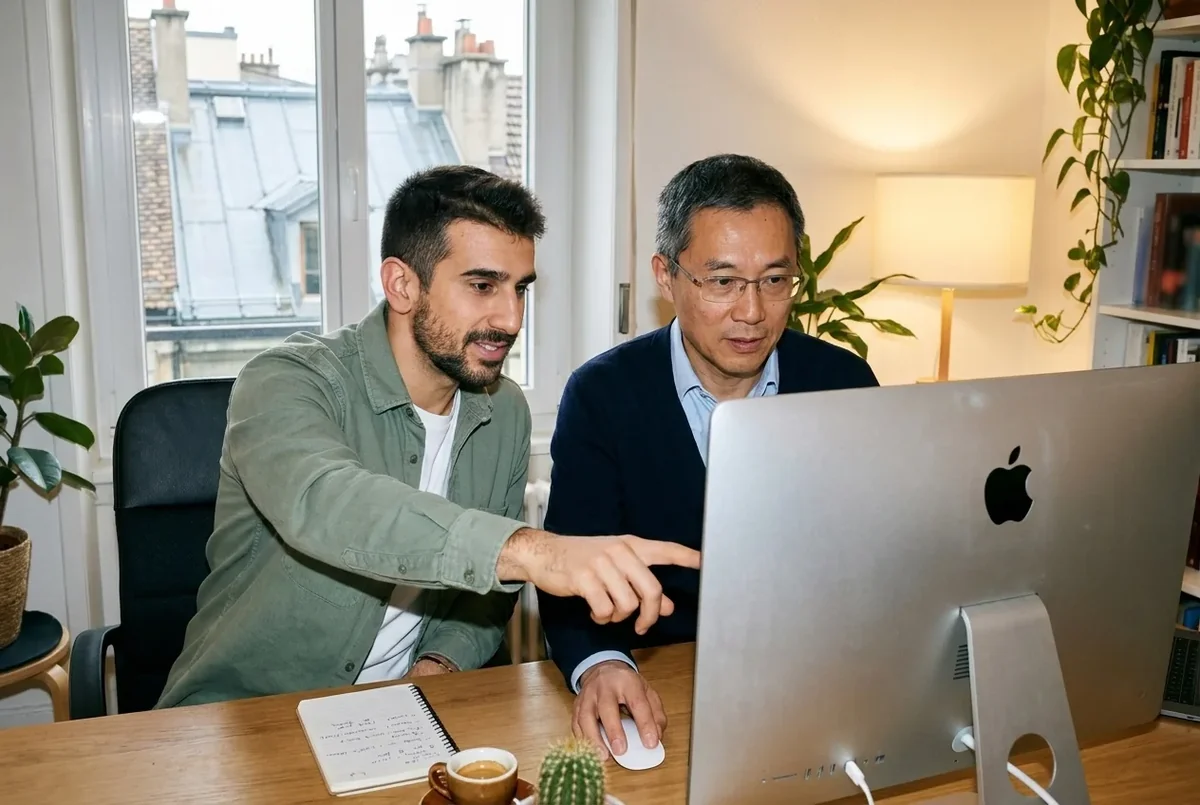
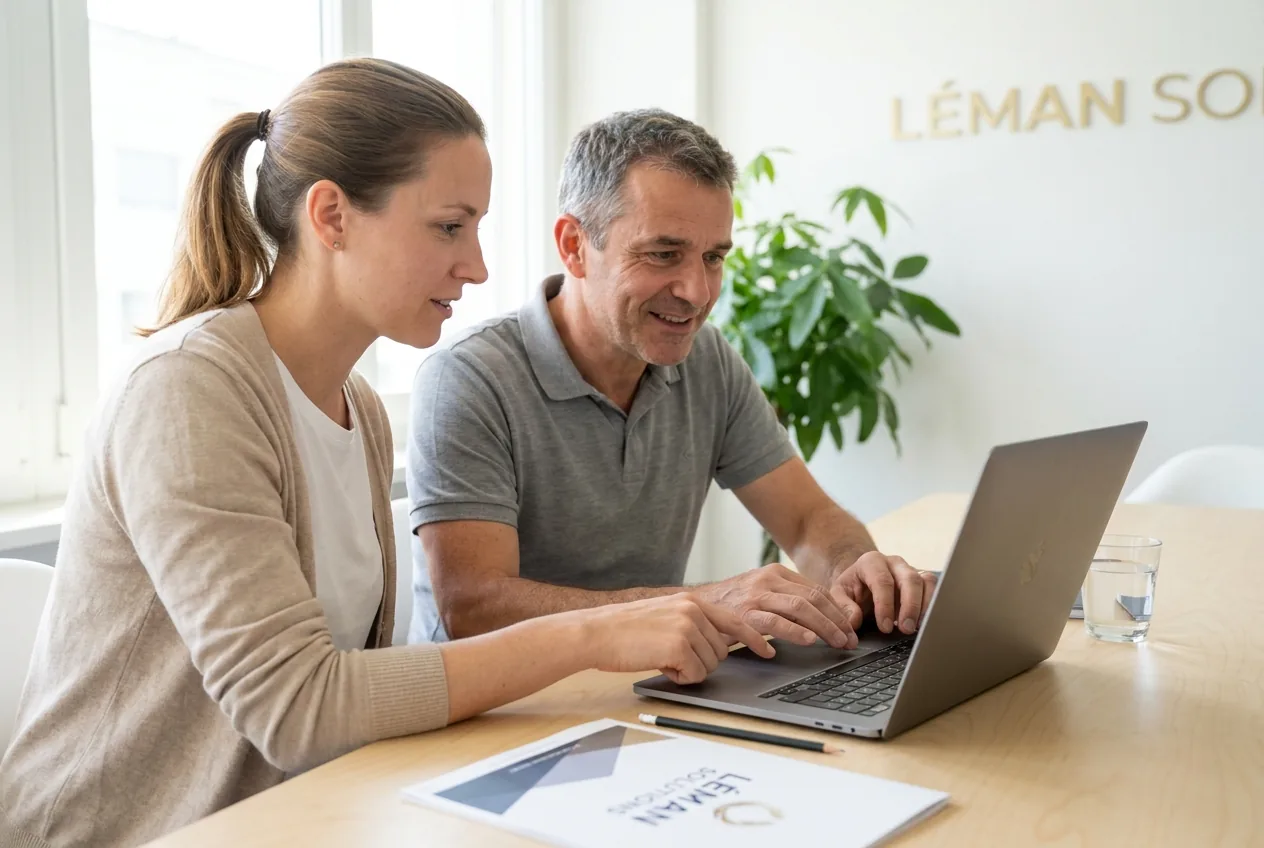
We offer one-to-one lessons for beginners, seniors, students and professionals. Your teacher comes to your home, works on your machine and uses your own files. Mac or PC, we adapt to your device. No commitment.



In Geneva since 2014. Google rating 4.9/5 from 86 reviews.
They trust us



























Whether you have a Mac or a Windows PC, our teachers know both worlds inside out. There is no wrong machine, just the one you use every day.
Finder, Dock, iCloud
Take control of your Mac with confidence
Useful for:
Start menu, File Explorer
Master Windows 11 and its everyday tools
Useful for:
From beginner to advanced, your teacher adapts the lesson to what you need. You choose the areas that interest you, and we build your path around them.
Take control of your Mac with confidence
Master Windows 11 and its everyday tools
The everyday tools we work on with you, split by world. No need to install 50 apps: just the ones that really matter.
 Safari Apple browser
  Google Chrome The most popular browser
  Finder Mac file manager
  Mail Built-in email app
  Photos Sorting and organising photos
  App Store App store
  Microsoft Edge Built-in Windows browser Google Chrome The most popular browser
  File Explorer Manage your Windows folders
  Outlook Microsoft email
  Windows Photos Sorting and organising photos
  Microsoft Store App store
 A simple way to learn at your own pace, at home or at our office in Eaux-Vives.
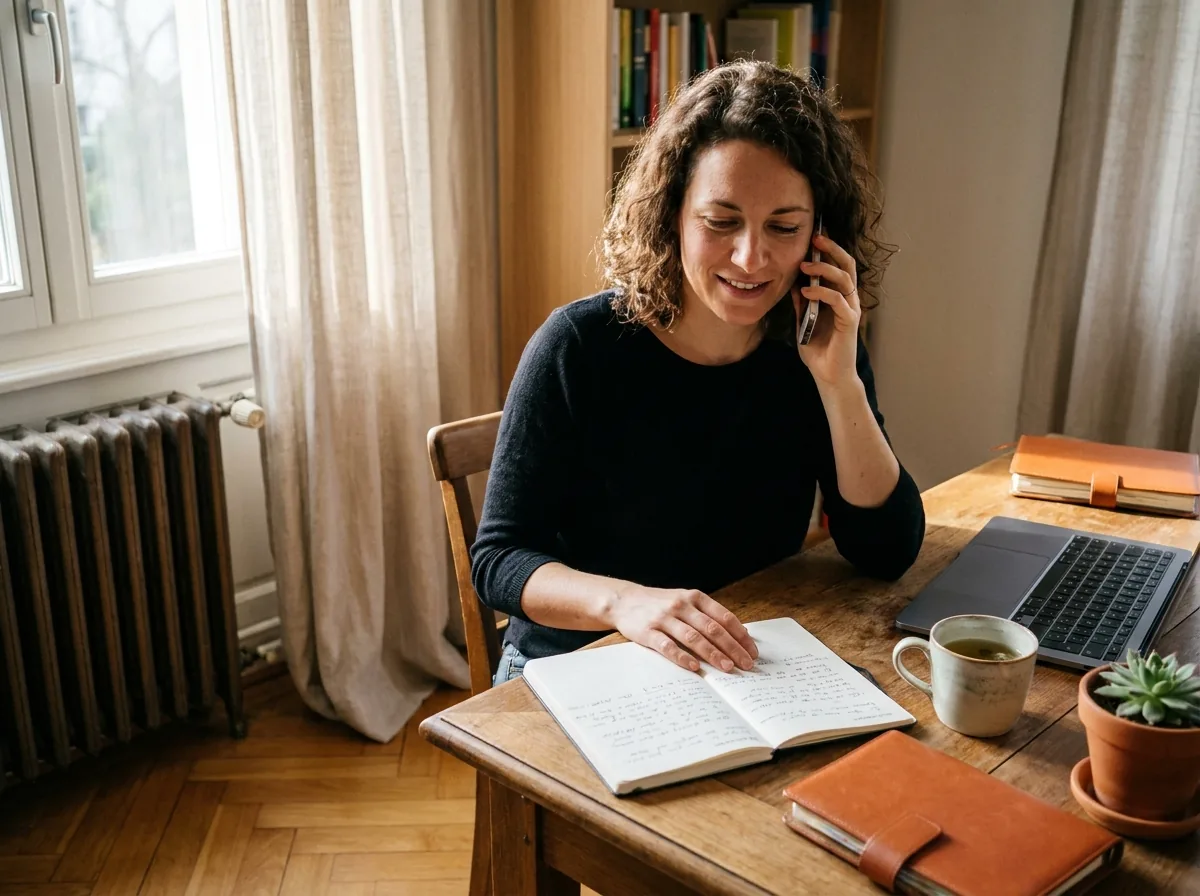
A free five-minute call. We work out what you need (getting started, emails, photos, a career change) and set the priorities. You choose: at your home or in Eaux-Vives.
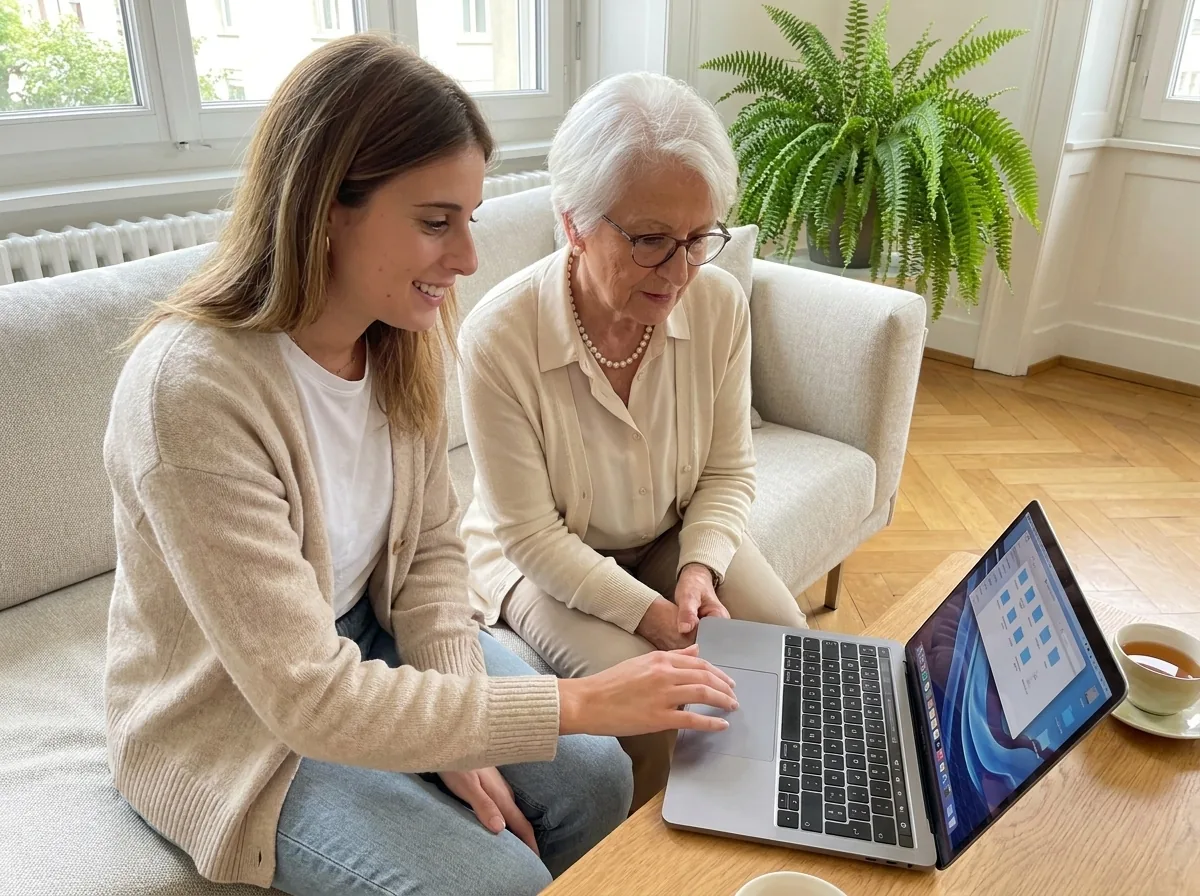
The lesson takes place on your own computer (Mac or PC), with your files and your apps. We move at your pace, with no jargon, checking that every step has really landed.
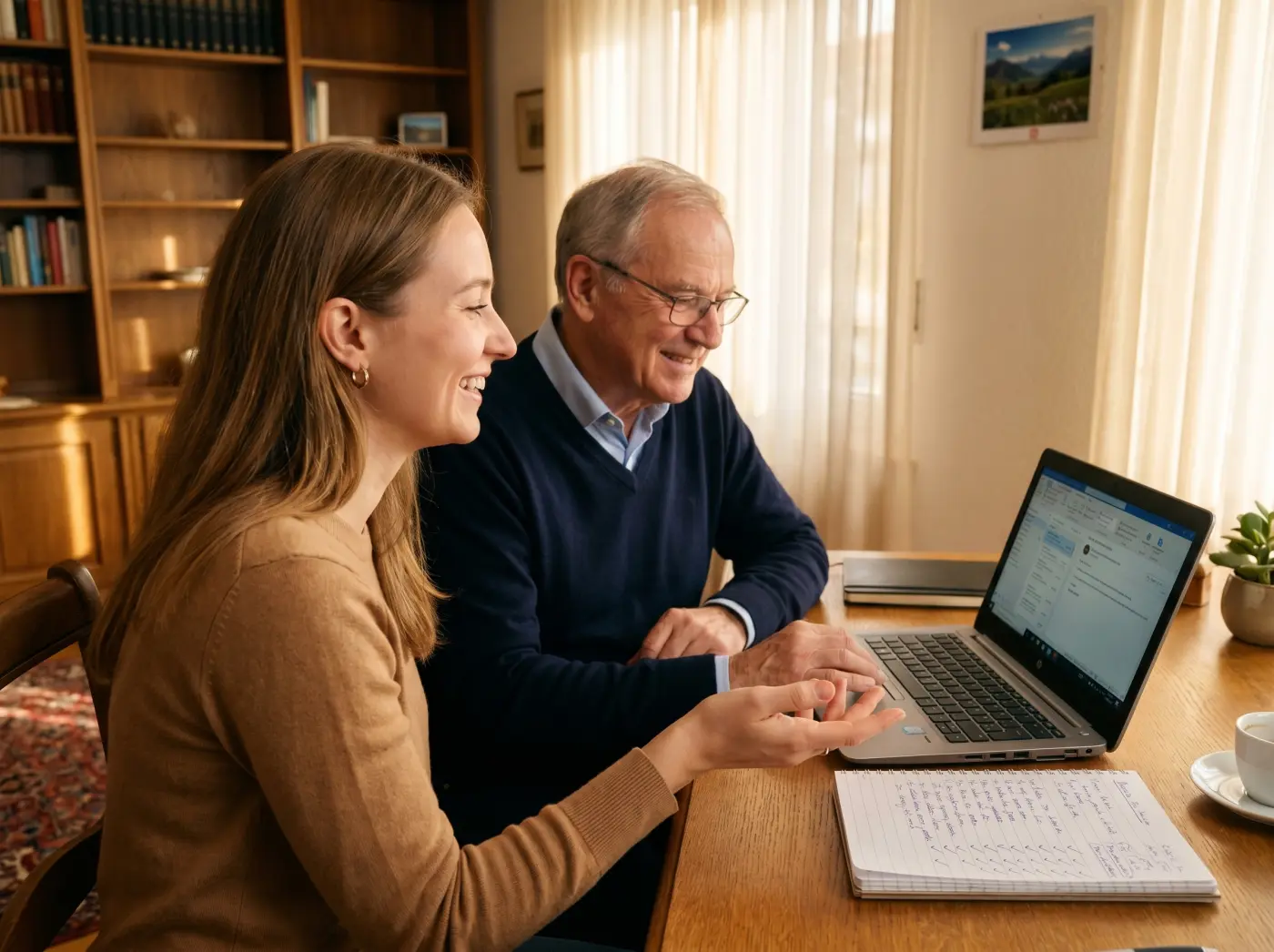
After the lesson, homework made for you to do at home. Your teacher stays available on WhatsApp for your questions. Repetition is the key to doing it on your own.
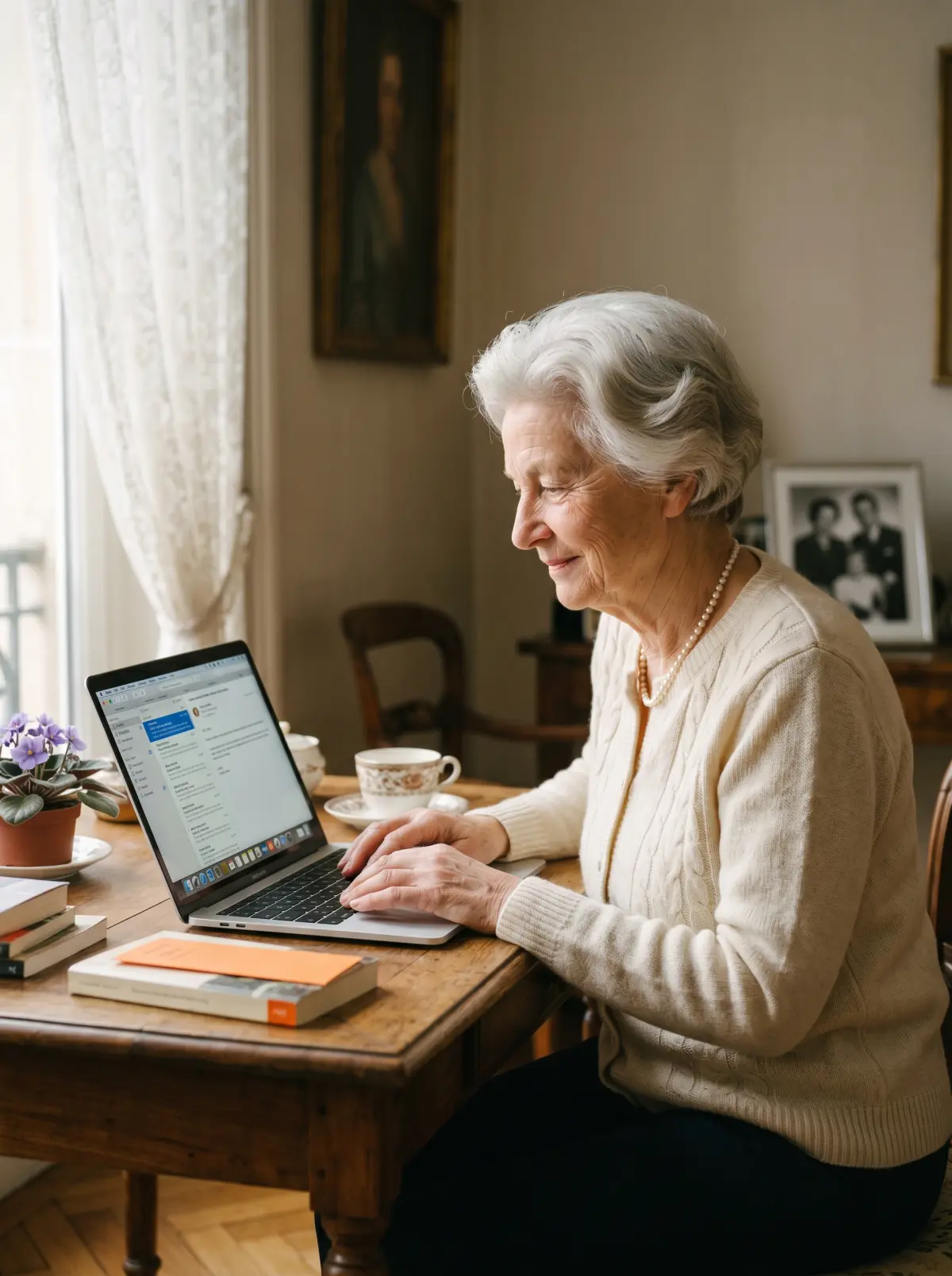
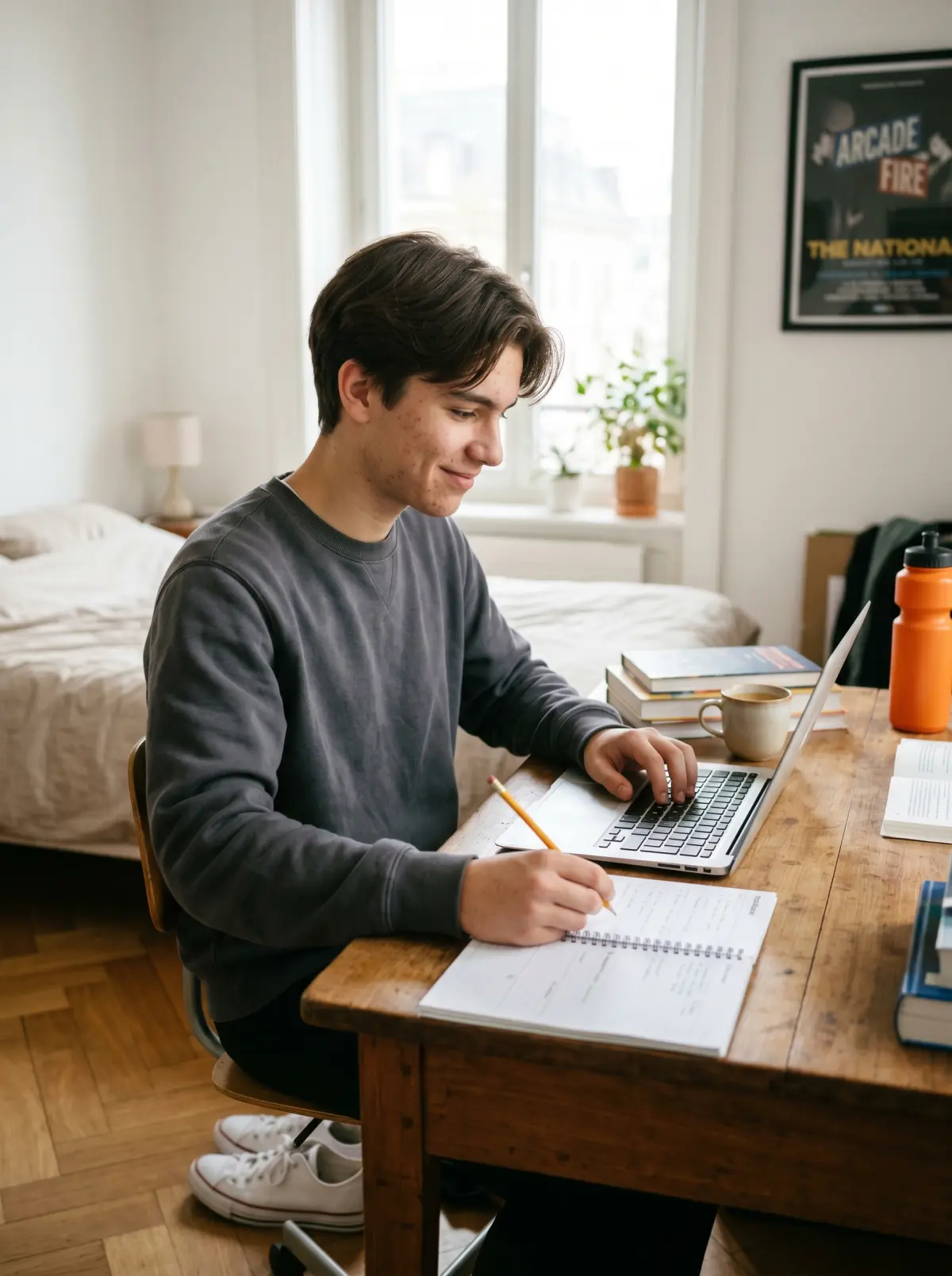
Three portraits of Geneva residents before and after their computer training. Seniors, professionals, sixth-formers: they all get there.
Illustrative situations: fictional first names, generated photos, typical results.
Emails · Photos · Video calls
Janine, 72
Retired · Champel
I was afraid of breaking the computer. I did not dare click on anything.
Janine manages her emails, sorts her photos and video calls her grandchildren without any help.
Windows 11 · Office · Files
Laurent, 55
Career change · Plainpalais
I had never used Excel. I was starting from zero for my new job.
Laurent is independent on Windows, manages his files at work and uses Office every day.
Windows 11  Office Files
 Mac tuned up · Tidy files
Kylian, 17
Sixth-form student · Eaux-Vives
My Mac was slowing down, files everywhere. I lost time on every single report.
Kylian has a tuned-up, tidy Mac. He finds his notes, his projects and his homework in a few clicks.
Mac OS Tidy files Optimisation Let us talk it through for 10 minutes on the phone. It is free, with no commitment. And we answer honestly: if it is not right for you, we will say so.
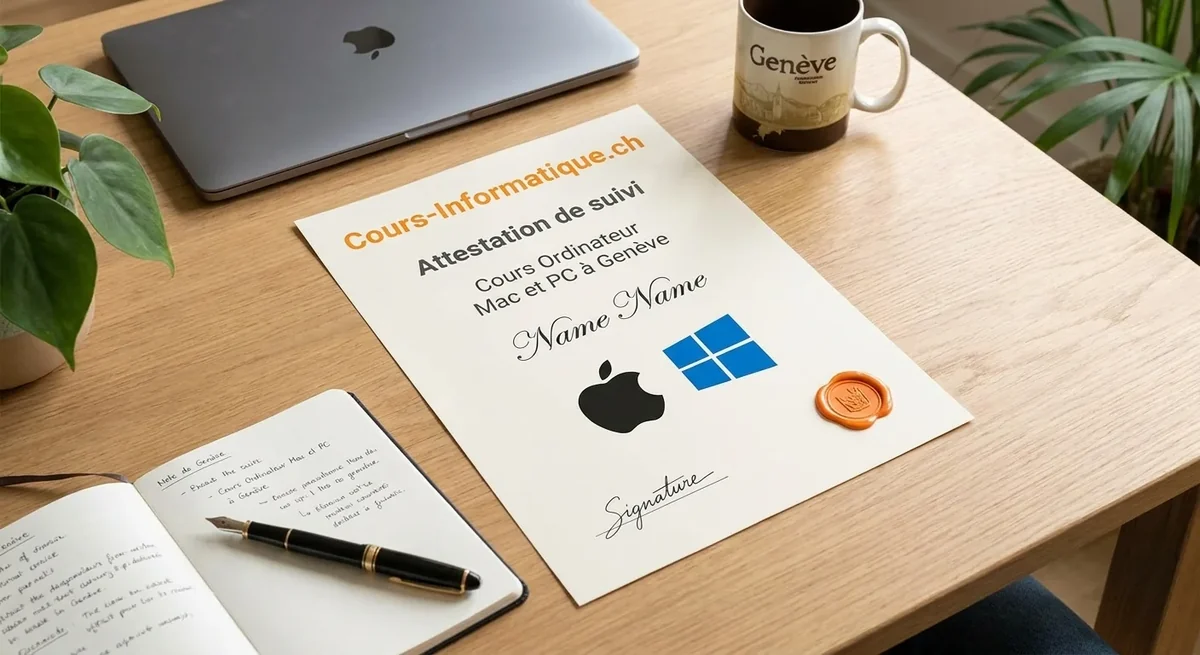
At the end of your training we give you a personalised certificate of attendance. A concrete asset for your job search or your career change in Geneva.
We are not the only option. Here are the serious alternatives in Geneva in 2026, and what genuinely differs.
| Criterion | Cours-Informatique.ch Our offer | Seniors workshop in Geneva (Pro Senectute, libraries) | Independent teacher (Anibis, word of mouth) | YouTube, Apple Support, family |
|---|---|---|---|---|
| Format | Always one to one | Group of 5 to 15 people | One to one, but it varies | On your own (or with help from those around you) |
| Pace | Your pace, your computer, at your home | Fixed dates, fixed topic | Depends on when the teacher is free | Whenever you can, with no structure |
| Location | Your home (included in Eaux-Vives) or our Eaux-Vives office | On site (Plainpalais, local venues) | Varies with the arrangement | At home |
| Follow-up and adaptation | Homework, WhatsApp, certificate of attendance | Very limited, no individual follow-up | Depends on the teacher, rarely structured | No professional, you depend on those around you |
The best choice depends on your profile. Group courses are perfect if you are looking for social contact. Free tutorials suit you if you learn on your own. We are at our best when you want a concrete result, fast, without learning ten useless things and staying stuck on the one that matters.
Torn between a Mac and a PC? Here are the 5 key criteria to help you choose the computer that really suits you.
Mac Windows PC Good advice: there is no best machine, only the one that suits you. During the free call, your teacher helps you work out which computer fits your needs and your budget.
After the computer, many students carry on with the smartphone, office software or cybersecurity.
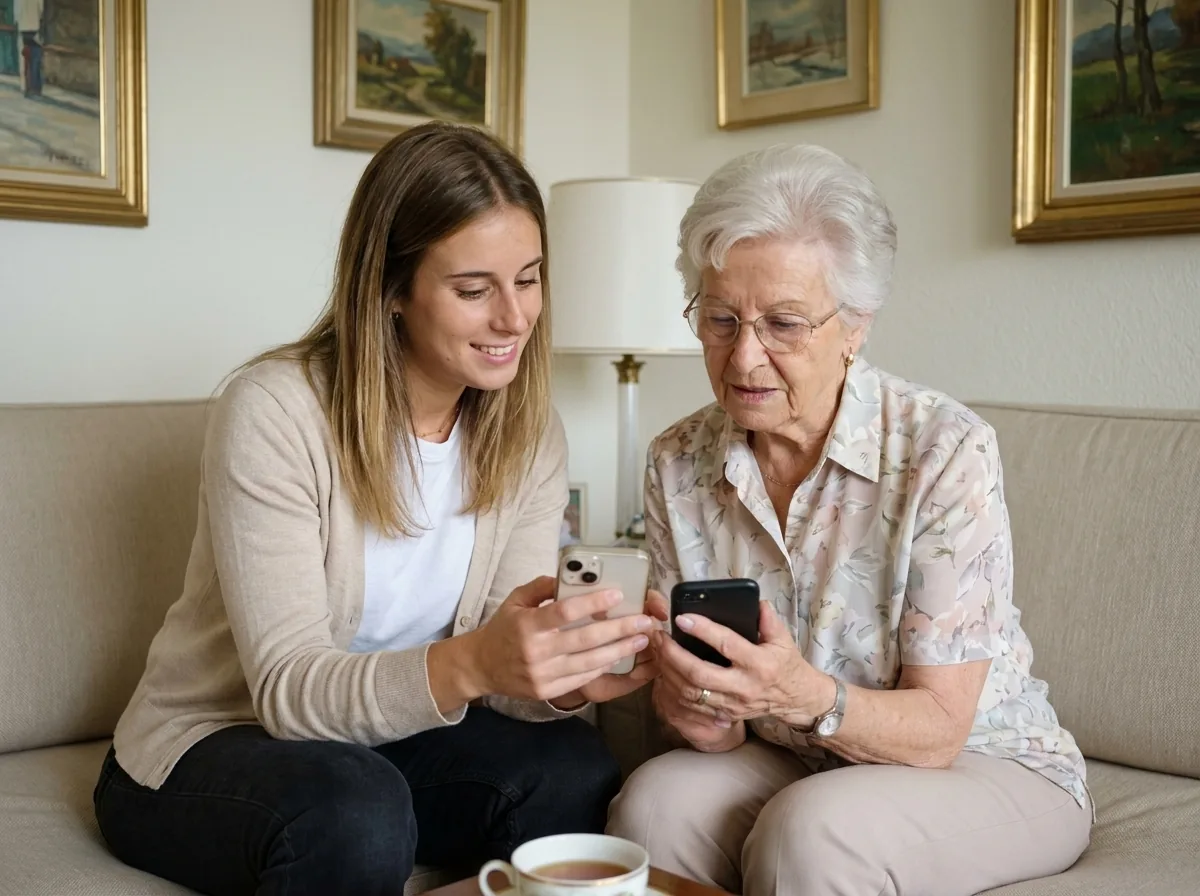 Beginner and Senior
Photos, messaging, calendar, social media. Learn your phone and use it on your own.
 Professional Popular

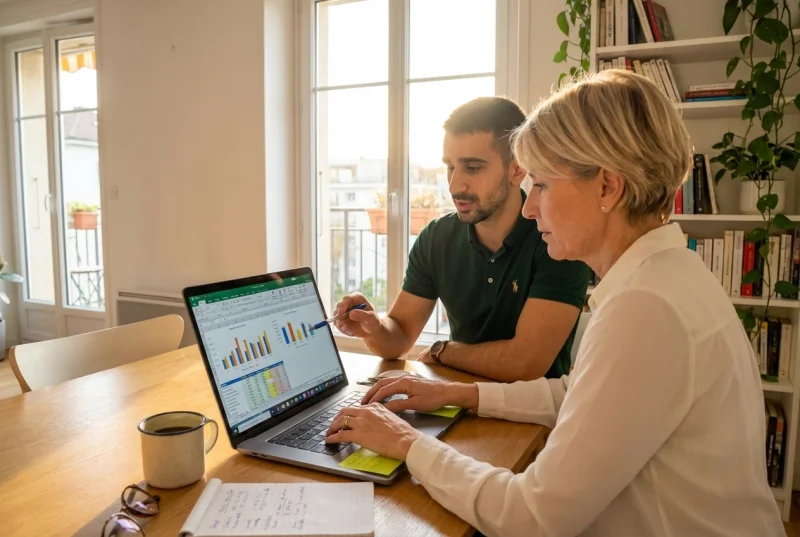
Build professional documents and spreadsheets. Essential at the office and at home.
 Professional Popular
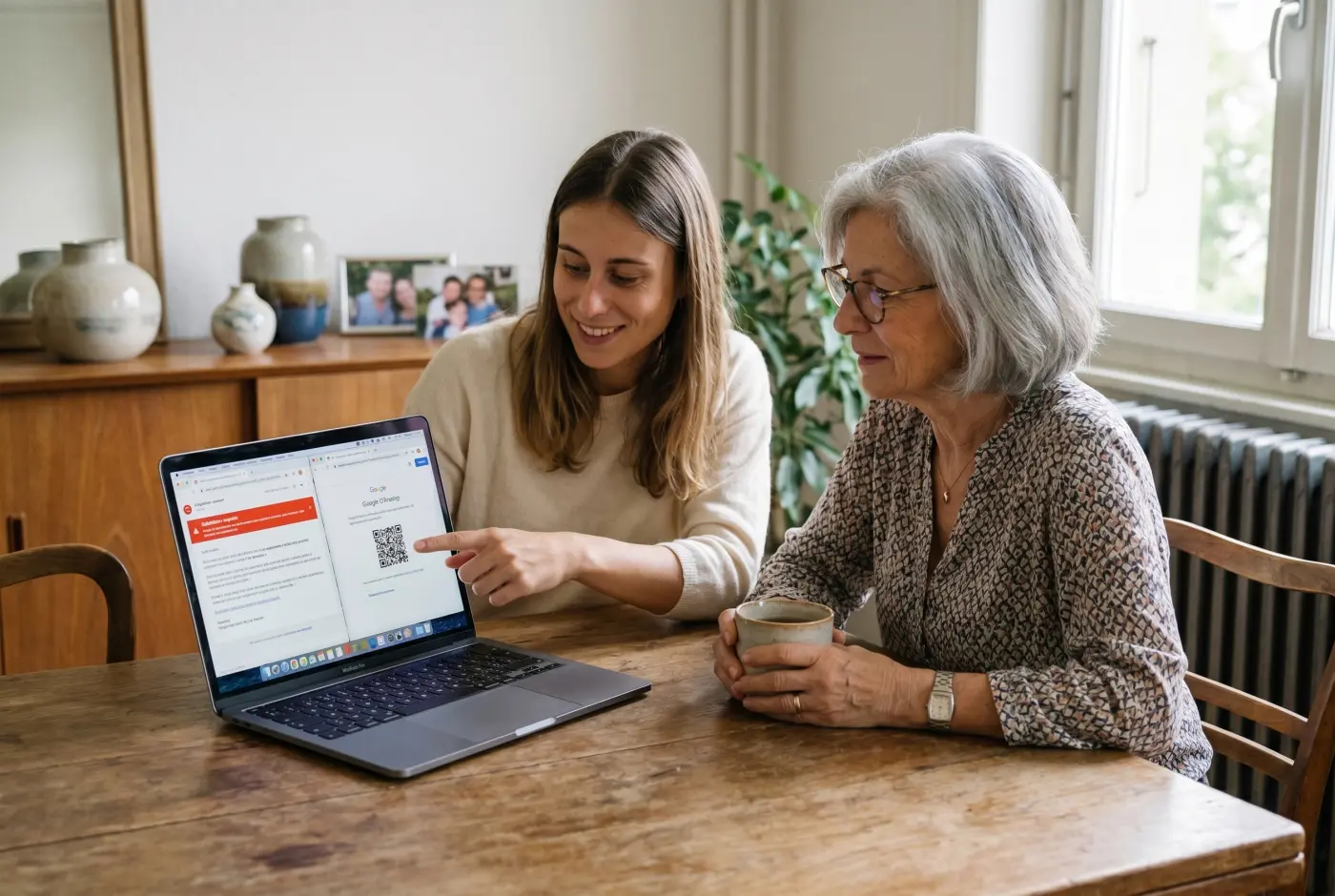
Protect your data, spot online scams and secure your passwords.
For complete beginners and seniors, every hour of lessons saves dozens of hours of frustration: we start at switching the machine on and move at your pace.
1 to 5 h of one-to-one lessons
6 to 12 h of one-to-one lessons
13 to 20 h of one-to-one lessons
These steps are orders of magnitude. We work out the exact number of hours together, based on your goal, your pace and your availability. Call us for free personalised advice.
At the end of your computer training, we give you a personalised certificate of attendance setting out the topics covered (Mac, Windows, files, photos, internet, emails), the skills you have acquired and the number of hours completed. This certificate is worth adding to your CV for Geneva employers, in particular when you are starting a new job, changing career or returning to work.
Our one-to-one Mac and PC computer lessons and courses are charged at 140 CHF/h, with no commitment and no subscription. You decide the pace that suits you, lesson by lesson.
Call 078 238 20 71 for free advice on the number of hours that fits your goal: getting started, taking control, changing career or starting a new job.