












Prompts
Structure, iterate, master
The art of talking to AI so that it really gives you the best result
Useful for:
- Role, task and constraints
- A prompt library for your job
- Prompts to write, analyse and translate
- Iterating to refine the answers




Learn to use ChatGPT, including ChatGPT Astra (GPT-6), the September 2026 model, as well as Claude (Anthropic), Gemini (Google) and Copilot (Microsoft) to save time every day. We run one-to-one lessons for individuals and training courses for companies, at your home or at our offices in Eaux-Vives.








Every AI tool we teach in Geneva
ChatGPT Claude Gemini Copilot  Perplexity
  Grok
Grok  Meta AI
  Euria
Euria  Napkin AI
  Gamma
Gamma  Notion AI
  Midjourney
  Nano Banana
  DeepSeek
In Geneva since 2014. Google rating 4.9/5 from 86 reviews.
They trust us






























We do not teach you a tool, we teach you a method. Effective prompts, privacy, AI agents and real work cases: 4 pillars you can carry over to any AI, today and tomorrow.
Structure, iterate, master
The art of talking to AI so that it really gives you the best result
Useful for:
GDPR, data, privacy
Protect your own data and your clients' data from consumer AI tools
Useful for:
Automate, delegate, save time
Put AI to work for you: repetitive tasks, research, summaries
Useful for:
Practical, concrete, job-focused
The real day-to-day uses: emails, documents, research, creativity
Useful for:
Does that sound like you? You are buried under emails, letters, meeting minutes and files to summarise for your colleagues.
Here is what you will be able to do after the course:
Does that sound like you? You spend your days personalising outreach emails, preparing meetings and writing proposals, and time just runs away.
Here is what you will be able to do after the course:
Does that sound like you? You read balance sheets, compare contracts and explain tax rules to clients who are not in the trade.
Here is what you will be able to do after the course:
Does that sound like you? You have to produce 10 pieces of content a week without losing your brand voice, and prepare creative briefs at the same time.
Here is what you will be able to do after the course:
Does that sound like you? You summarise 80-page reports, prepare board meetings, and have to announce sensitive decisions in exactly the right tone.
Here is what you will be able to do after the course:
AI does not stop at writing: it creates your slides, your visuals, your videos and even your voice-overs. Here are the 5 areas you will leave the course knowing how to handle.
Professional slides in 5 minutes, not 5 hours
Unique, made-to-measure visuals for your posts
Film without a camera, create without editing
Reports, notes and long articles with a clean layout
Voice-overs, podcasts, automatic transcriptions
Our approach: we pick the tool to fit your need, not the other way round. You leave with a kit of 3 to 5 tools at most, the ones that genuinely fit your day. Not a list of 20 names in a notebook gathering dust.
Picking the right AI for the task is half the job. Here is what each tool is genuinely good at, and how we put them to work together during the course.
ChatGPT Best for: The all-rounder, now with the new Astra model: writing, creating images, brainstorming, coding
Claude Best for: The best for long documents, close analysis and nuanced writing
Gemini Best for: The Google AI built into Gmail, Docs, Drive and NotebookLM
Our approach: we set up all 3 tools together, run the same prompt through each one and work out which fits your job. You leave with a tested prompt library and the right reflex: "this task, that tool".
The same simple process for a one-off AI lesson or a full in-company training course in Geneva.

A free 5-minute call. We identify your priority uses: automating your emails, analysing contracts, preparing your lessons, structuring presentations. You choose: at your home or in Eaux-Vives.

We work on YOUR real cases: your next marketing campaign, the contract you need to analyse, your client presentation. ChatGPT free or Plus, Claude, Gemini: we switch on the right tools for what you need.

After every session, your winning prompts are saved in your personal library. Questions by WhatsApp between lessons. Independence with AI settles in over 3 to 5 sessions.
3 portraits of Geneva residents before and after their AI training. A marketer, a teacher, an entrepreneur: each one found their own use.
Illustrative situations: fictional first names, generated photos, typical results.
ChatGPT · Gemini · AI visuals
Laura, 36
Marketing · Carouge
Every campaign took me 2 days. Copywriting, visuals, briefs... I was always running late.
Laura now delivers her campaigns in 4 hours: ChatGPT for the copy, Gemini for audience analysis, Imagen for the visuals. She saves 80% of the time.
ChatGPT Gemini Advanced prompts Lessons ready in 1h with Claude
Thomas, 39
Teacher · Champel
I prepared my lessons in the evenings and at weekends. I was exhausted, and my students always got the same handout.
Thomas now prepares his lessons in 1 hour with Claude: variants for advanced students and for those who struggle, auto-generated quizzes, tailored revision sheets.
Claude ChatGPT NotebookLM Automated competitor monitoring with AI
Brigitte, 52
Coach · Plainpalais
I had no idea what my competitors were doing. I was flying blind, with no data.
Brigitte automates her weekly competitor monitoring with Gemini Deep Research, sharpens her positioning and adjusts her offers to Geneva market prices.
Gemini ChatGPT Auto monitoring Let us talk it through for 10 minutes on the phone. It is free, with no commitment. And we answer honestly: if it is not right for you, we will say so.
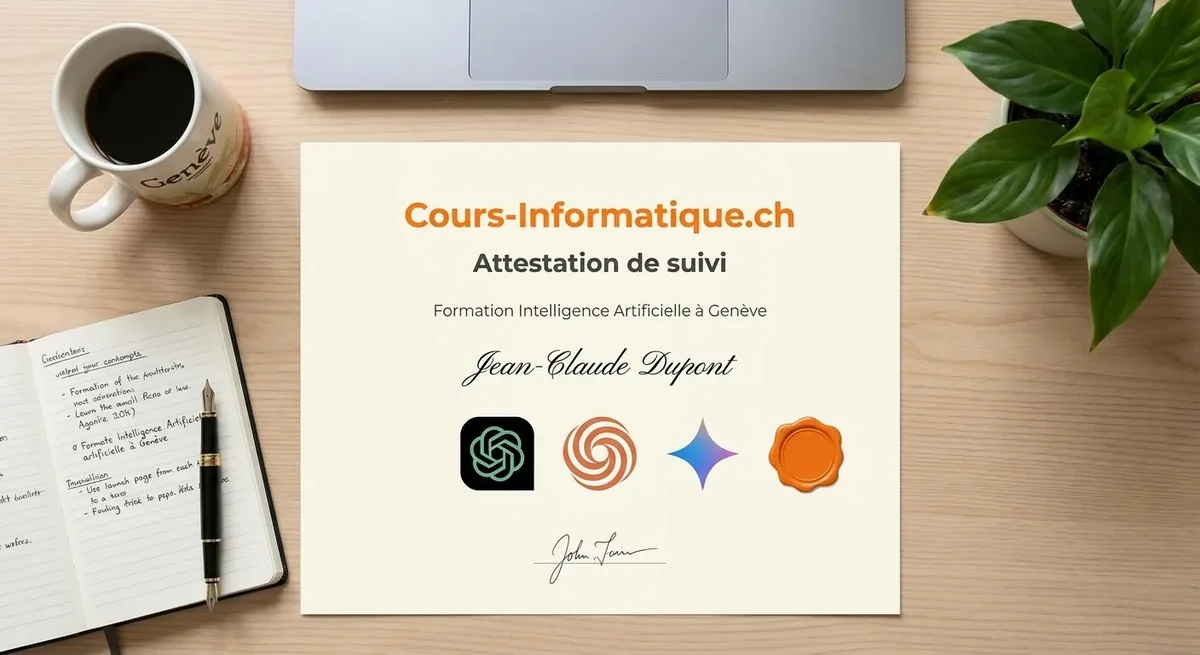
At the end of your AI training we give you a personalised certificate of attendance. A concrete asset for your CV, or for a new marketing, HR or legal role in Geneva.
We also offer an audit of the AI uses open to your company, before or after the training. An excellent basis for training your teams on real cases from your own business.
The difference between an average prompt and a professional one? A result 10 times better. Here are 3 real everyday cases in Geneva: a follow-up email, a contract analysis, a flat search.
Write an email. A generic, empty result that has to be rewritten from scratch.
You are my assistant. Write a courteous follow-up email to a Geneva client who has not paid their invoice of 15 March. Friendly but firm tone. 80 words maximum. Formal Swiss French. Result: Email ready to send, tone perfectly judged, sign-off included.
Summarise this contract. A flat summary that misses the risky clauses.
You are a Swiss lawyer. Analyse this tenancy agreement. List: 1) the 3 riskiest clauses for the tenant, 2) the key amounts and dates, 3) anything unusual compared with a standard Geneva lease. Table format. Result: A clear table with the risks in priority order, ready for a negotiation.
Find me a flat in Geneva. A vague list, no criteria, no sources, no comparison.
Search the web for 5 four-room flats to rent in central Geneva, max 3'500 CHF/month, available within 60 days. For each one: neighbourhood, floor area, floor, service charges, strengths, one thing to watch. Comparison table with a link. Result: A comparison table you can act on, ready to filter for viewings.

We build your prompt library to measure, shaped around your job. No more staring at a blank page.
We are not the only option. Here are the serious alternatives in Geneva in 2026, and what genuinely differs.
| Criterion | Cours-Informatique.ch Our offer | Group course in Geneva (IFAGE, Epitech, etc.) | Freelance teacher (Anibis, LinkedIn Learning) | YouTube, free ChatGPT and Claude accounts |
|---|---|---|---|---|
| Format | Always one to one | Group of 8 to 20 people | One to one, but it varies | On your own, by trial and error |
| Pace | Your job, your real cases | Fixed dates, fixed programme | Depends on when the teacher is free | Whenever you can, with no structure |
| Location | At your home (included in Eaux-Vives) or at our Eaux-Vives office | At the school (Plainpalais, Battelle) | Varies with the arrangement | At home |
| Follow-up and adaptation | Prompt templates, WhatsApp, certificate | PDF handout, little individual follow-up | Depends on the teacher, rarely structured | No human, you manage on your own |
The best choice depends on your profile. Group courses are perfect if you are looking for social contact. Free tutorials suit you if you learn on your own. We are at our best when you want a concrete result, fast, without learning ten useless things and staying stuck on the one that matters.
After AI, many students carry on with office software, their computer, or an AI-boosted job search.
 Professional Popular



Build professional documents and spreadsheets. Essential at the office and at home.
 Beginner and Senior Popular

Grow confident on your computer: browsing, files, email and the settings that matter.
 Professional
CV, cover letters, LinkedIn and interviews: put every chance on your side.
AI is quick to pick up for simple cases, but professional uses (advanced prompts, automation, AI agents) call for structured support.
1 to 5 h of one-to-one lessons
6 to 12 h of one-to-one lessons
13 to 20 h of one-to-one lessons
These steps are orders of magnitude. We work out the exact number of hours together, based on your goal, your pace and your availability. Call us for free personalised advice.
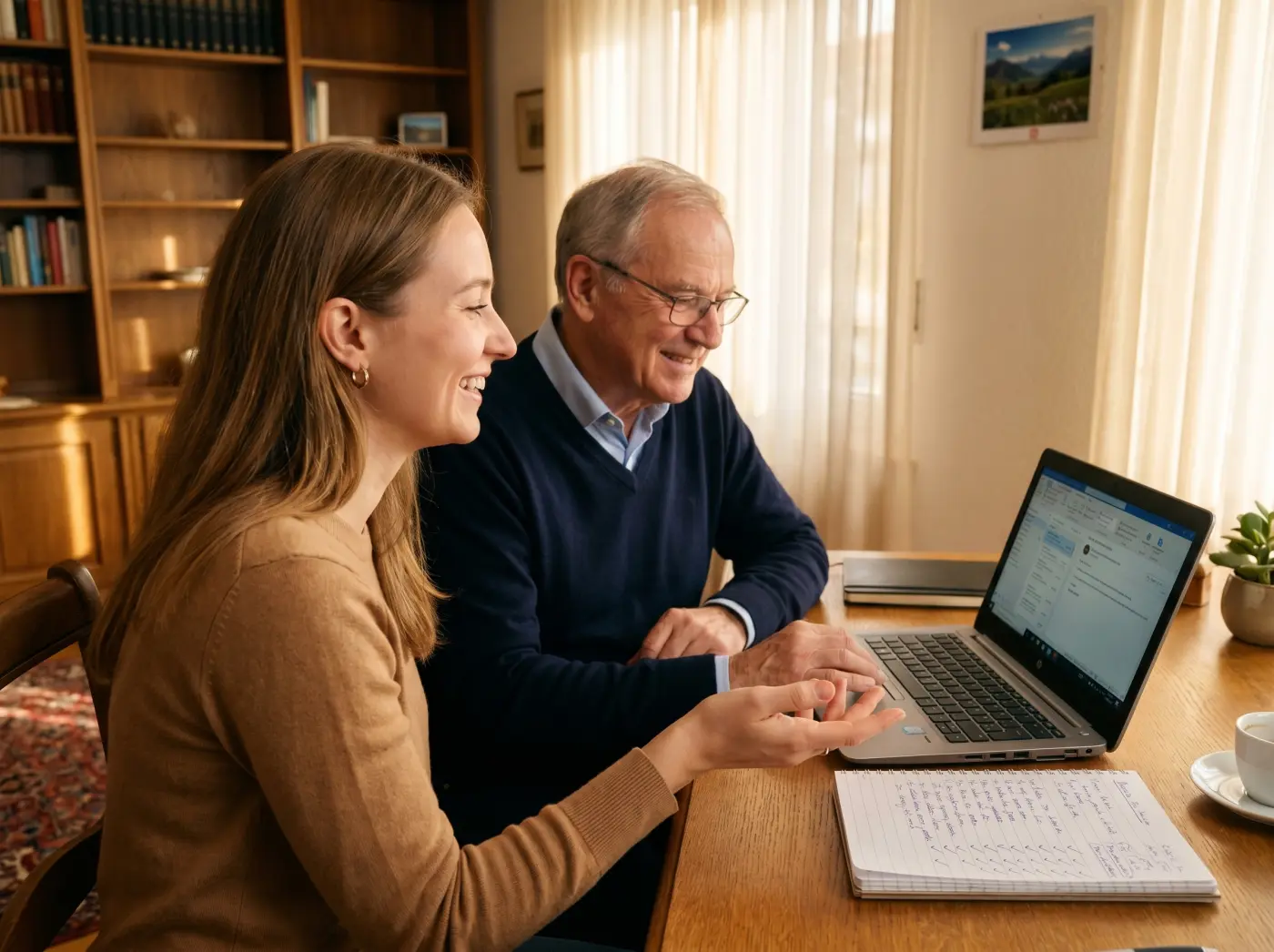
To get started, Cours-Informatique.ch offers one-to-one AI lessons in Geneva, at your home or at our Eaux-Vives workshop. With Romane, your teacher, you learn ChatGPT, Claude or Gemini on your own computer, at your own pace and with no technical prerequisites. Prefer to learn with others? We also run small group courses, taught in French.
No. Being able to write an email and browse the internet is enough. The first lesson starts from your level: creating your accounts, your first requests to ChatGPT, reading the answers critically. If the computer itself is the difficulty, start with a Mac or PC computer course, then move on to AI.
Allow 1 to 5 hours for everyday uses: writing an email, summarising a document, choosing the right tool. With 6 to 12 hours, you build advanced requests for your profession and use Copilot in Microsoft 365. Beyond that, from 13 to 20 hours, you automate tasks with AI assistants. Lessons last one to two hours.
We choose the tools according to your needs. The most requested:
Depending on how you work, we also cover Gamma for presentations, Notion AI to organise your projects, or Zapier and Make to automate tasks.
Yes, as long as you know what to share with the tool, and we work on it in class. We explain the Swiss data protection act (nFADP) and the European GDPR, then the right habits: never paste an AHV number, an IBAN, a password or a medical record, and set the privacy settings of each tool.
We teach at your home throughout the canton of Geneva and the surrounding area: Geneva city centre, Carouge, Plainpalais, Eaux-Vives, Champel, Petit-Saconnex, Servette, Saint-Jean, Pâquis, Acacias, Grand-Lancy, Petit-Lancy, Meyrin, Vernier, Onex, Chêne-Bourg, Chêne-Bougeries, Thônex, Veyrier, Cologny, Versoix, Bellevue, Pregny-Chambésy, Confignon, Plan-les-Ouates, Troinex and Bernex. Travel is free in Eaux-Vives.
Yes. The lessons on this page are one-to-one, for individuals and freelancers. For a team, our agency DKDP runs workshops built on your business cases, on your premises, for half a day or a full day. An audit of your AI uses can come first: it shows which tasks are worth handing to a tool.
It depends on your goal. For a recognised qualification, a continuing education certificate (CAS) remains the right choice. To use AI from next week, a one-to-one course on your own tools is faster: that is what Cours-Informatique.ch offers in Geneva, at your home or in Eaux-Vives, with a certificate of attendance at the end.
At the end of your AI training, we give you a personalised certificate of attendance listing the tools covered (ChatGPT, Claude, Gemini, Copilot), the skills acquired (prompt engineering, automation, GDPR) and the number of hours completed. This certificate is worth putting on your CV with Geneva employers, particularly for marketing, HR, legal or administrative roles.
Without a training plan, our one-to-one artificial intelligence lessons are charged at 200 CHF per hour, session by session, with no commitment and no subscription. You decide the pace that suits you.
For a personalised one-to-one training course, we offer training packages that include preparation beforehand, set-up on your own tools and follow-up between sessions. These packages are quoted on request, from 1 500 CHF.
Call 078 238 20 71 for free advice on the AI path that fits your job or your goals.